Introduction
As soon as I picked up a camera I felt like there was some sort of barrier that prevented me from achieving the look and feel that I wanted. The look and feel that I so easily experience when watching a movie.
For years I tried to find some answers to my questions: Is it my camera? Is it my lenses? It must be my lighting then? But to my surprise, even though I understood that all of these elements play an important role in defining the look of the image, I found that another was the key factor that, all other variables being equal, would have given my images the nuance and complexity I was looking for.
The Color Pipeline
The color pipeline is what brings your image from the raw capture of the sensor to the final image you see on a display, and the way the colors and tones are rendered by the color pipeline is what defines the look of an image. Back in the days of film the photochemical process represented a sophisticated and nuanced pipeline with many layers of complex engineering, fine tuned over decades to make it look the way it looked. Because of its complexity and nuance the final user could just point the camera at something, and if the exposure was kind of right (with a good margin for error) they would walk away with a great picture. Even the grading process was incredibly simple. All you could do was make the image more/less red, or green or blue, brighter or darker…that was it. They didn’t have to reinvent the wheel every time. The ability to grade with simple tools and limitations while still being able to produce beautiful images was given by the fact that the grading process was sitting on top of a system that delivered complexity and nuance. The way the skin tones were rendered, the tones, the highlights, the saturation - that was all part of the system, not built during the grading process.
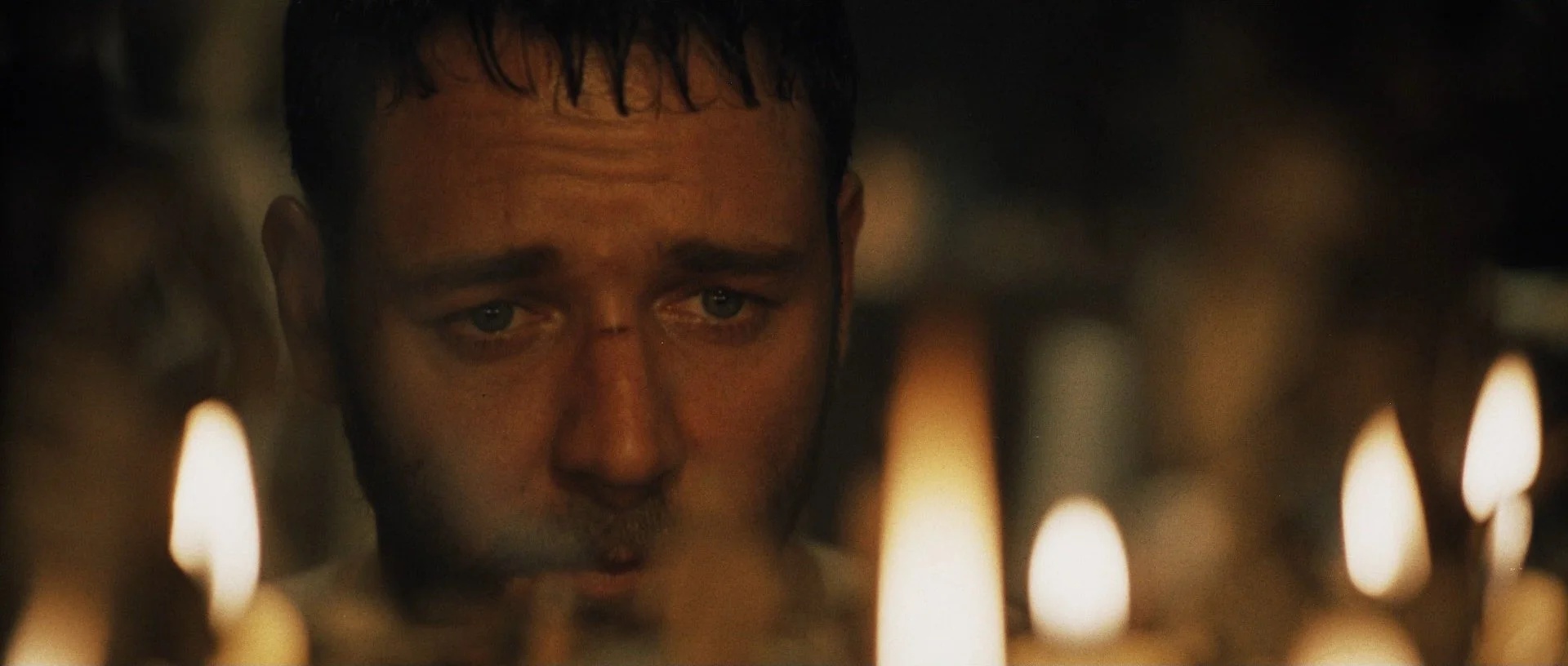
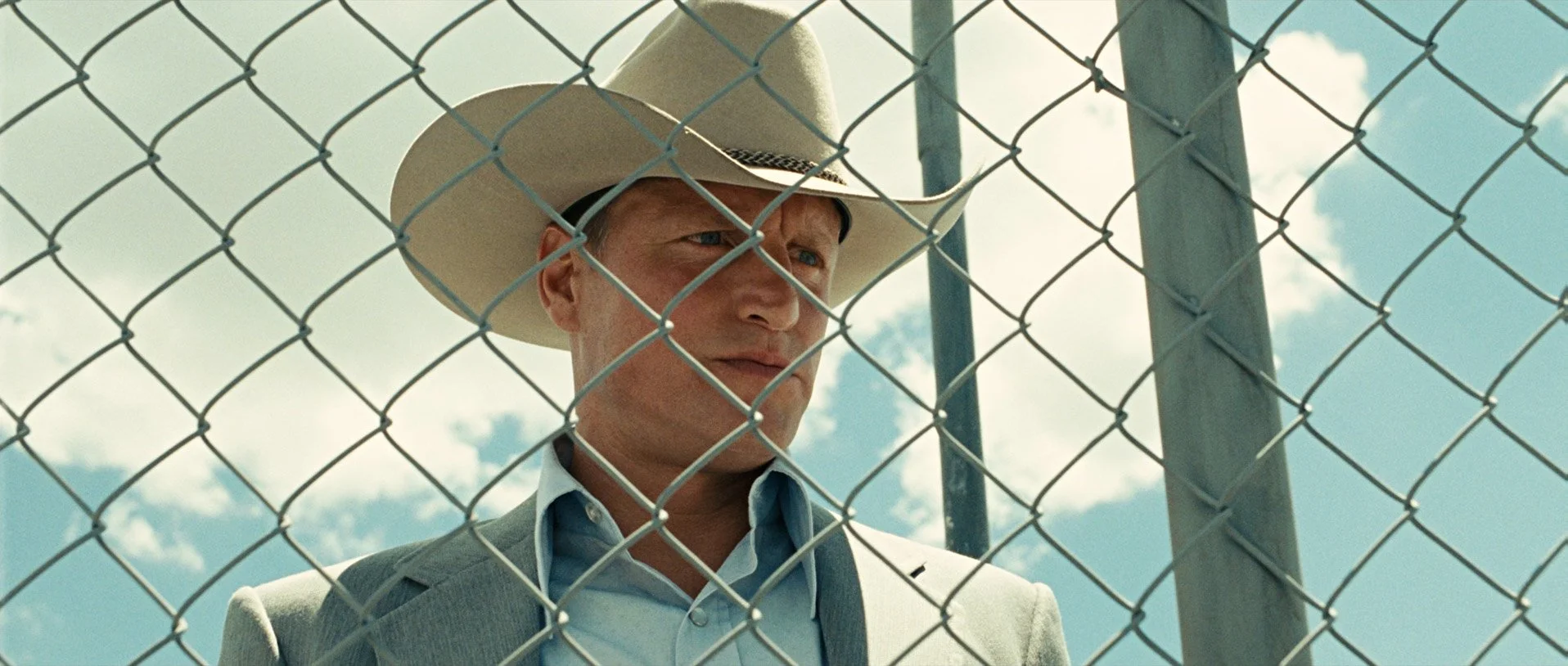
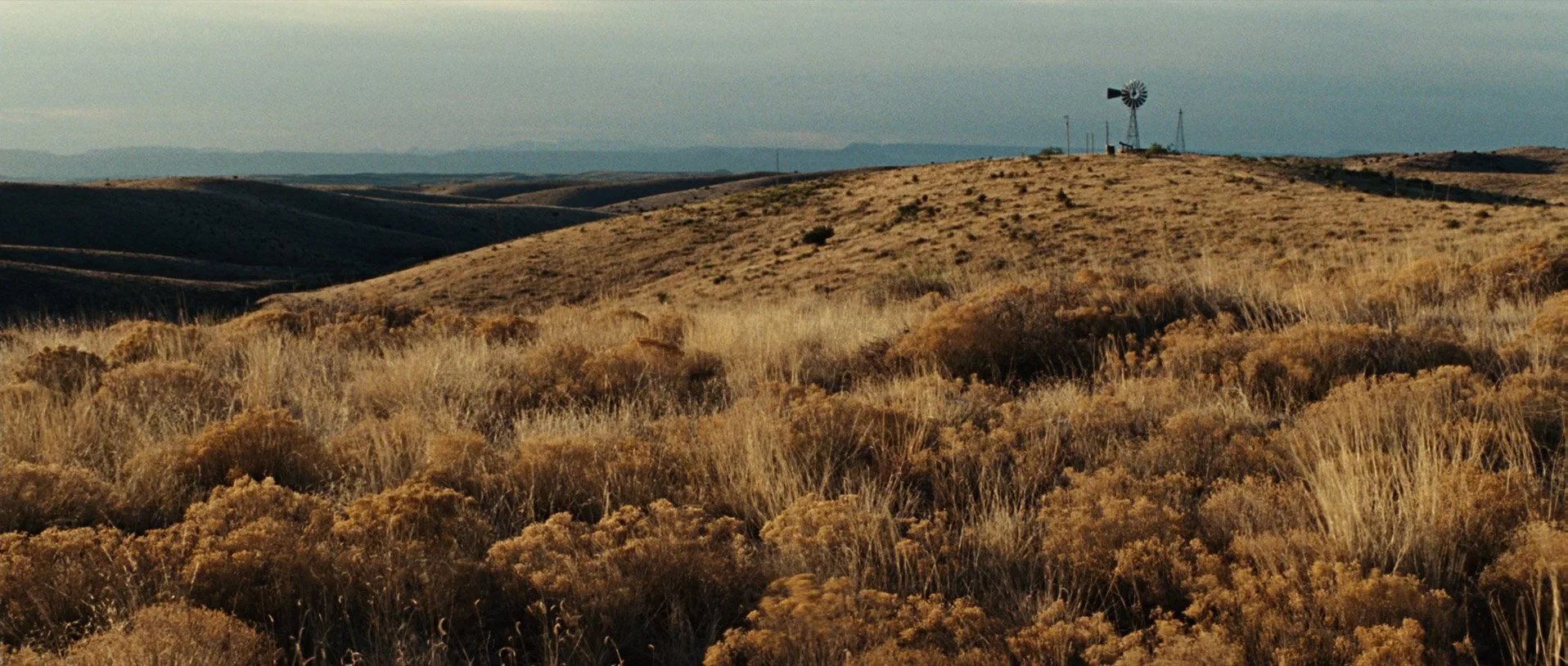
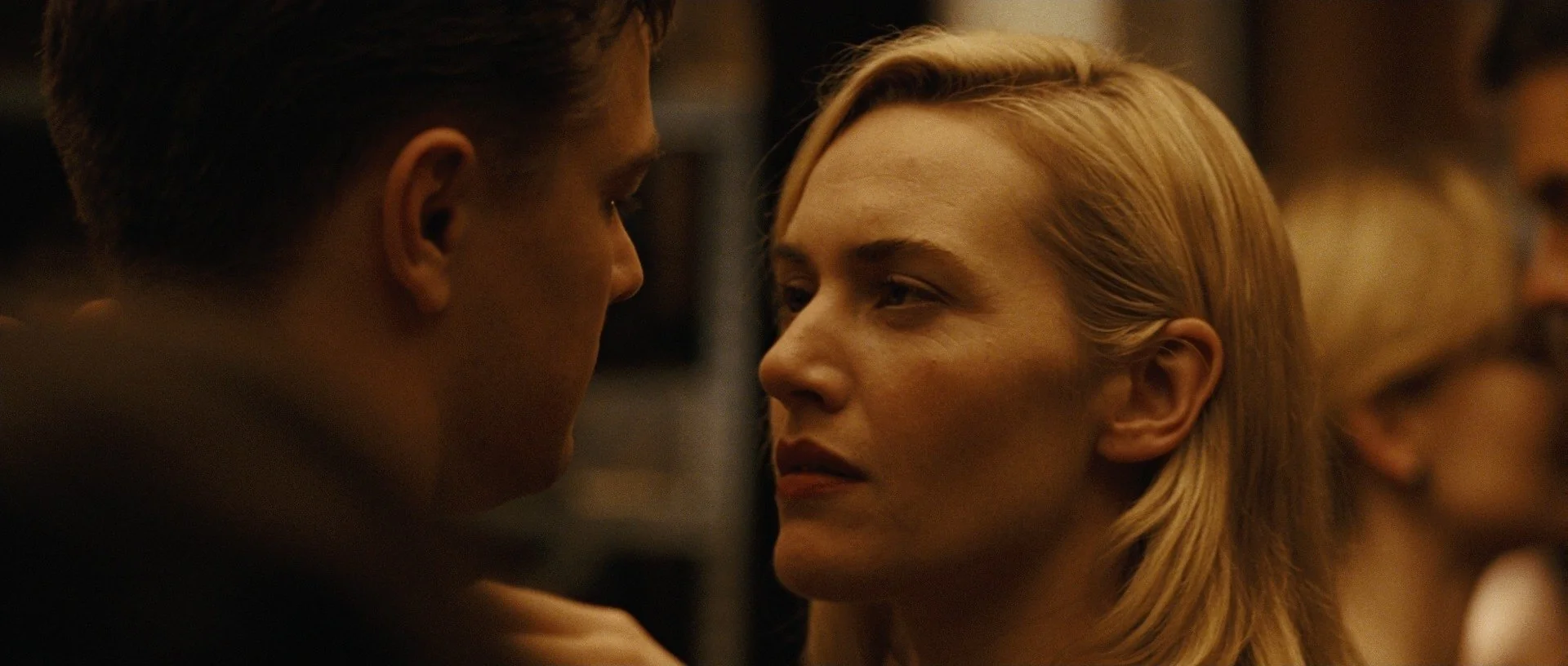
DOPs of the caliber of Roger Deakins have the chance to work with color scientist that can build a color pipeline for them, that they run their entire photography through, from on set monitoring to post production grading suite. (And If fact the Roger Deakins LUT is a profile of a kodak 2383 vision print ……..here an interview with his color scientist Joachim Zell talking about it at 04.28). Unfortunately the majority of the film profiles you can find out there aren’t scientilcailly built on measured data, and even if they are, the number of color samples used is too limited to be able to build an accurate emulation. This will cause some issues like profiles that behave well only within a small set of situations while being unpredictable and unsatisfactory in others.
My goal with these classes is to empower filmmakers, photographers and colorists with the tools and knowledge they need to understand what is really happening to their moving or still images after they pressed the shutter and how to build sophisticated color pipelines to support the photography. I’m gonna show you how to profile film stocks, and I’ll share the tools I personally use in my workflow and that you won’t be able to find anywhere else. We’re going to cover a wide range of subjects: from how to properly shoot color charts to the tools and techniques I use for profiling, including a very powerful Color Matching Algorithm that can not only be used to scientifically capture the essence of the photochemical process but also match digital cameras to one another. Of course I’m going to share with you the color charts I shoot and the collection is going to expand over time.
NB: Some of the tools will come in the form of python scripts. You won’t need to have any coding ability. The only one requirement is that you’ll have the python environment set up on your computer, and the necessary libraries installed to run the script. Once those requirements are met you’re going to be able to run the scripts very easily as all of them include a User Interface, so you won’t need to use them from the command line of the terminal. There is a lot of content online which clearly explains how to set up a python environment. You will find corresponding README files for each script with the instructions on how to run them. It’ll probably take around 10-15 minutes to have everything set, from there you’ll be able to run and use the scripts as a normal computer app.
You can find film and digital color charts here and the tools I use for the profiling here
If something is not clear don’t hesitate to contact me: filmmatch.info@gmail.com
Happy Learning!