
FilmMatch 2.0
The power of Motion Picture Film Print, at your fingertips
For the best viewing experience, please use a desktop display.

FilmMatch 2.0 goes beyond negative emulation. The photochemical journey doesn't stop at the negative, neither do we. We targeted the iconic 2383 print film to bring you the true essence of the film look.
True 35mm Motion Picture Print Colors
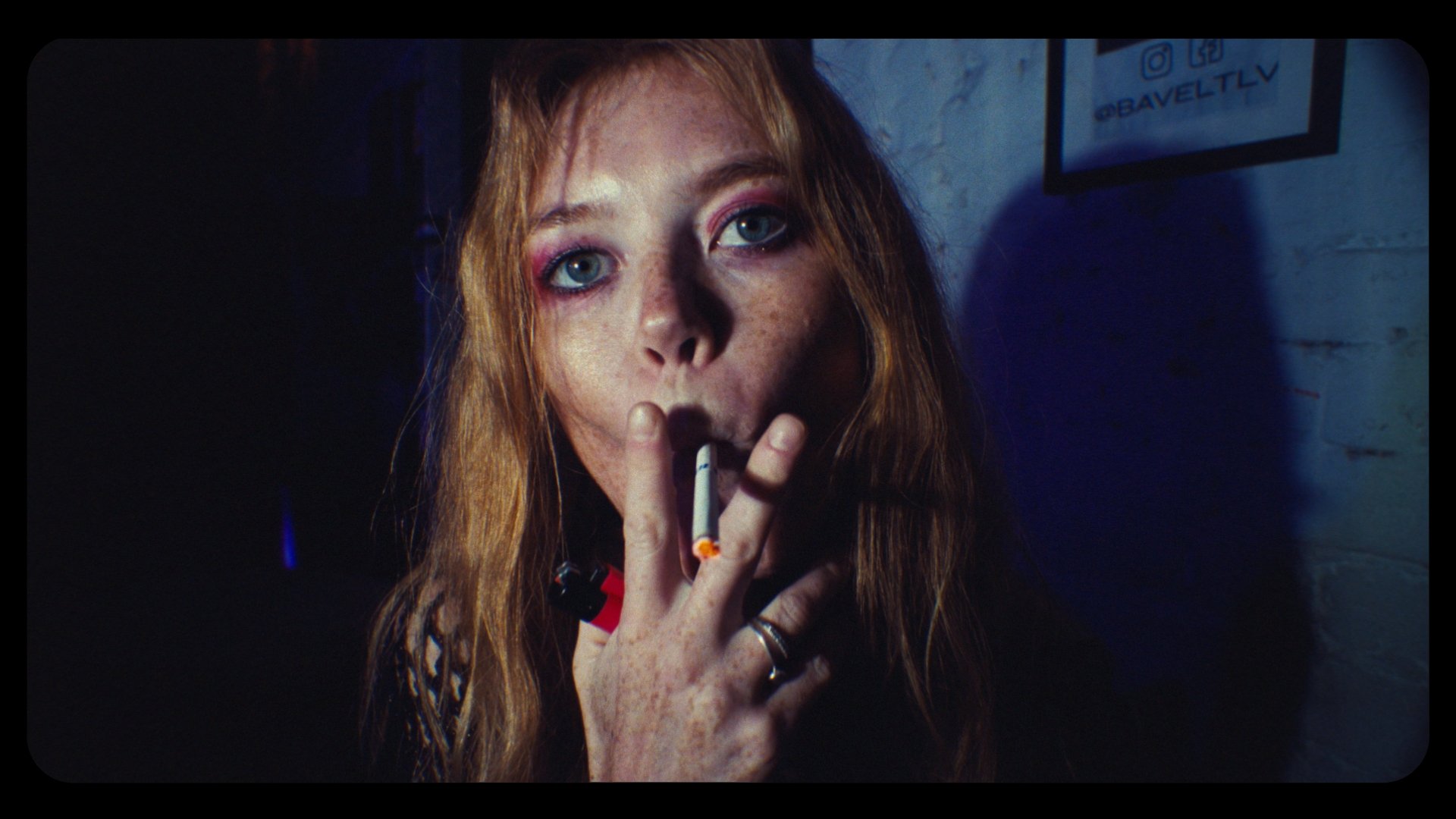
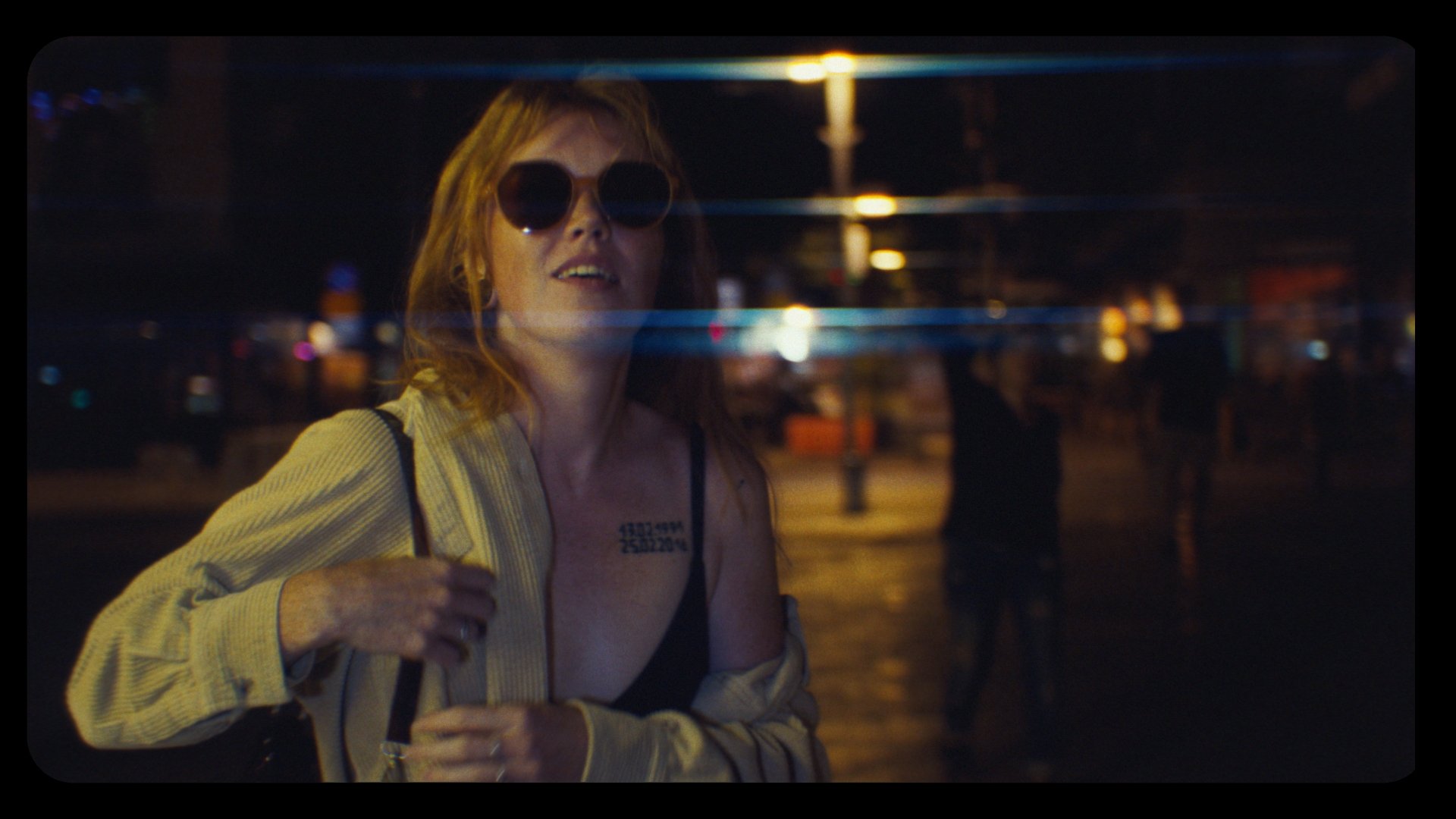
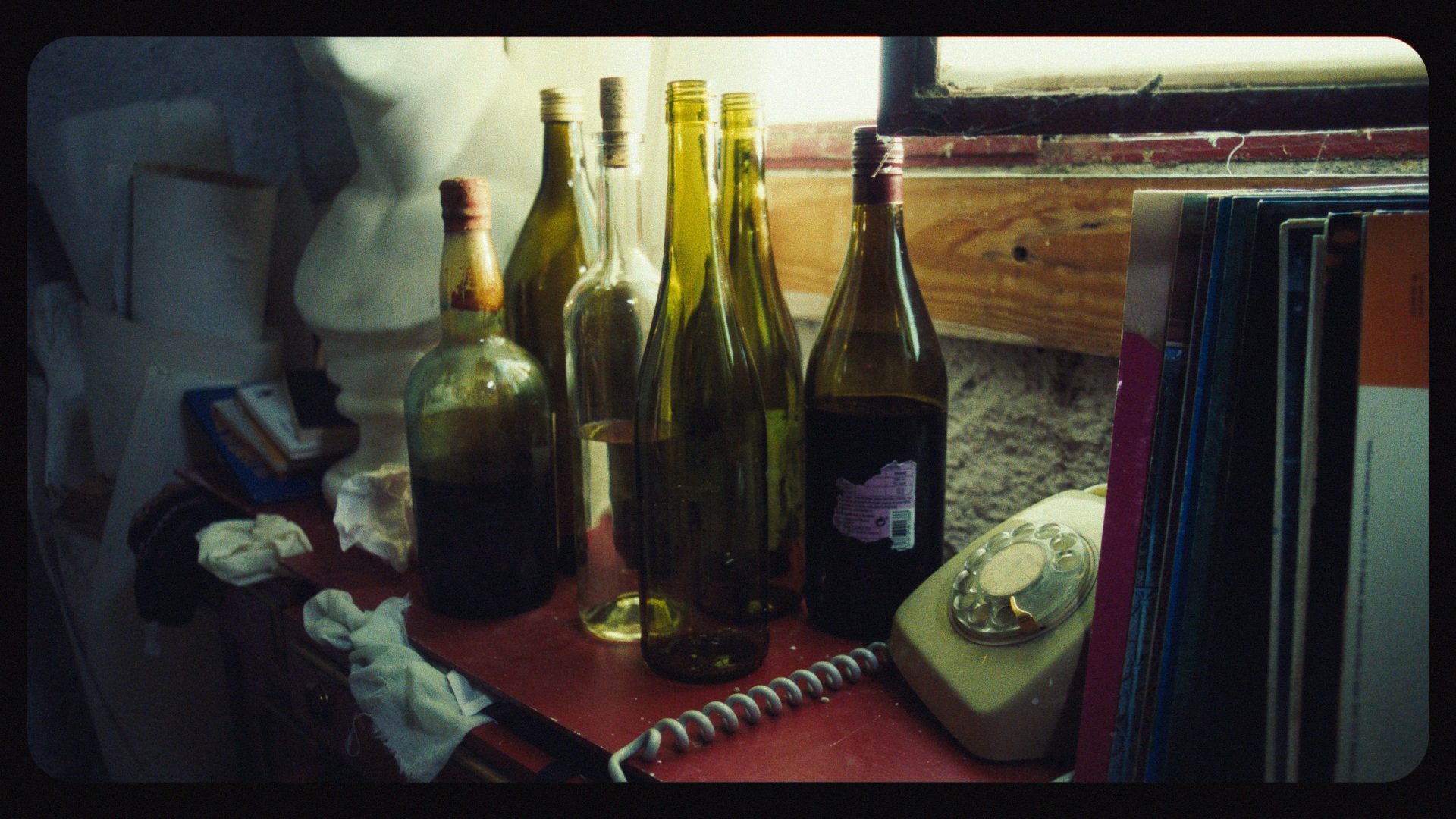
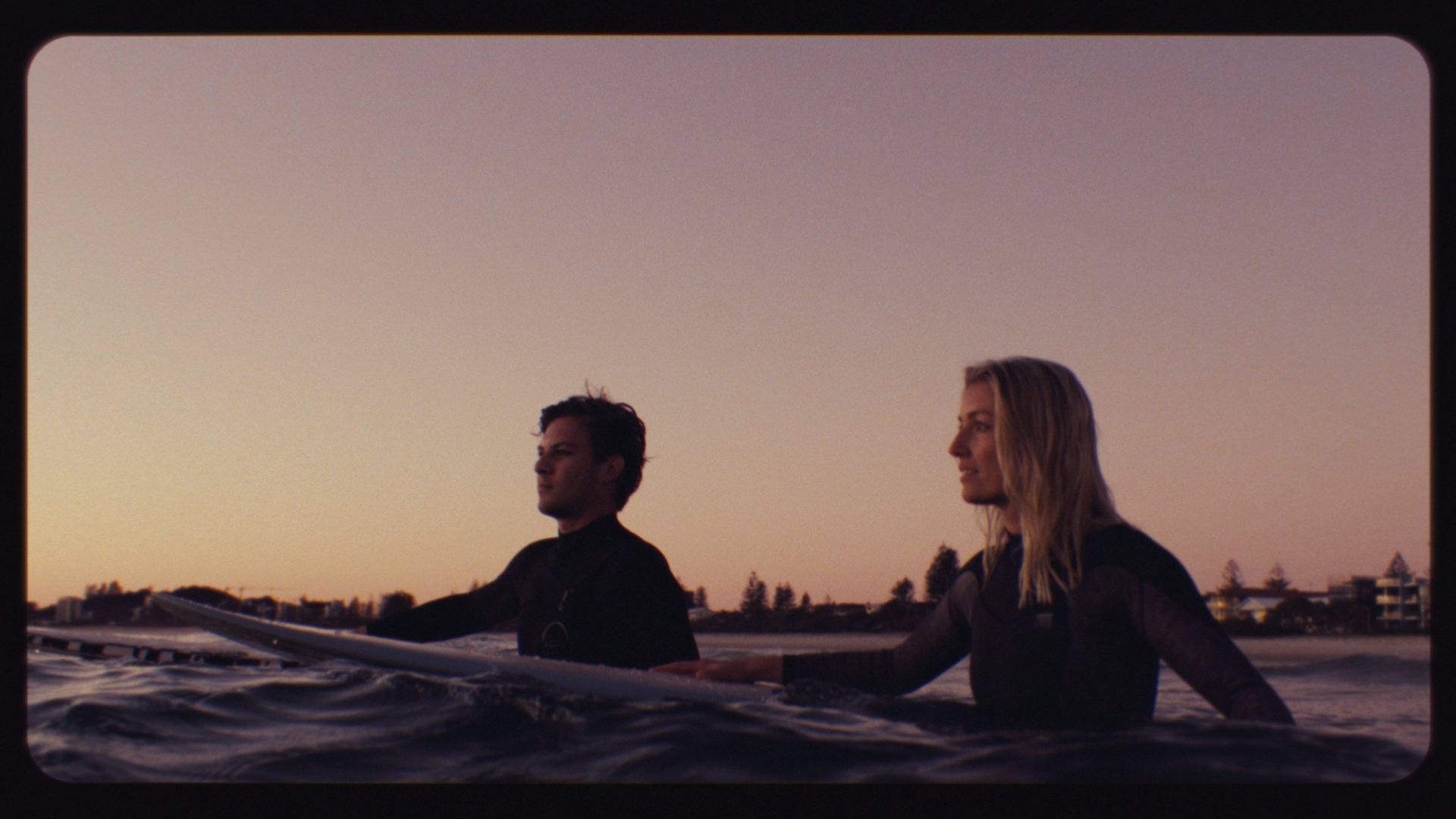
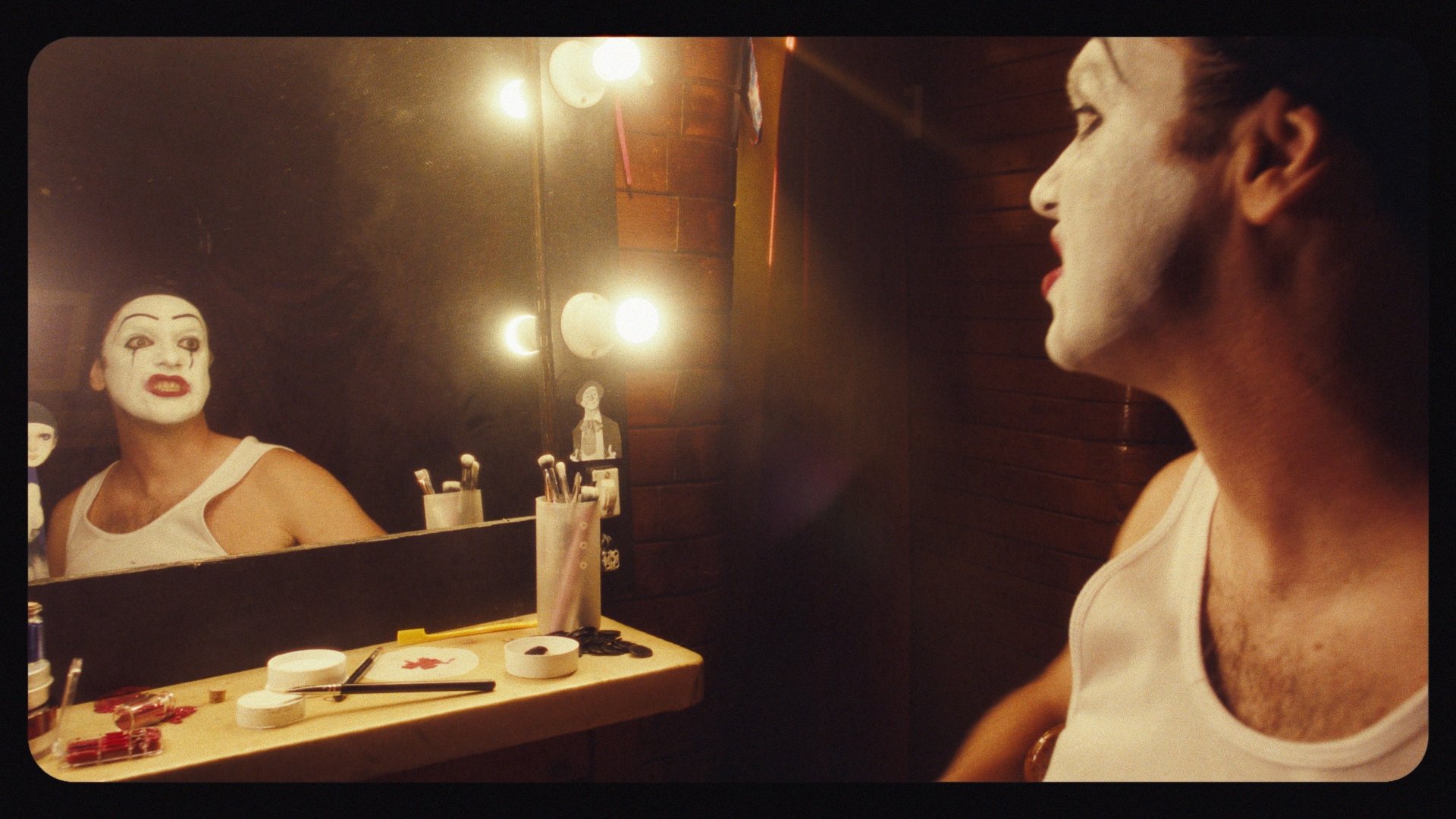
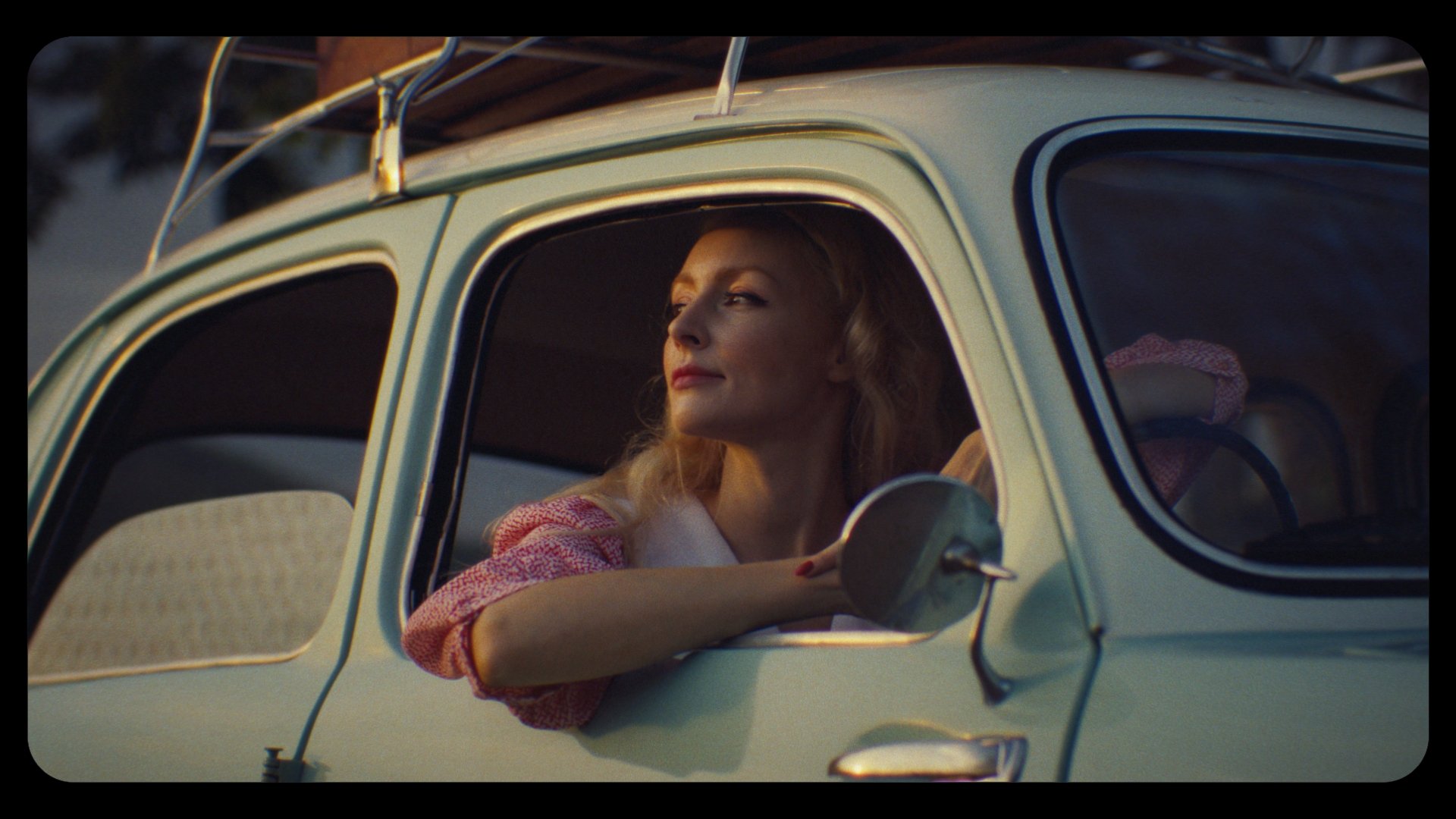

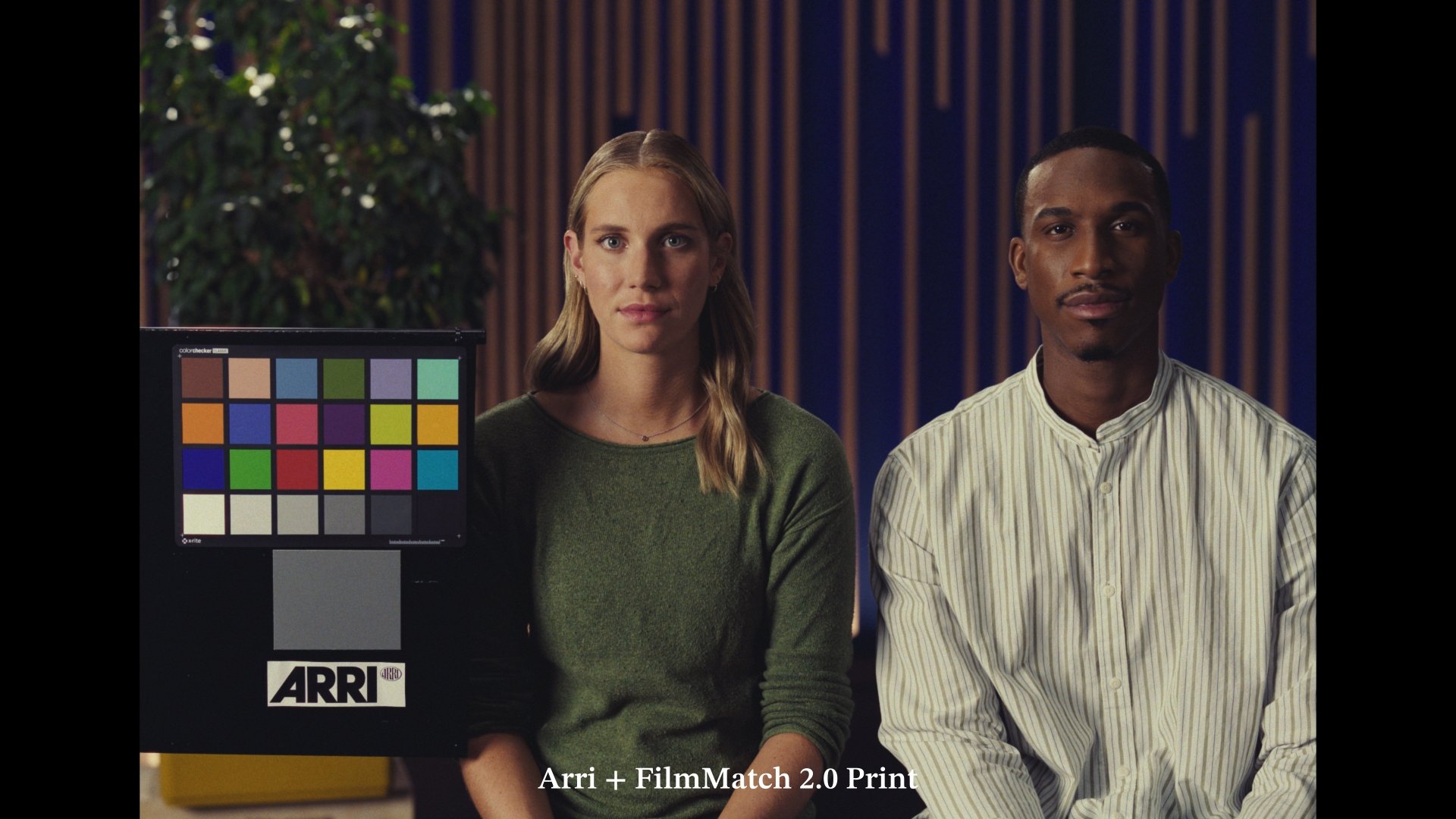
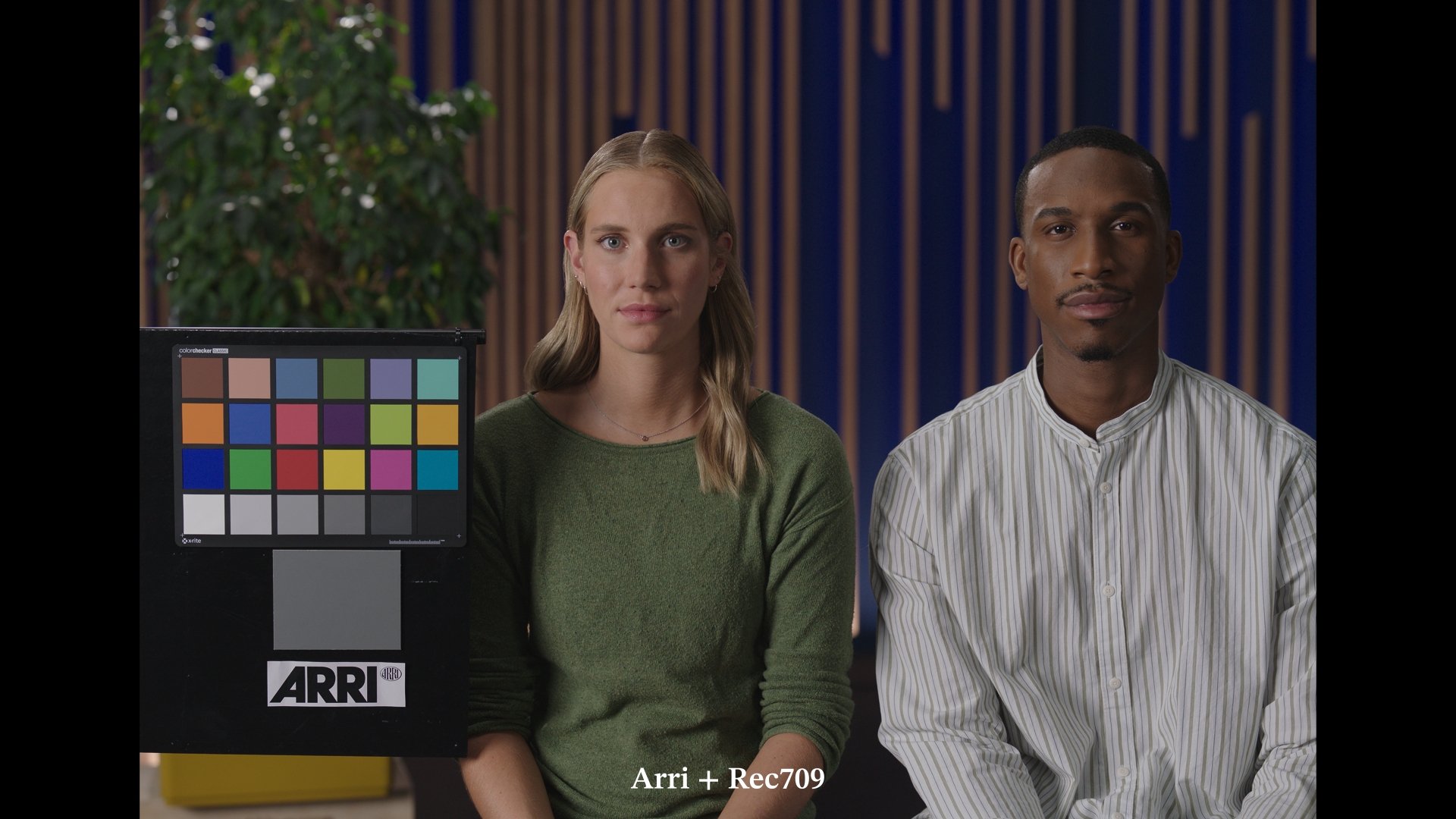
All the examples shown in this page haven’t been graded, only a color balance pass was performed.
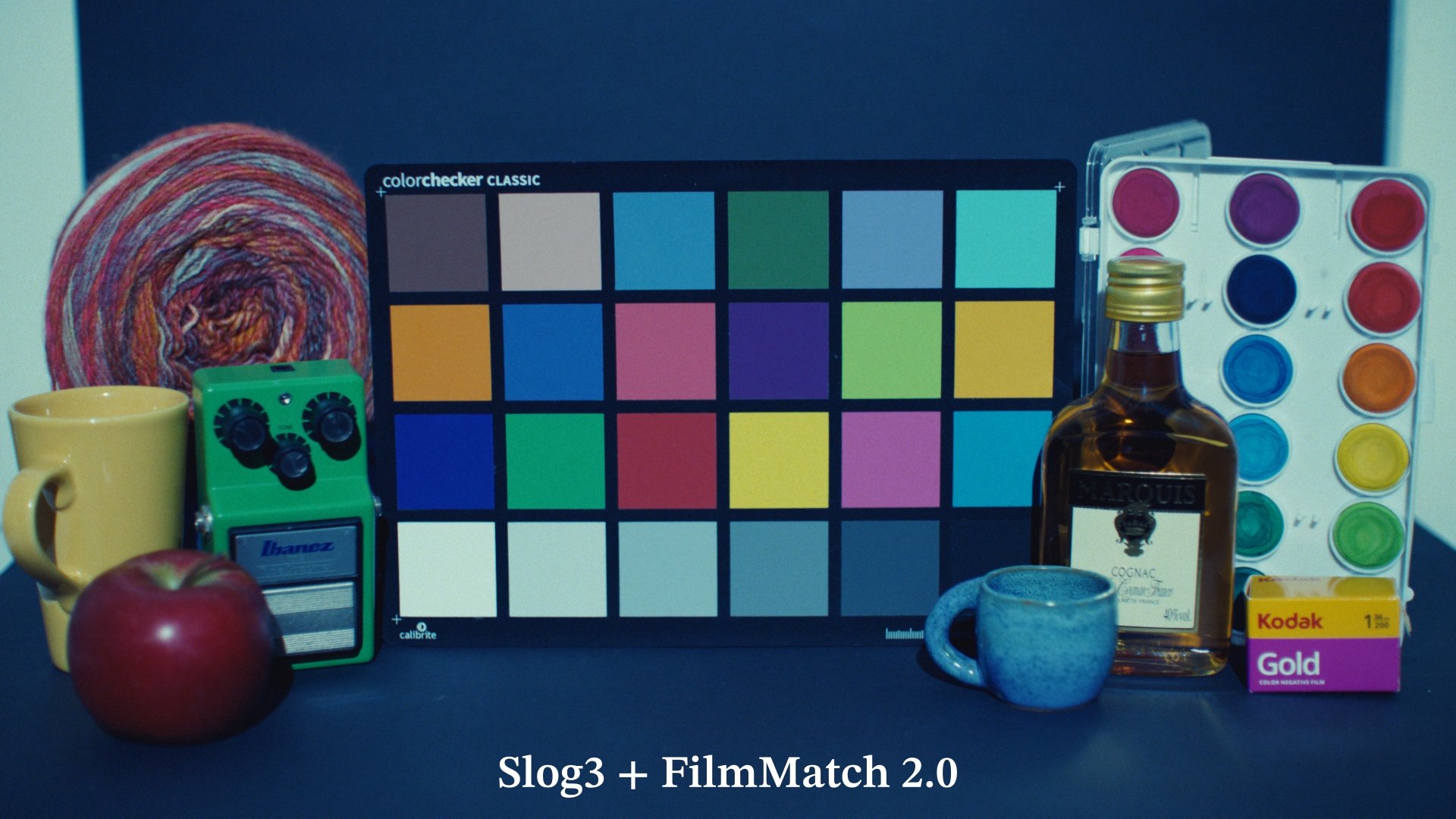
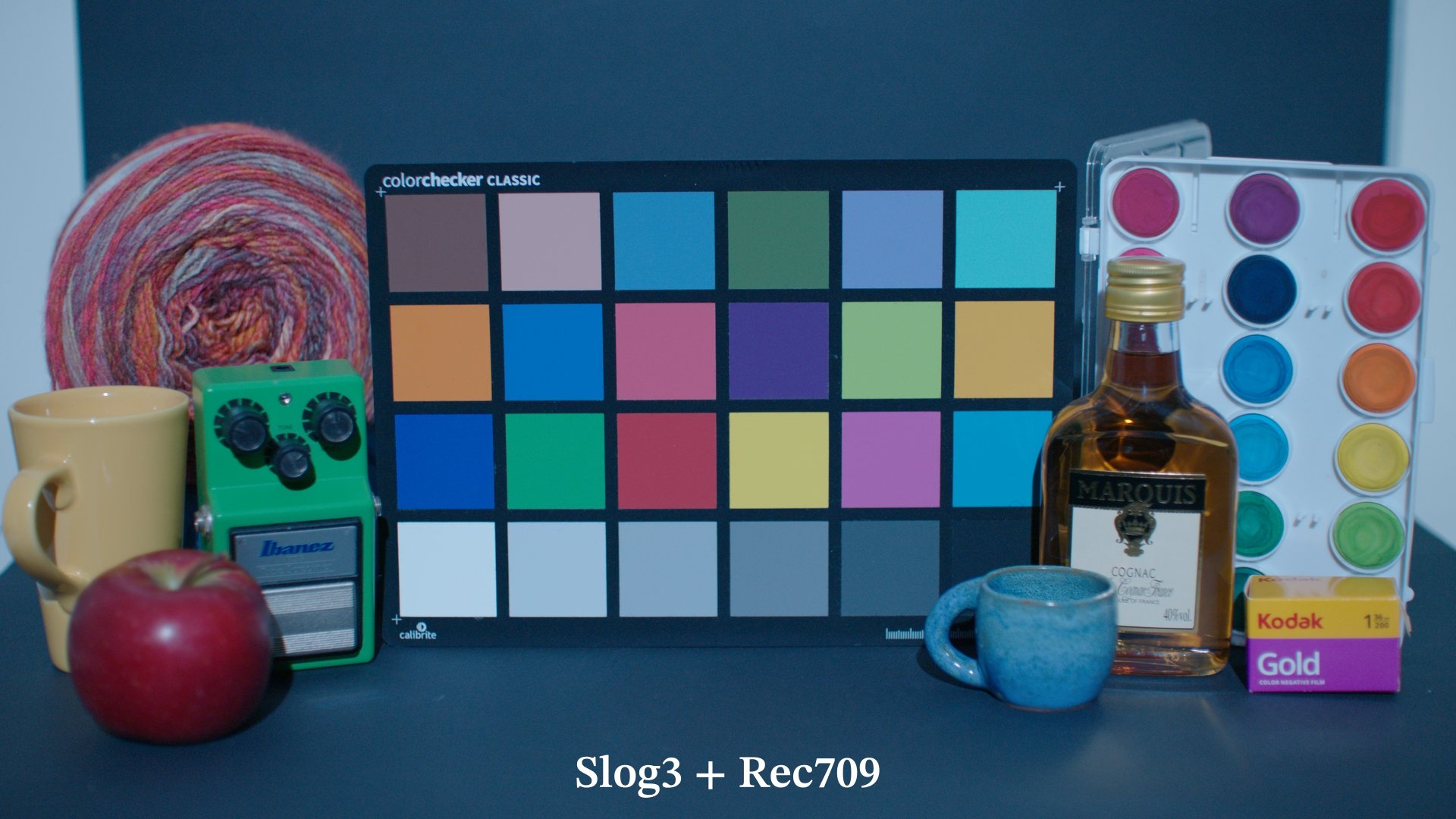
In the gallery below a few examples of images going through FilmMatch 2.0 color transform and a standard Rec709 conversion. Once again the images have only been balanced to be neutral around middle grey.
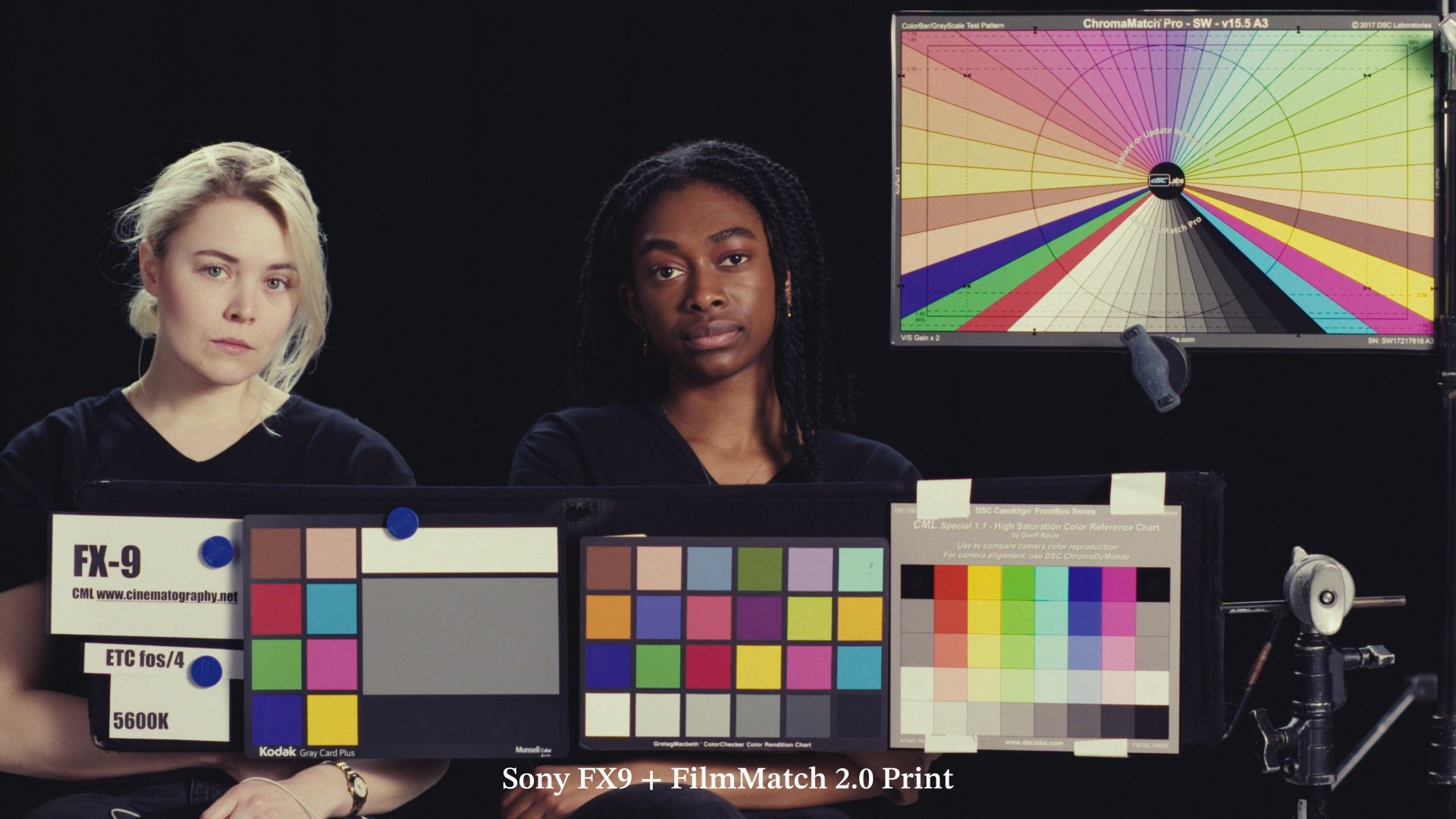
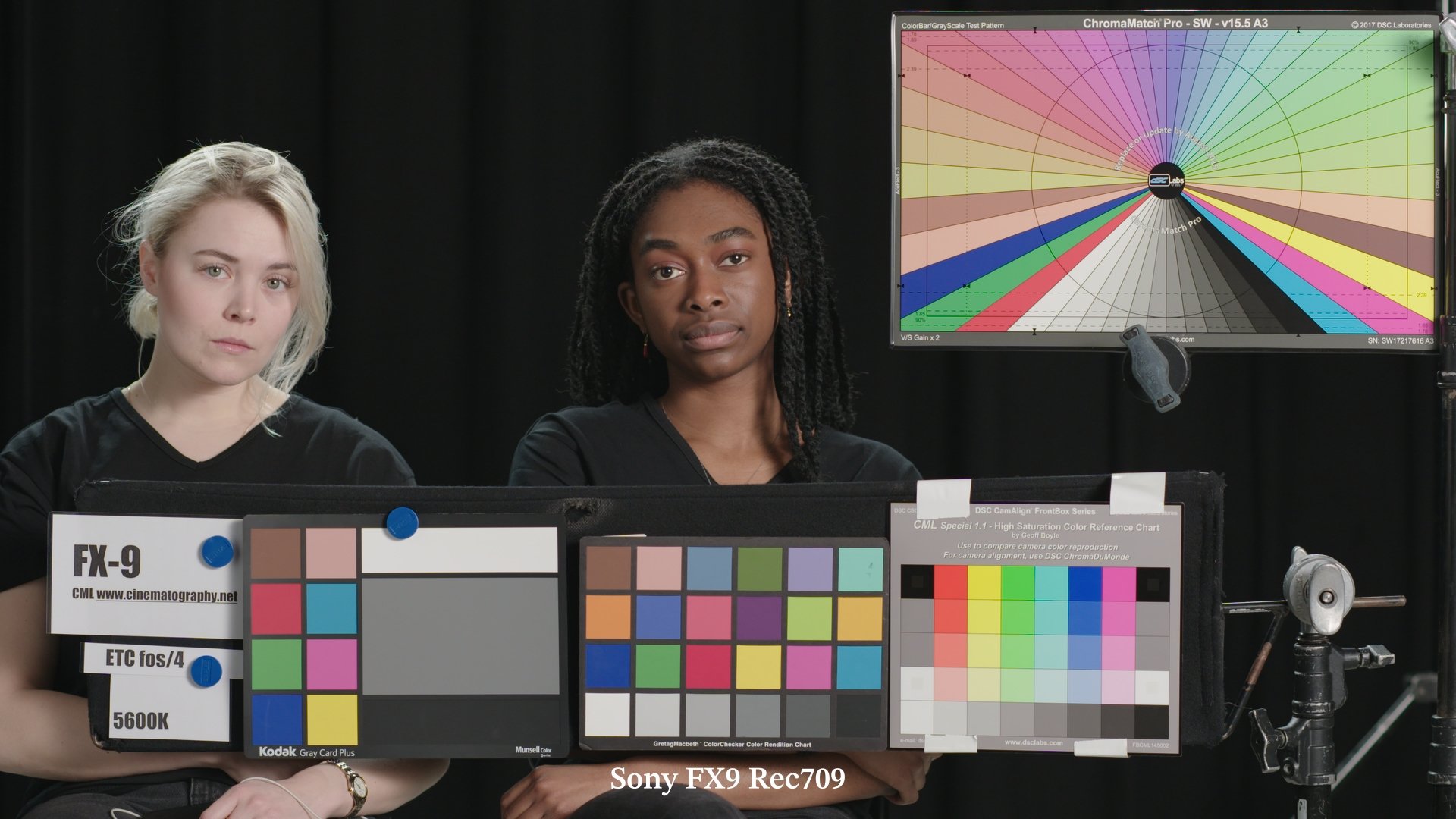


FilmMatch 2.0 vs. Legacy Print LUTs?
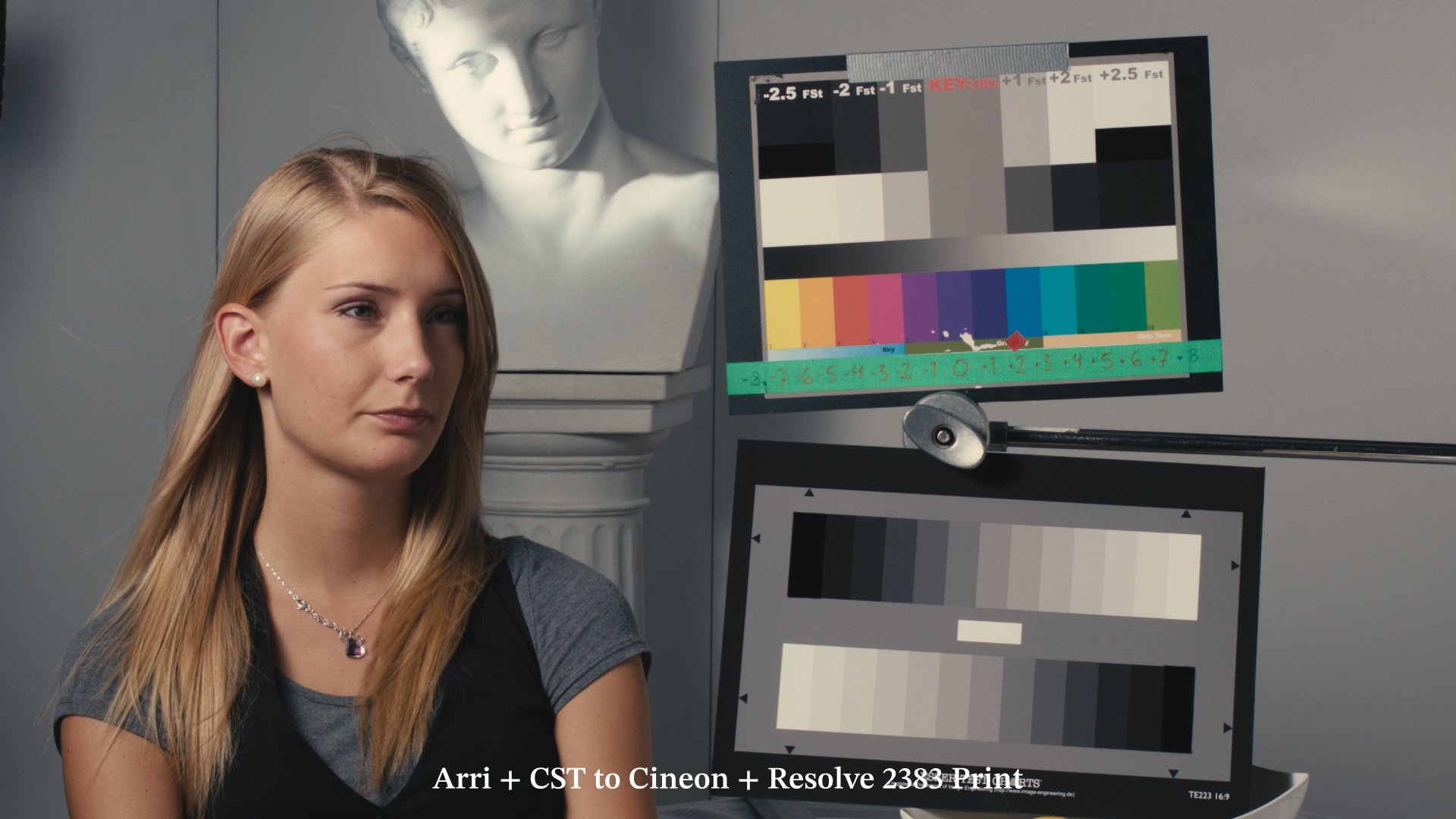
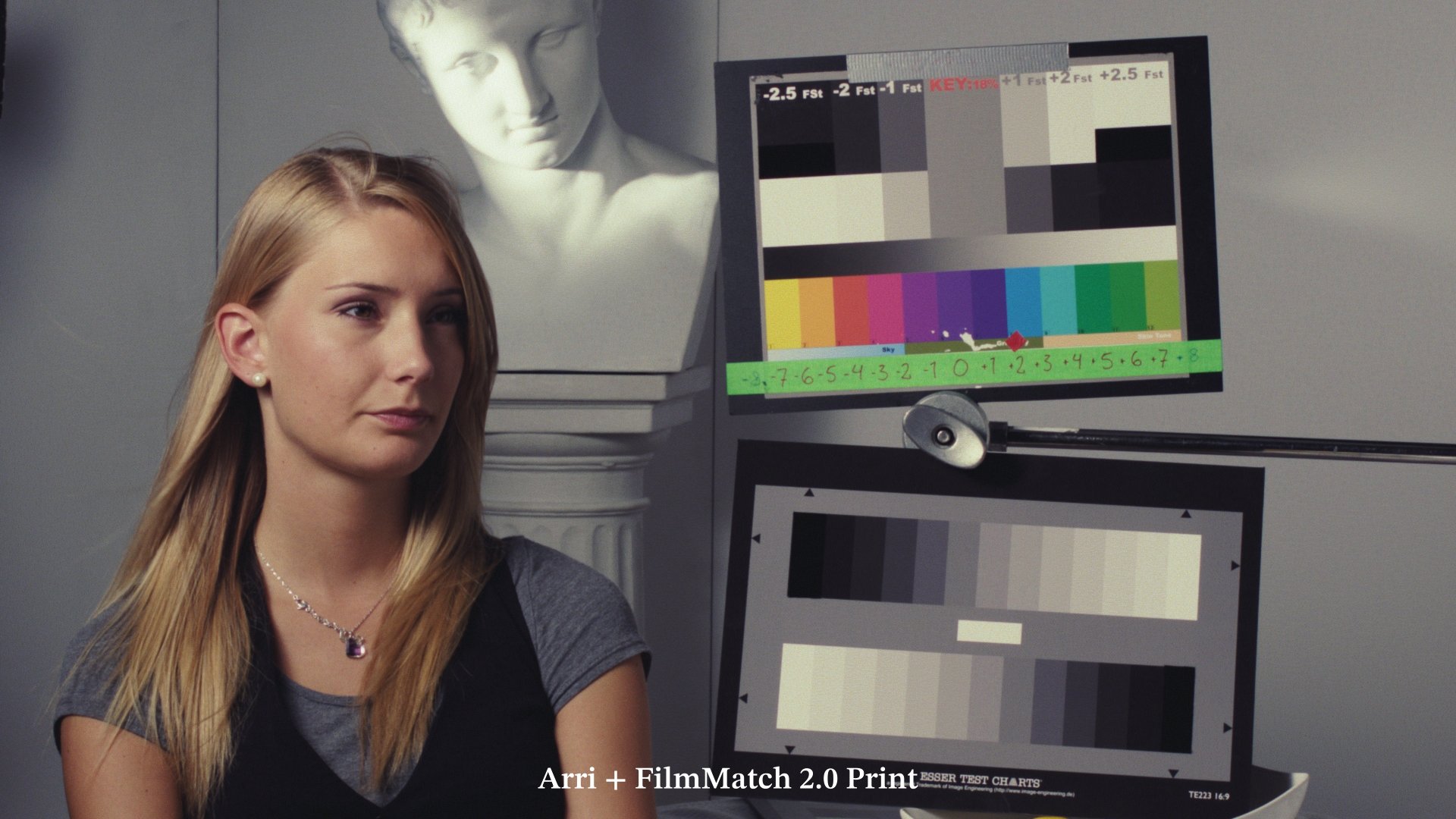
See the difference for yourself. Below is the exact same image processed through a traditional Log-to-Cineon CST + DaVinci Resolve 2383 LUT workflow compared against FilmMatch 2.0
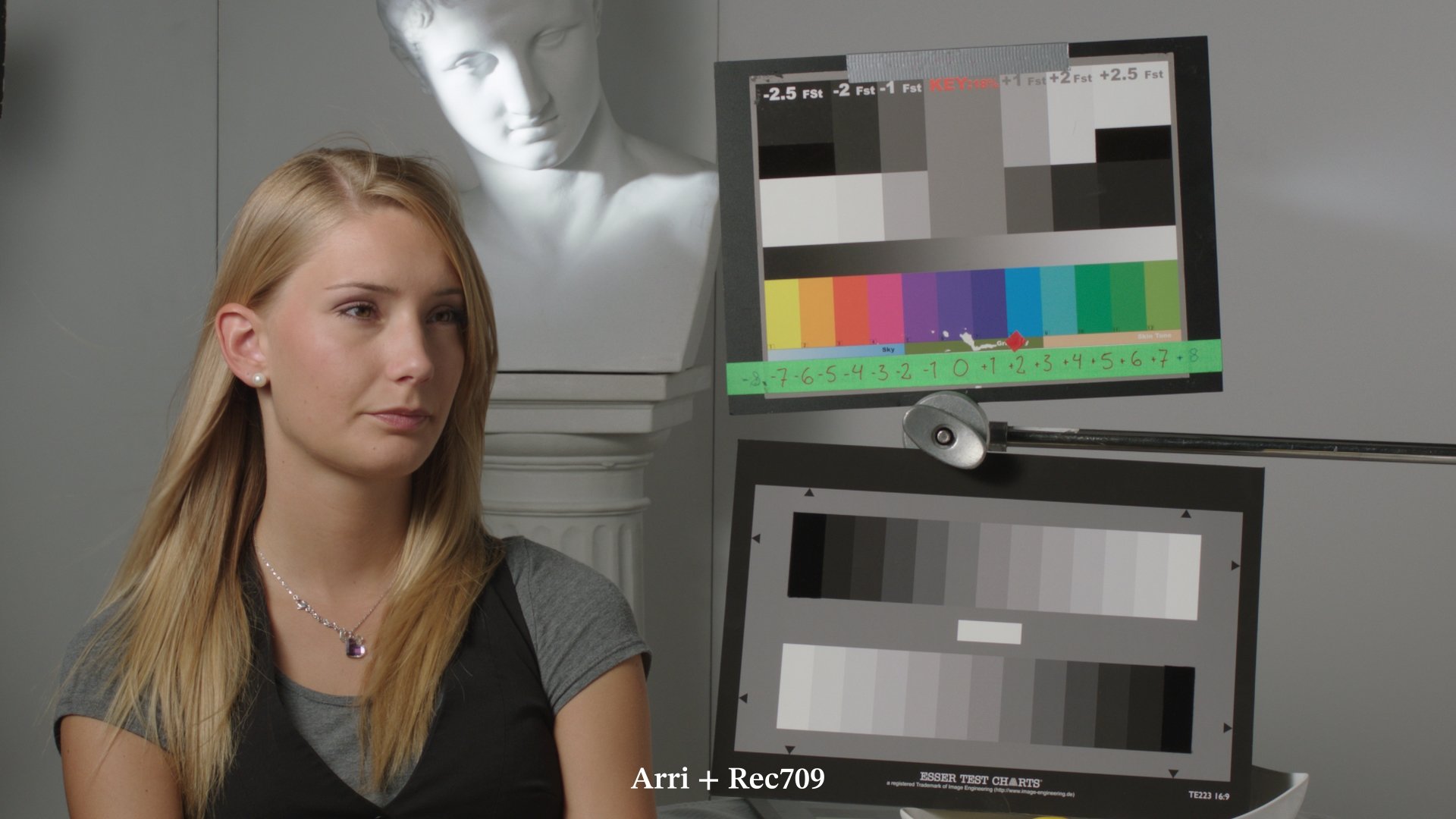
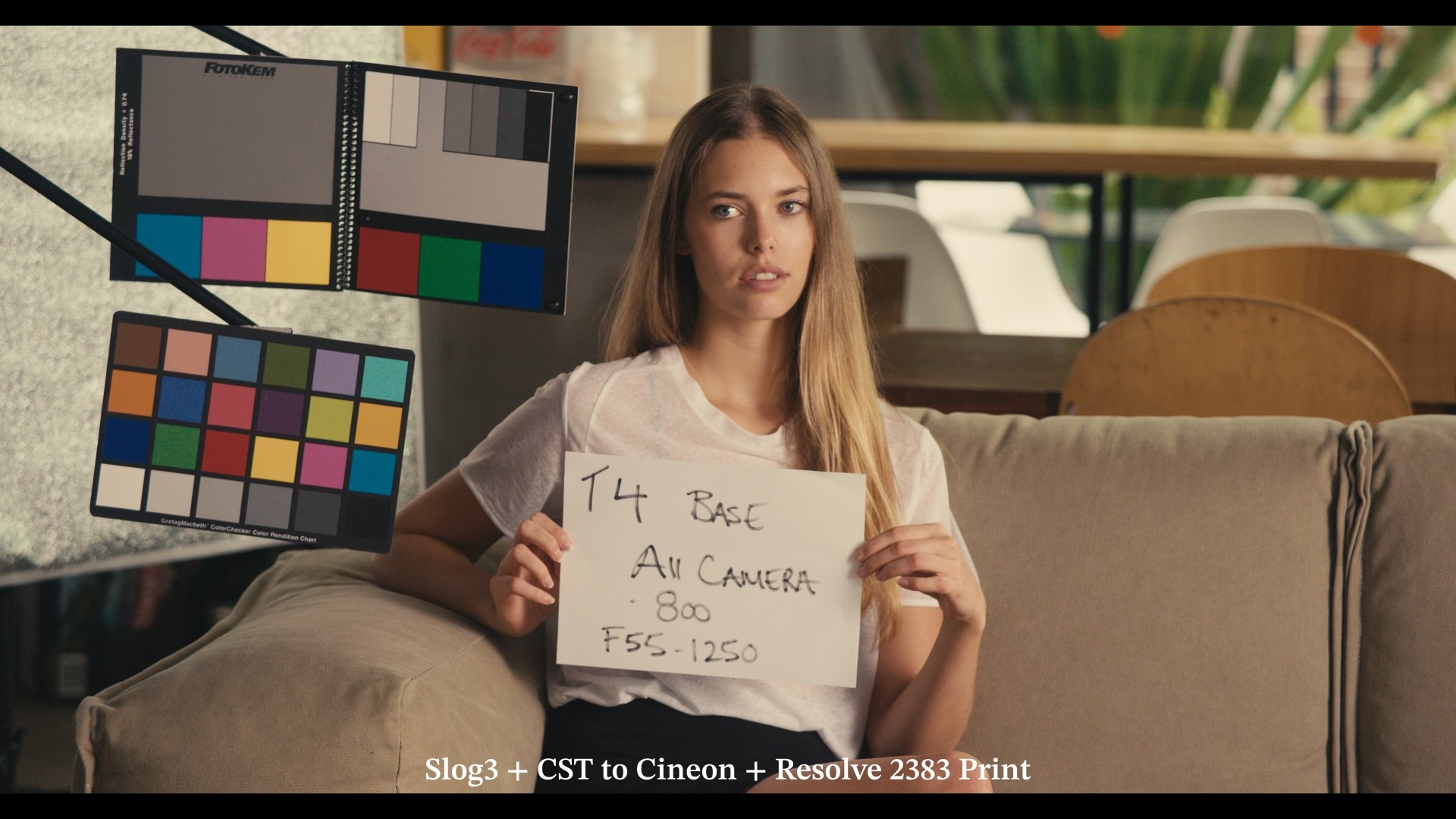
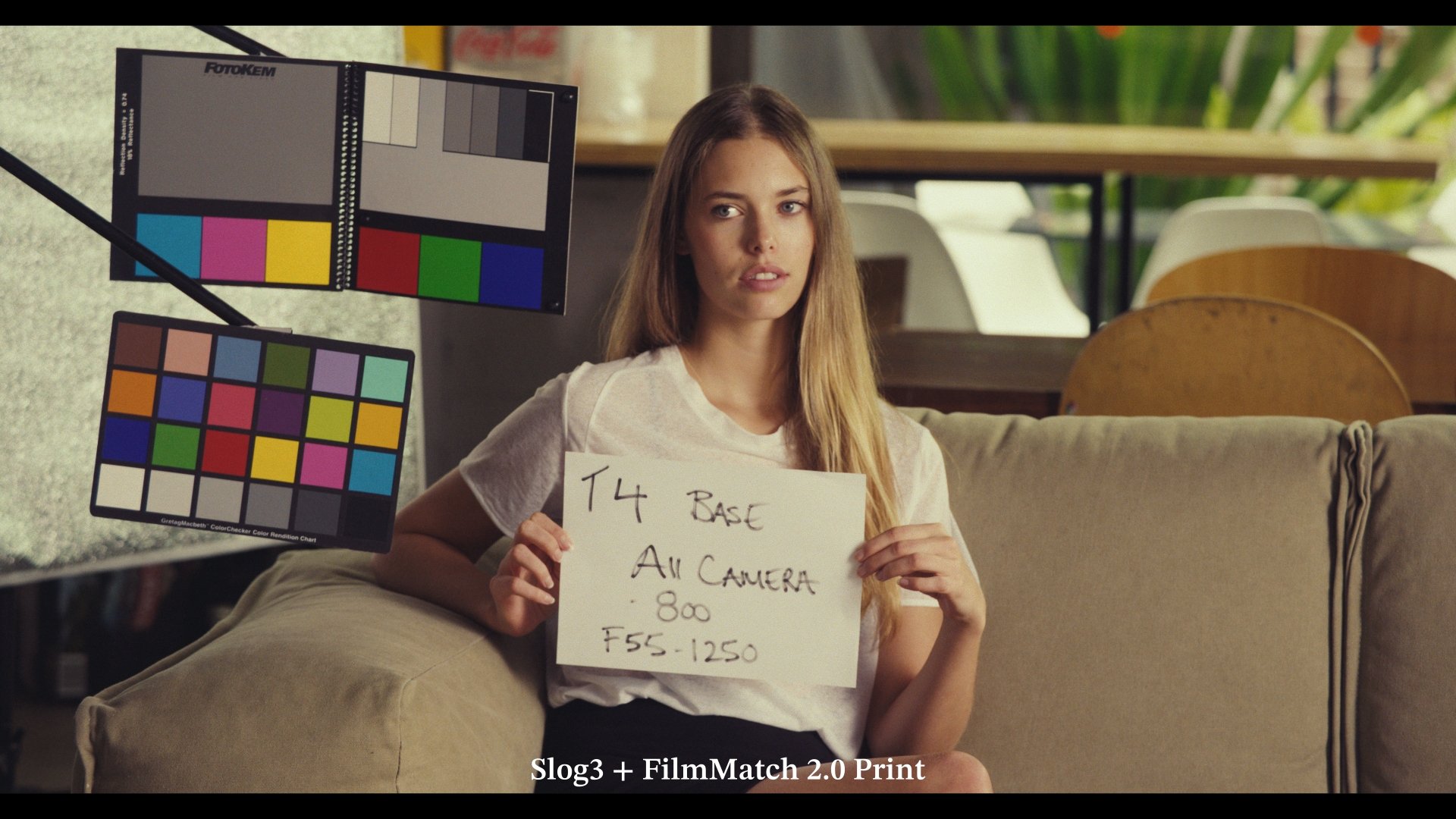
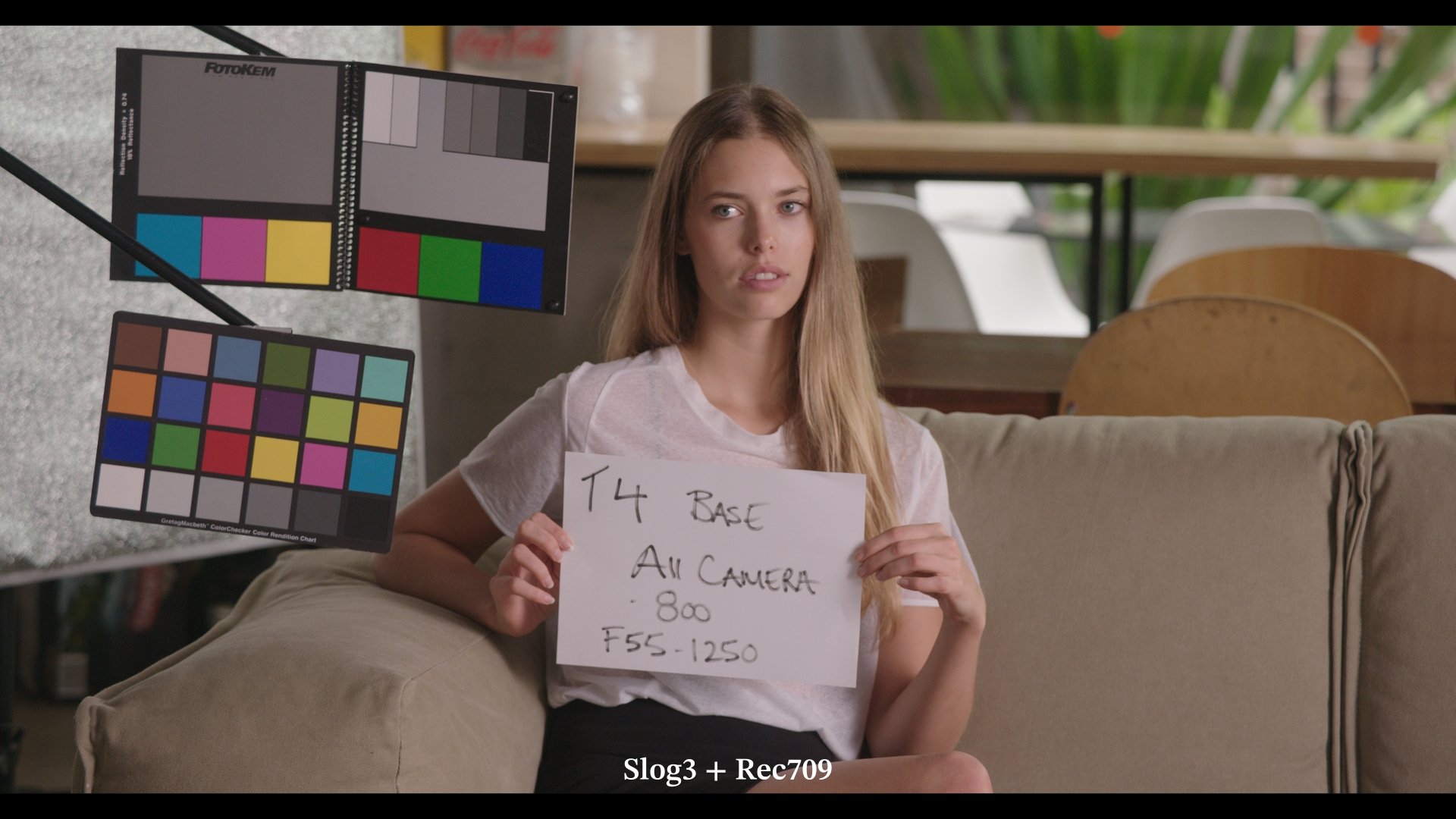
More data points, higher accuracy for an emulation that behaves like the real thing in any situation without ever breaking
4960 data points are at the core FilmMatch 2.0. The datapoints have been captured all across the exposure range covering the widest gamut possible.
When using a powerful color matching algorithm that ingests thousands of color samples, like ColourMatch, an accurate match on the those samples is pretty much assured. But the question is how is the color transform going to behave outside of the dataset? This is when validation frames come into play. Validation frames contain color samples that were not present in the datasets. Assessing the the behavior of the color transform on those is essential to know if it holds in real life applications.
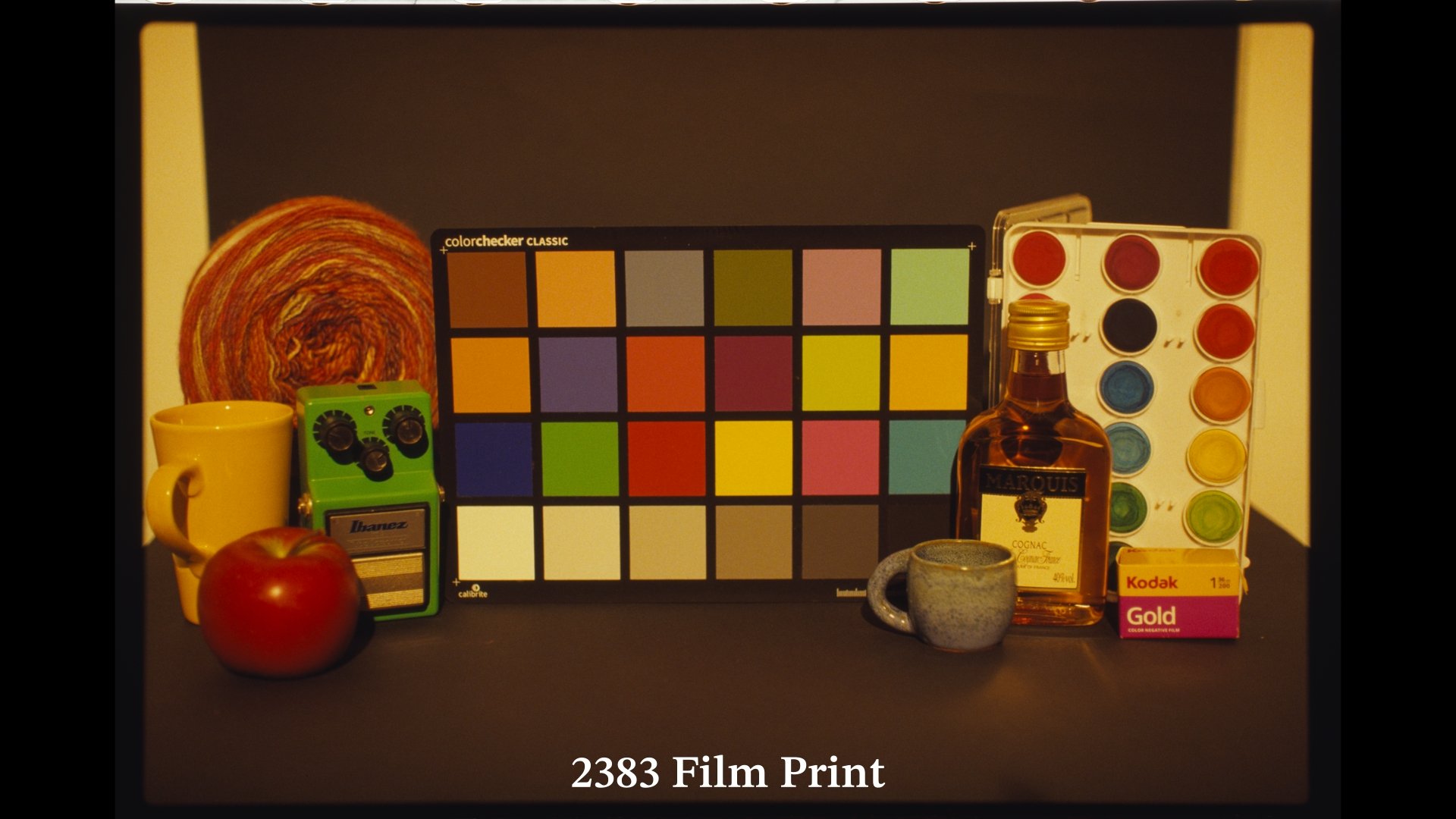
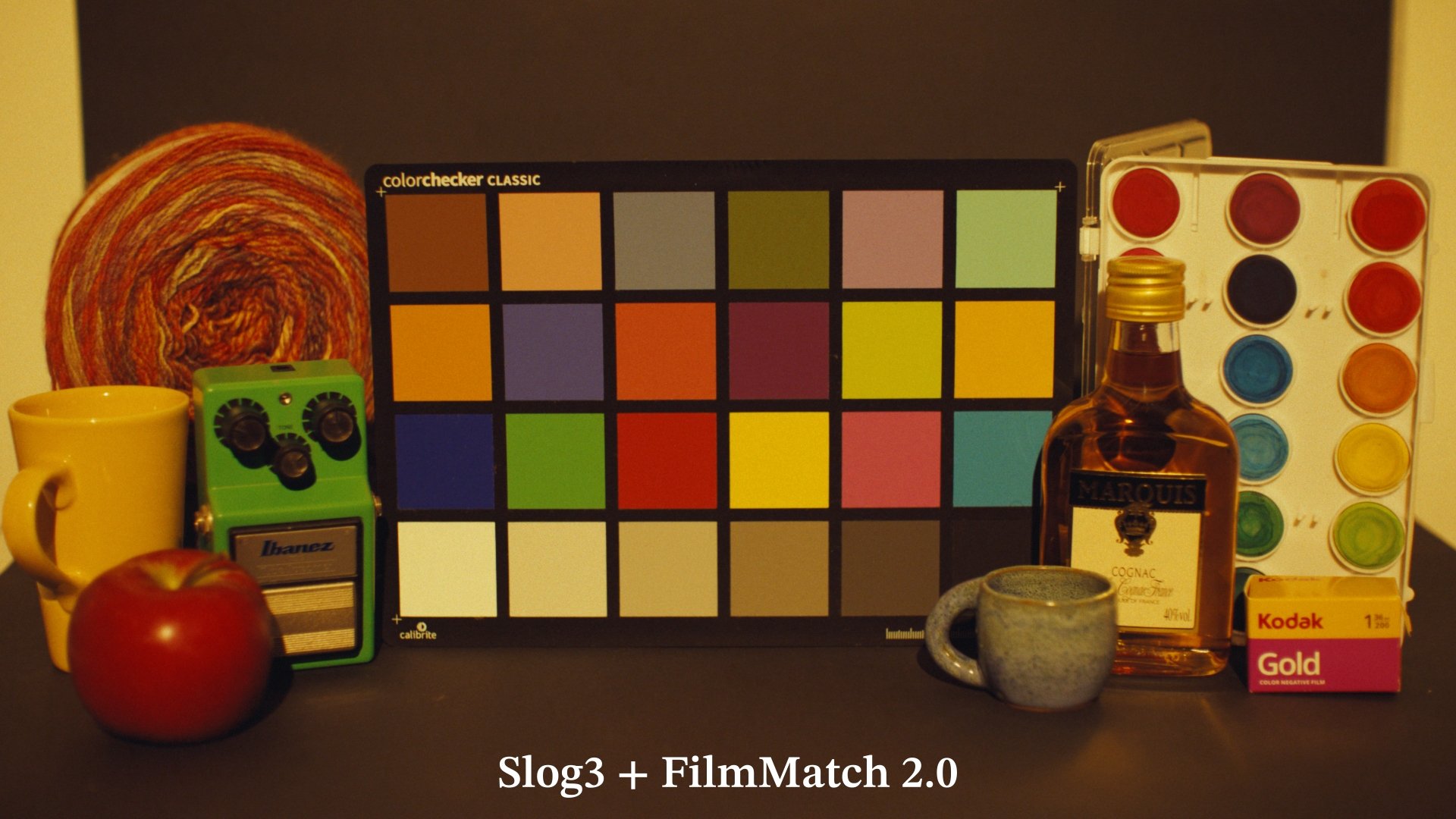
Below a gallery with validation frames
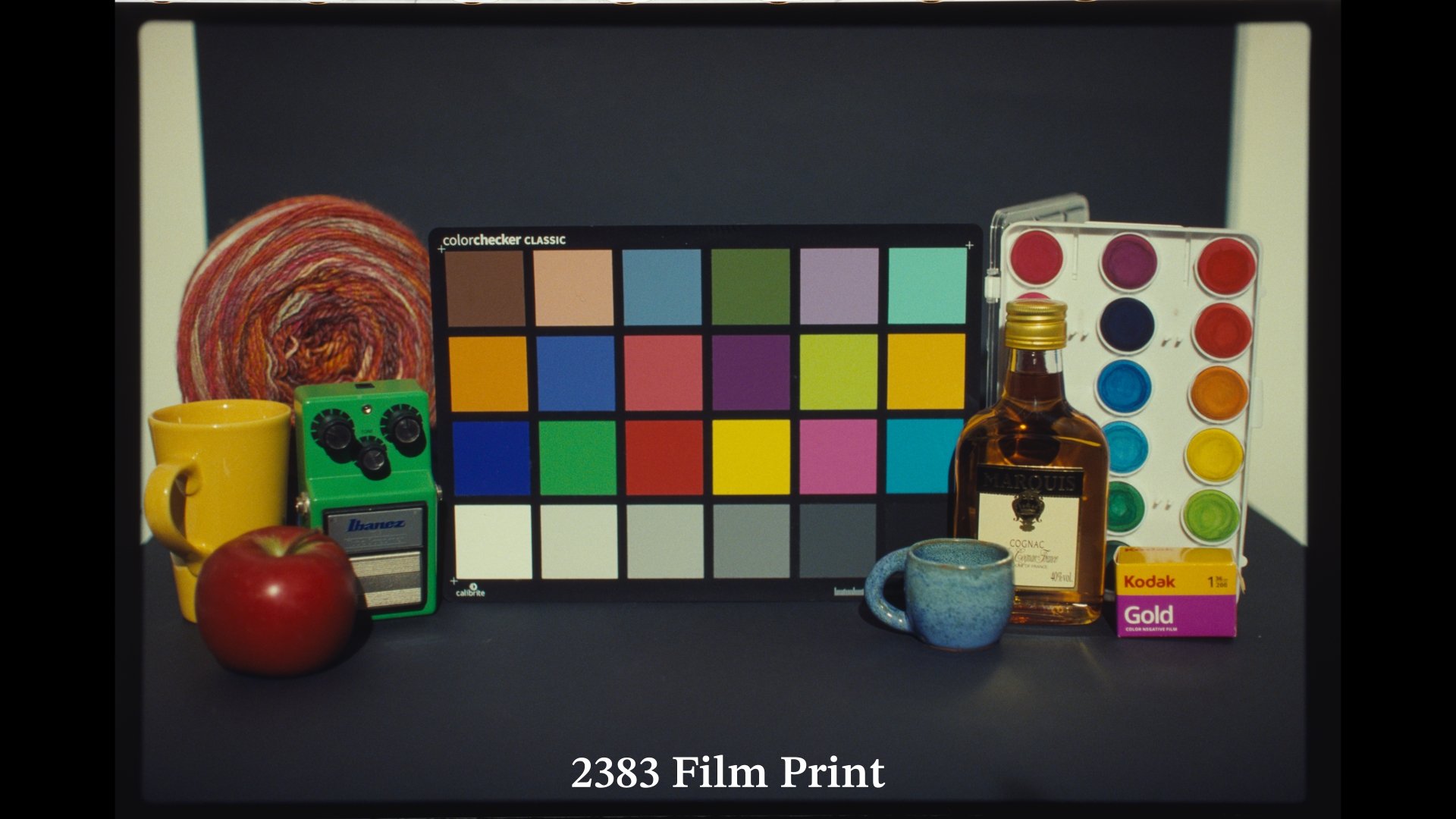
3200K 0EV
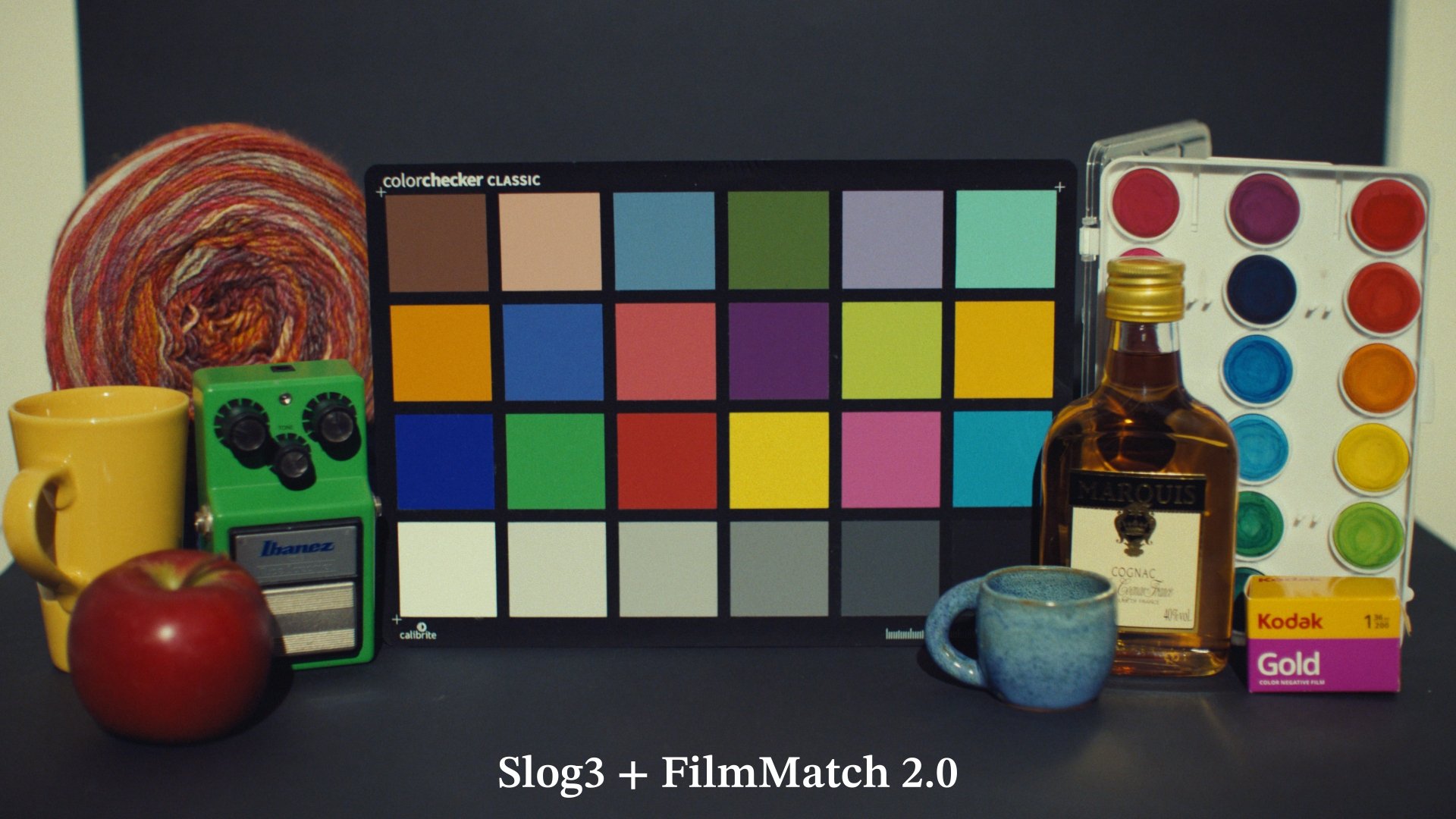
3200K 0EV
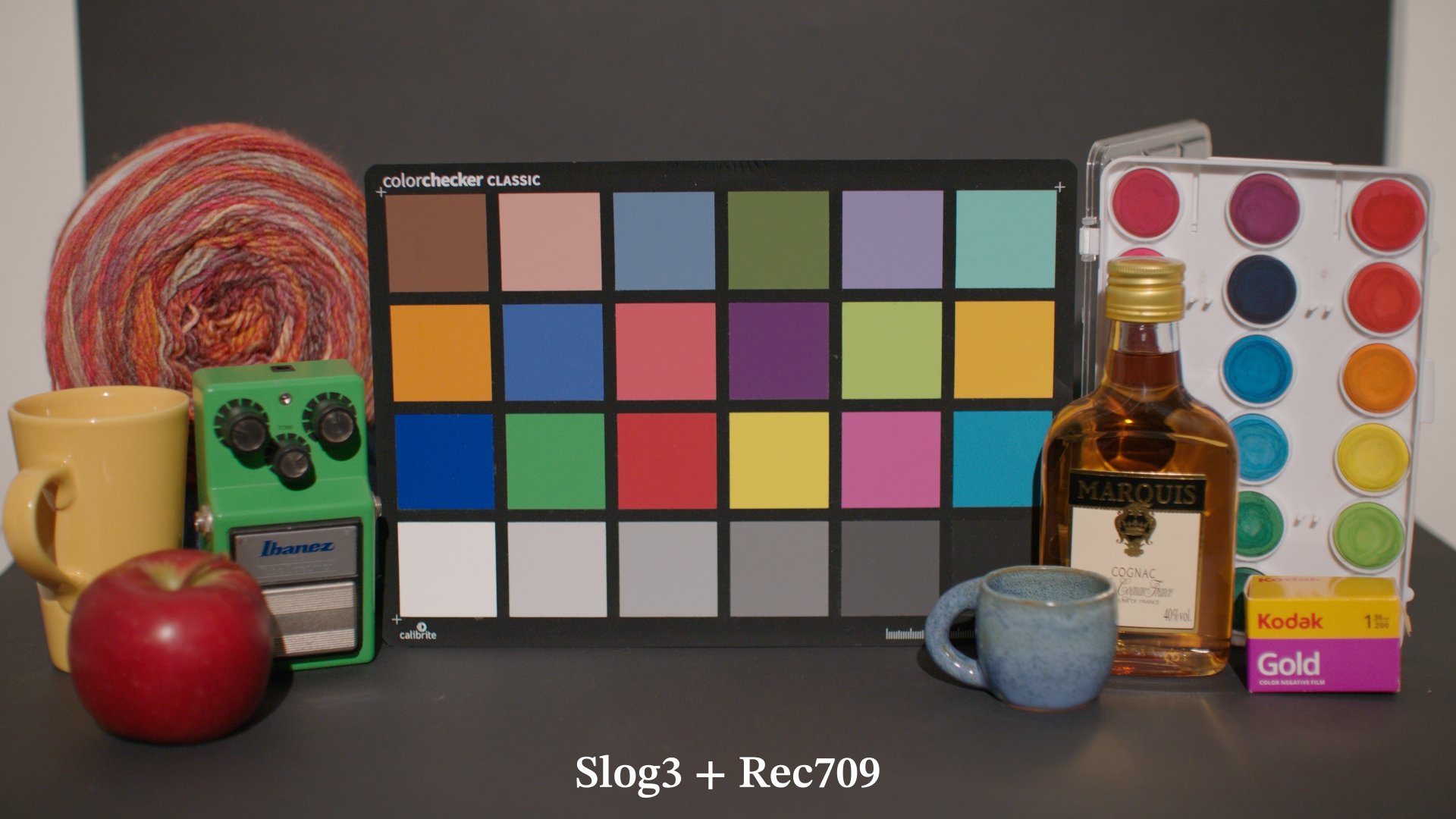
3200K 0EV
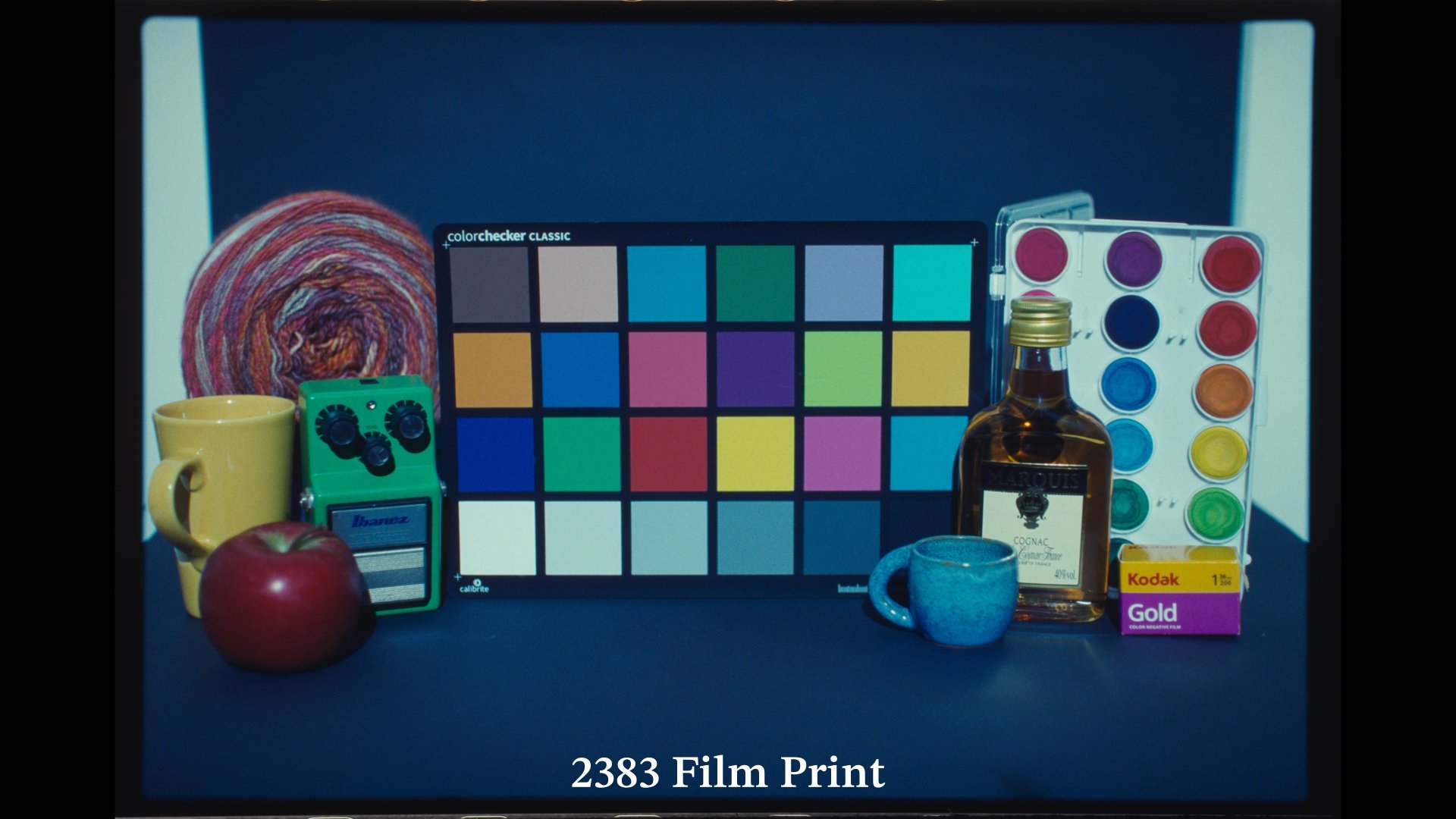
5600K 0EV
5600K 0EV
5600K 0EV
2000K 0EV
2000K 0EV
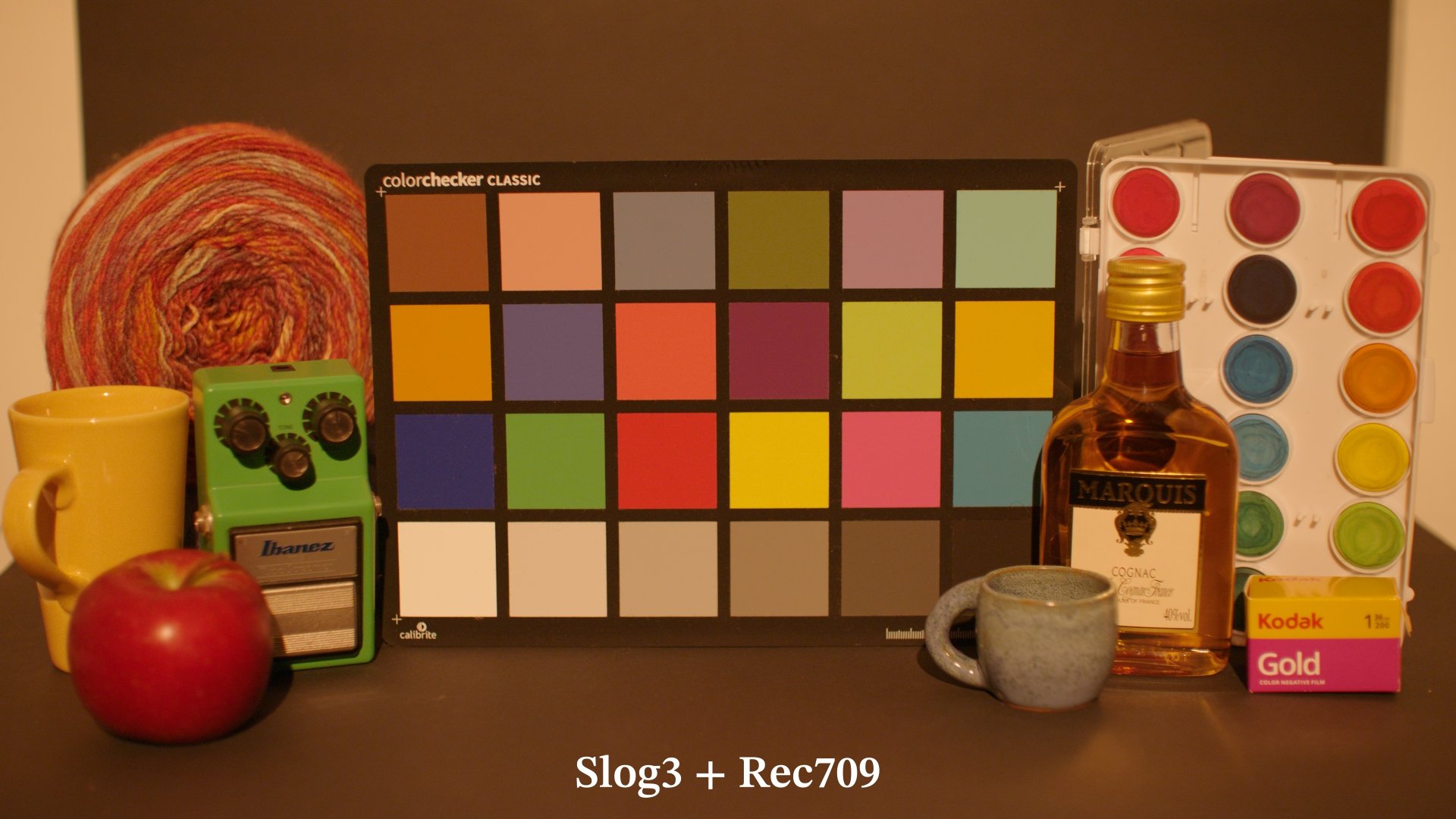
2000K 0EV
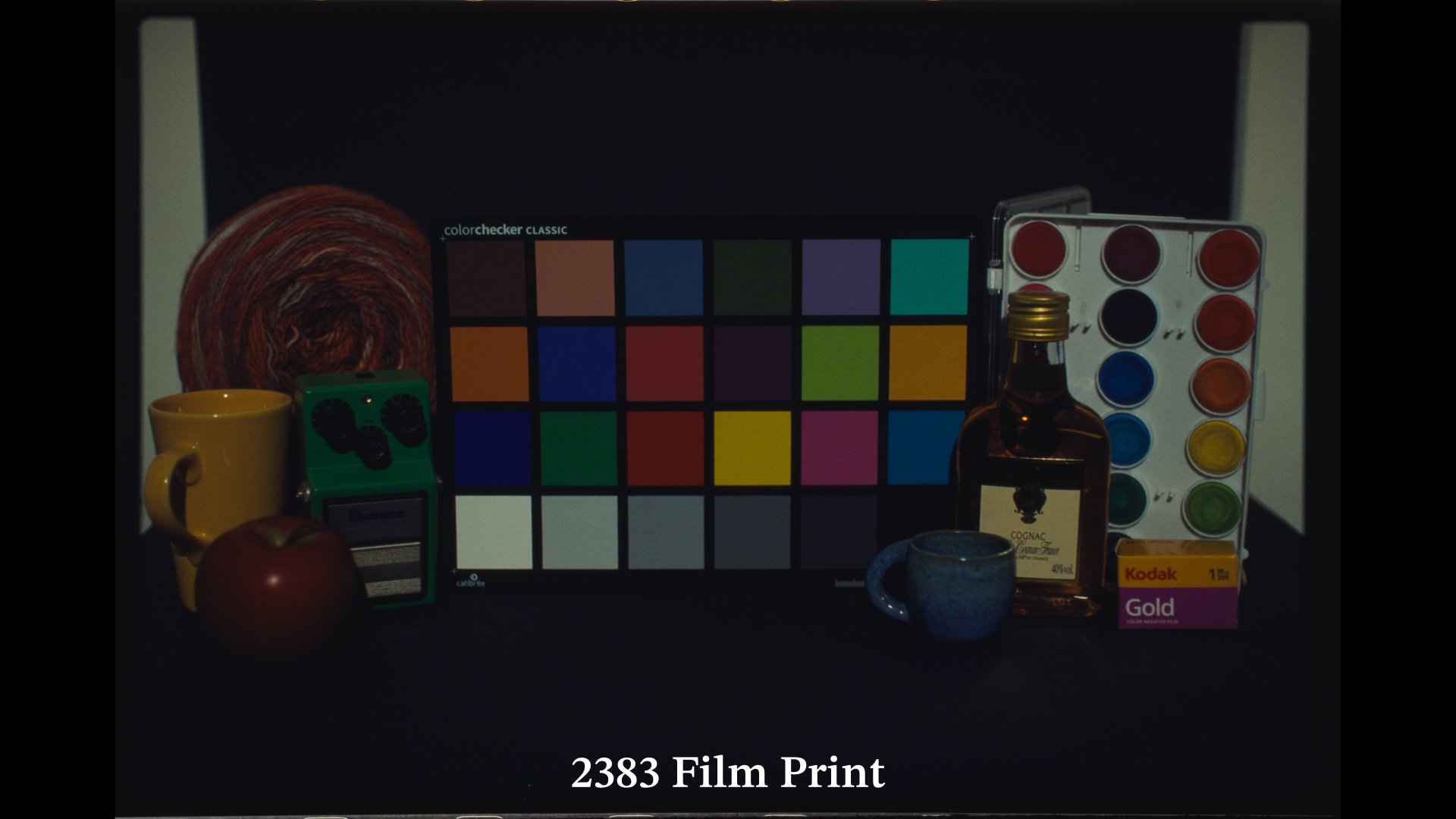
3200K -2EV
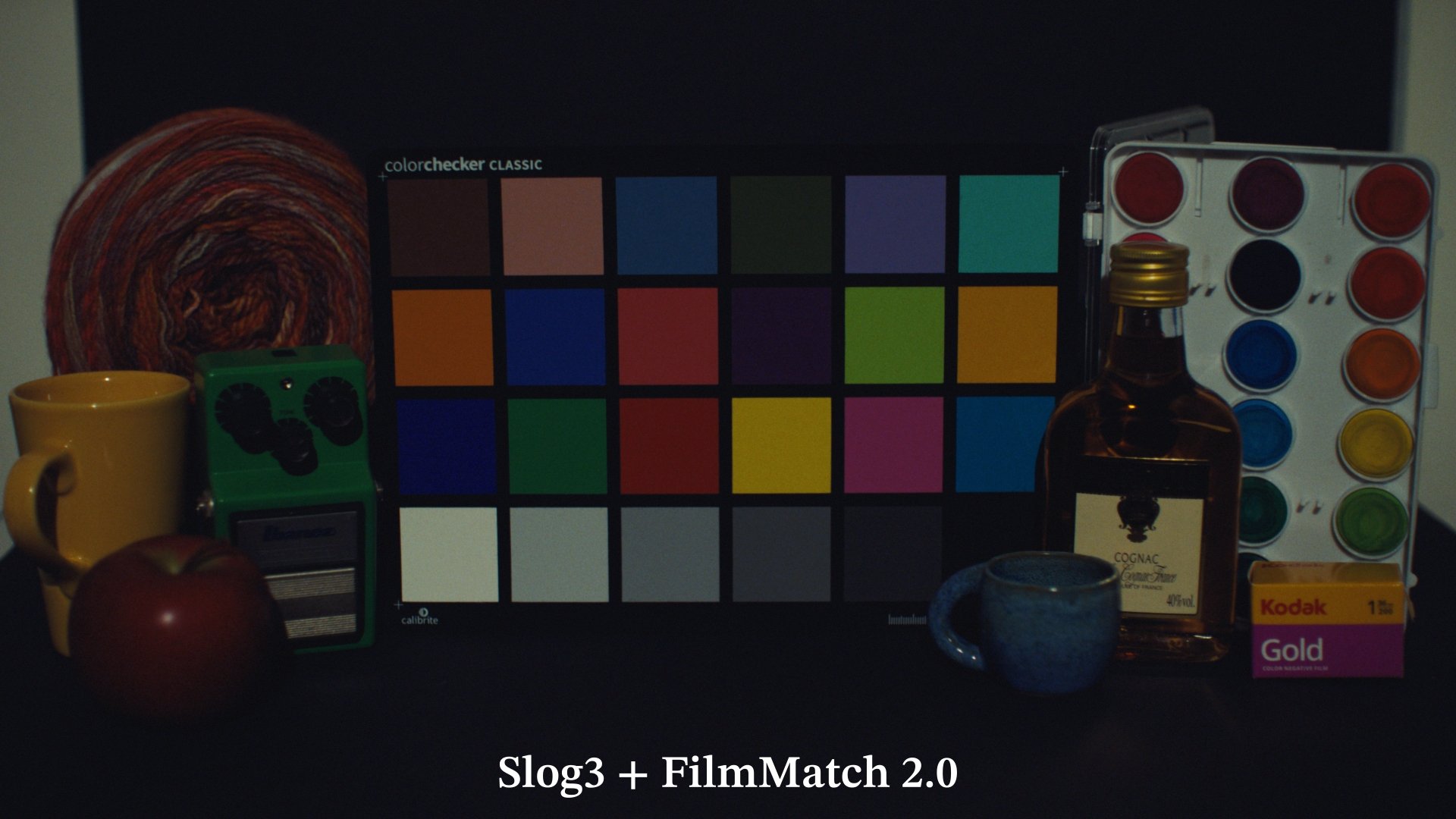
3200K -2EV
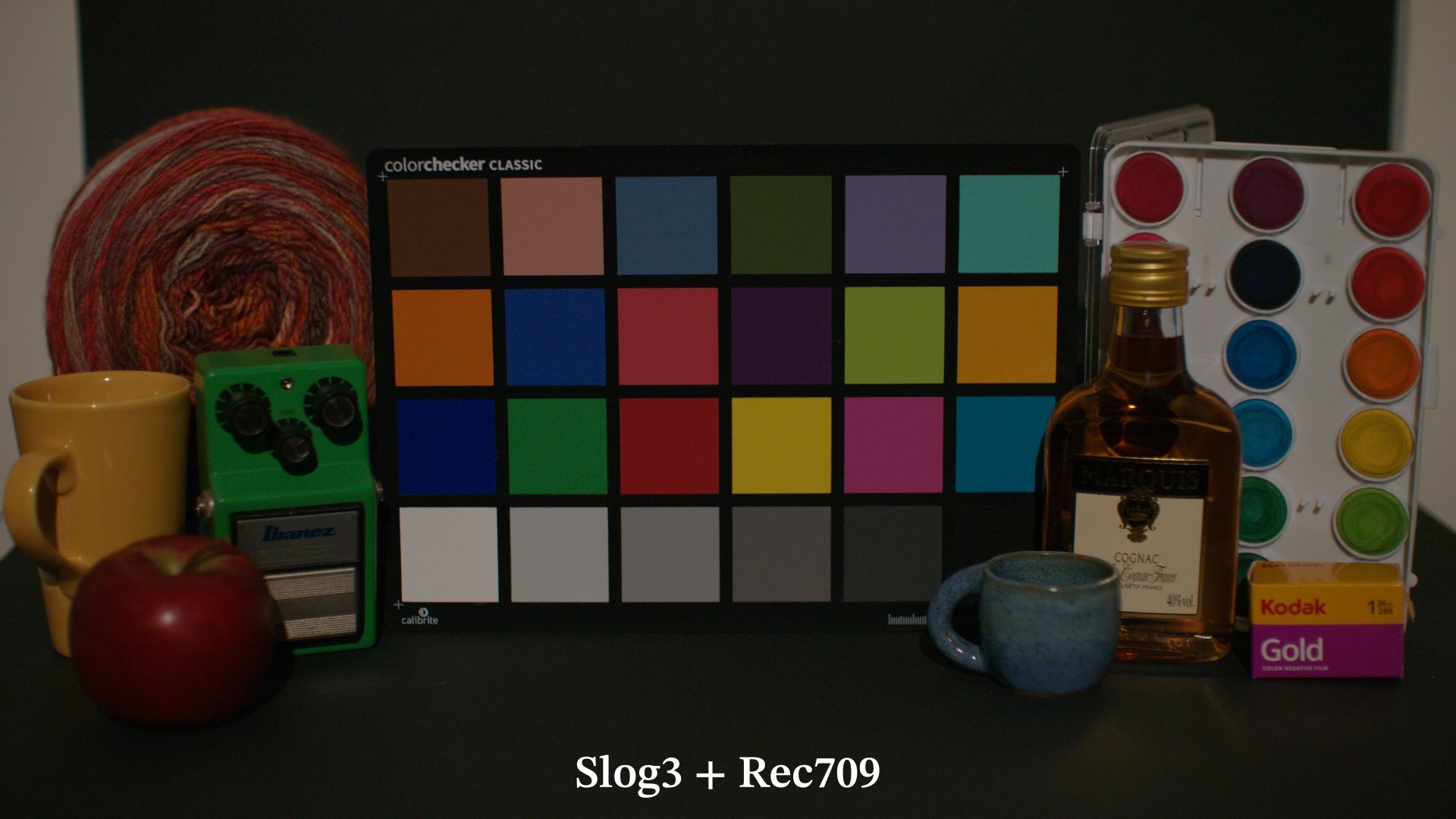
3200K -2EV
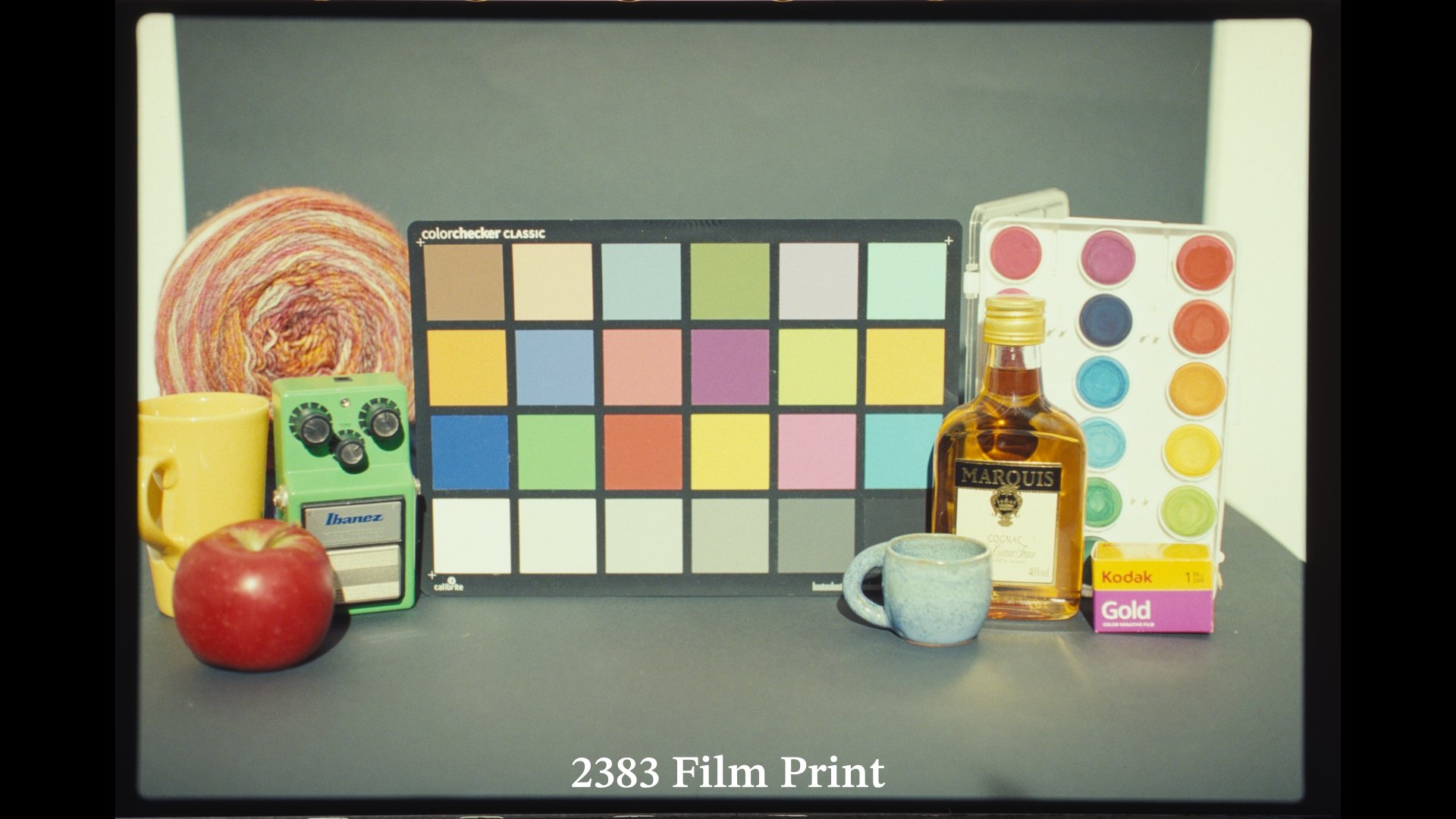
3200K +2EV
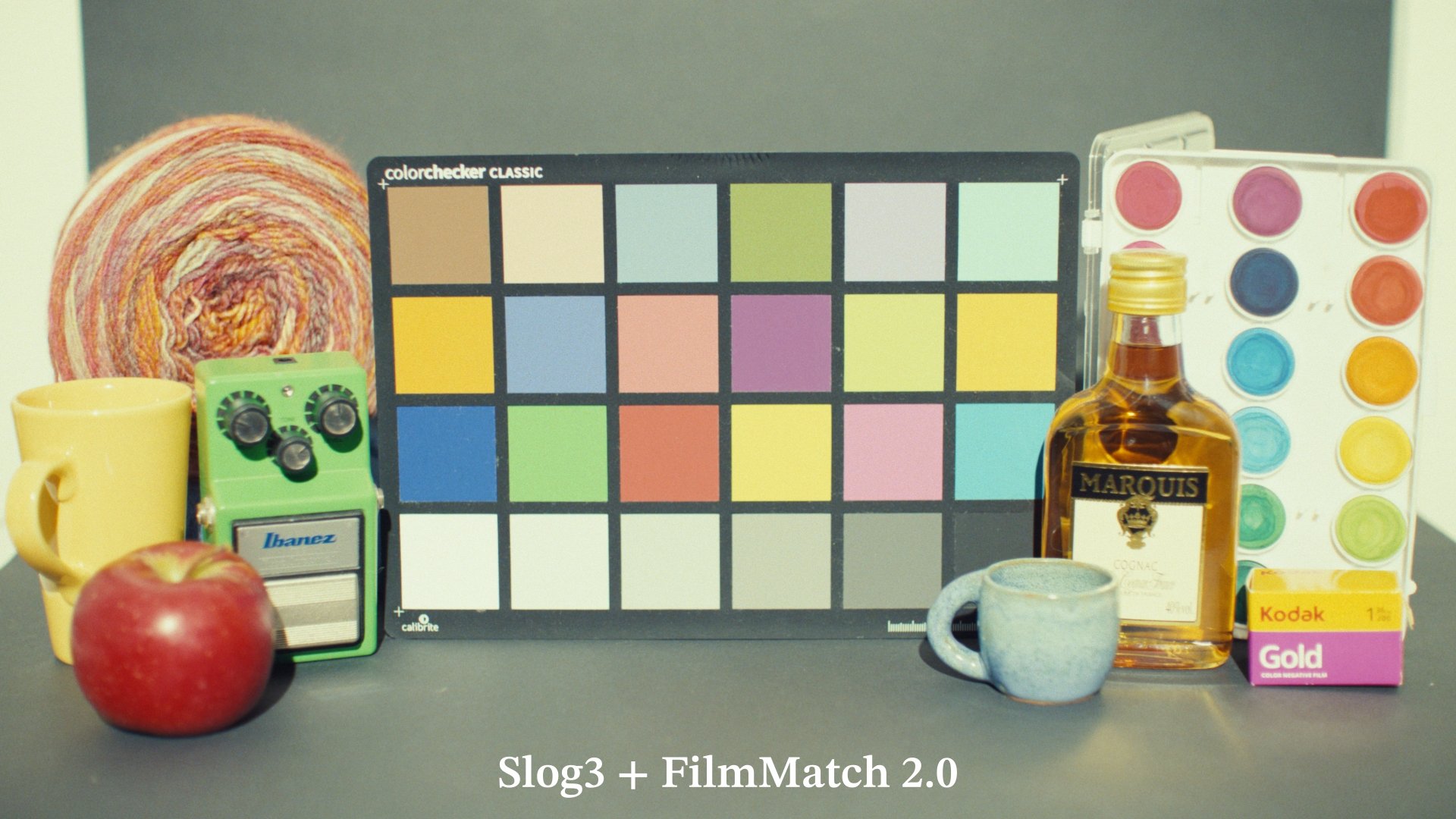
3200K +2EV
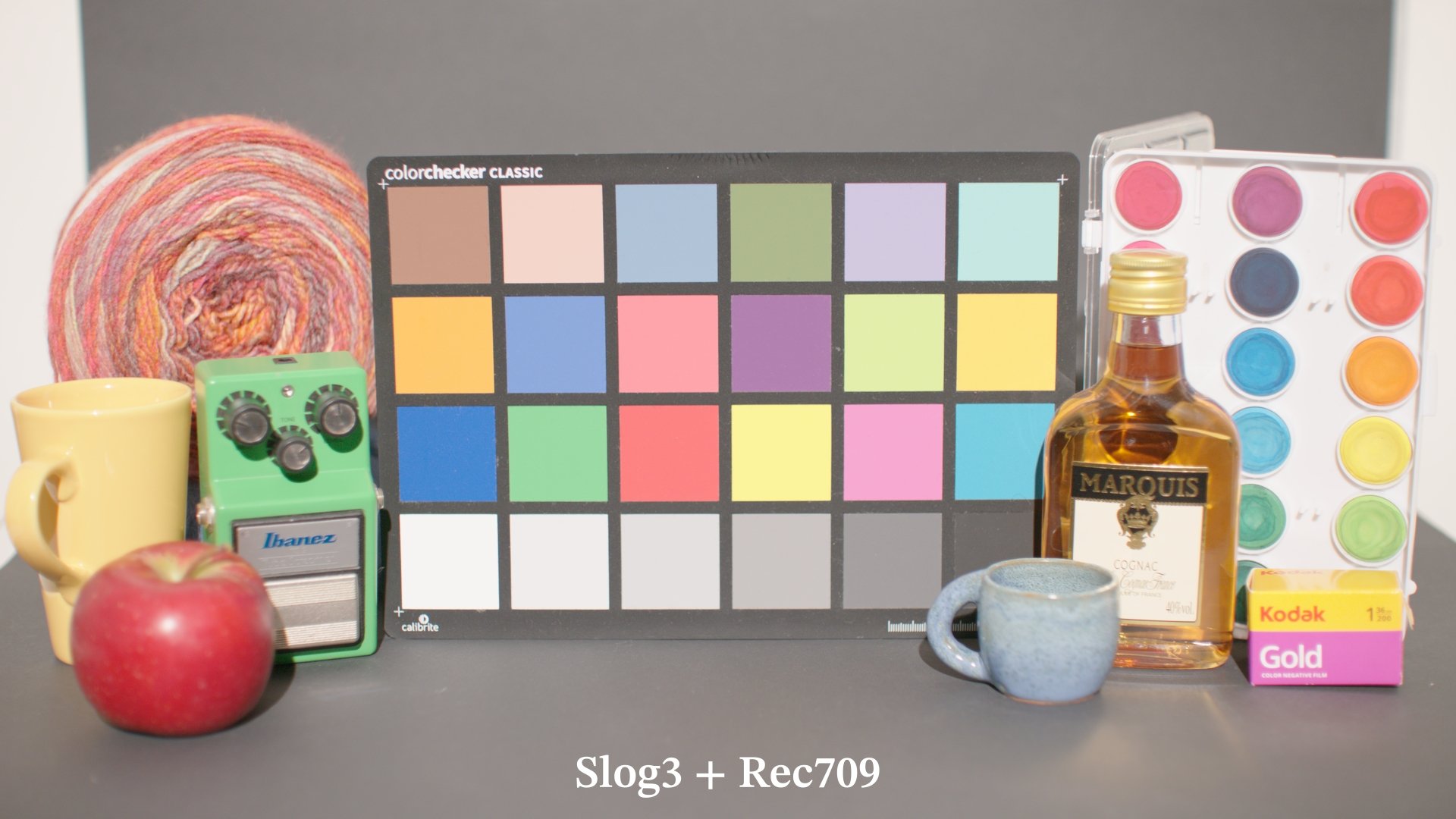
3200K +2EV
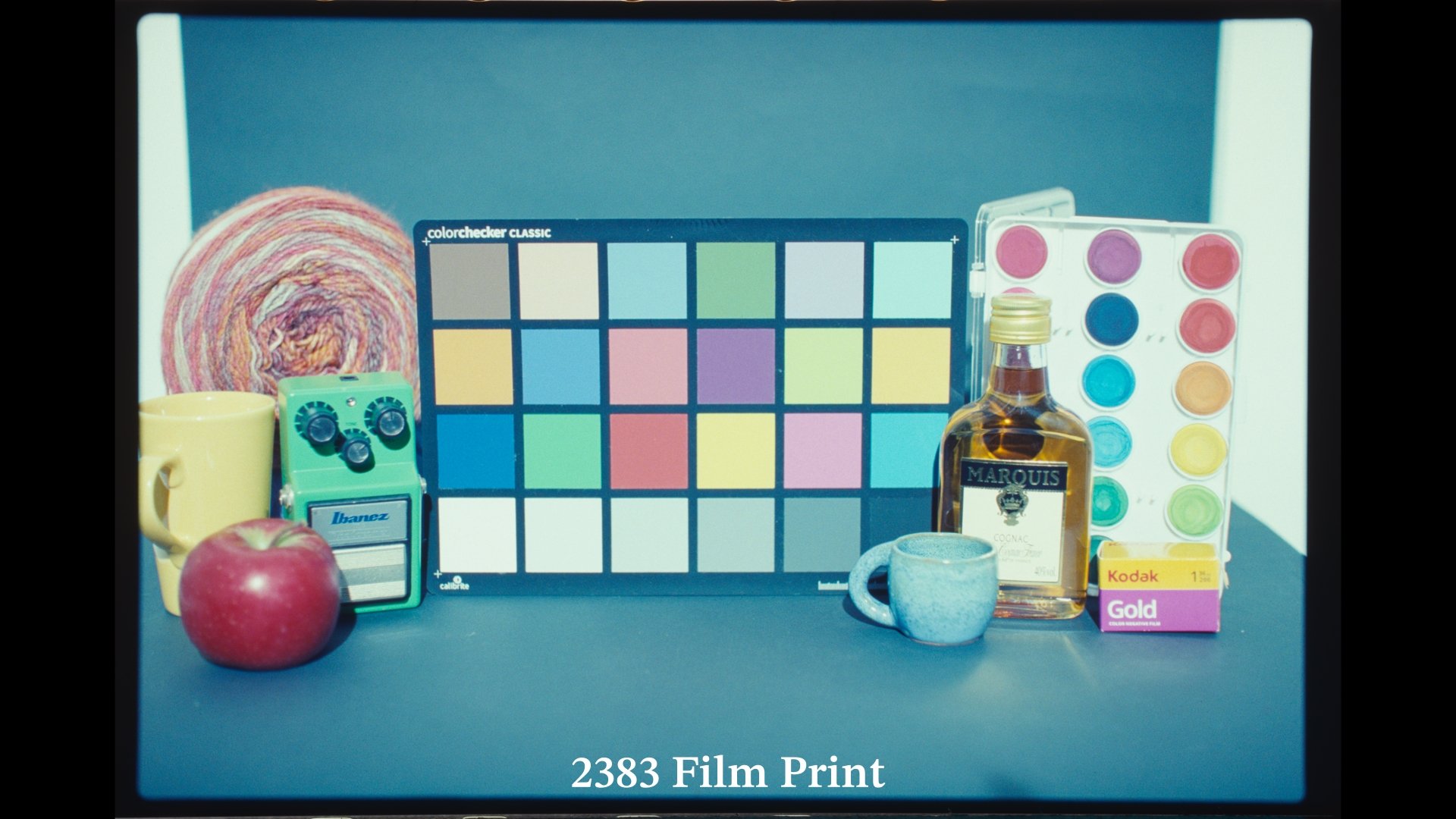
5600K +2EV
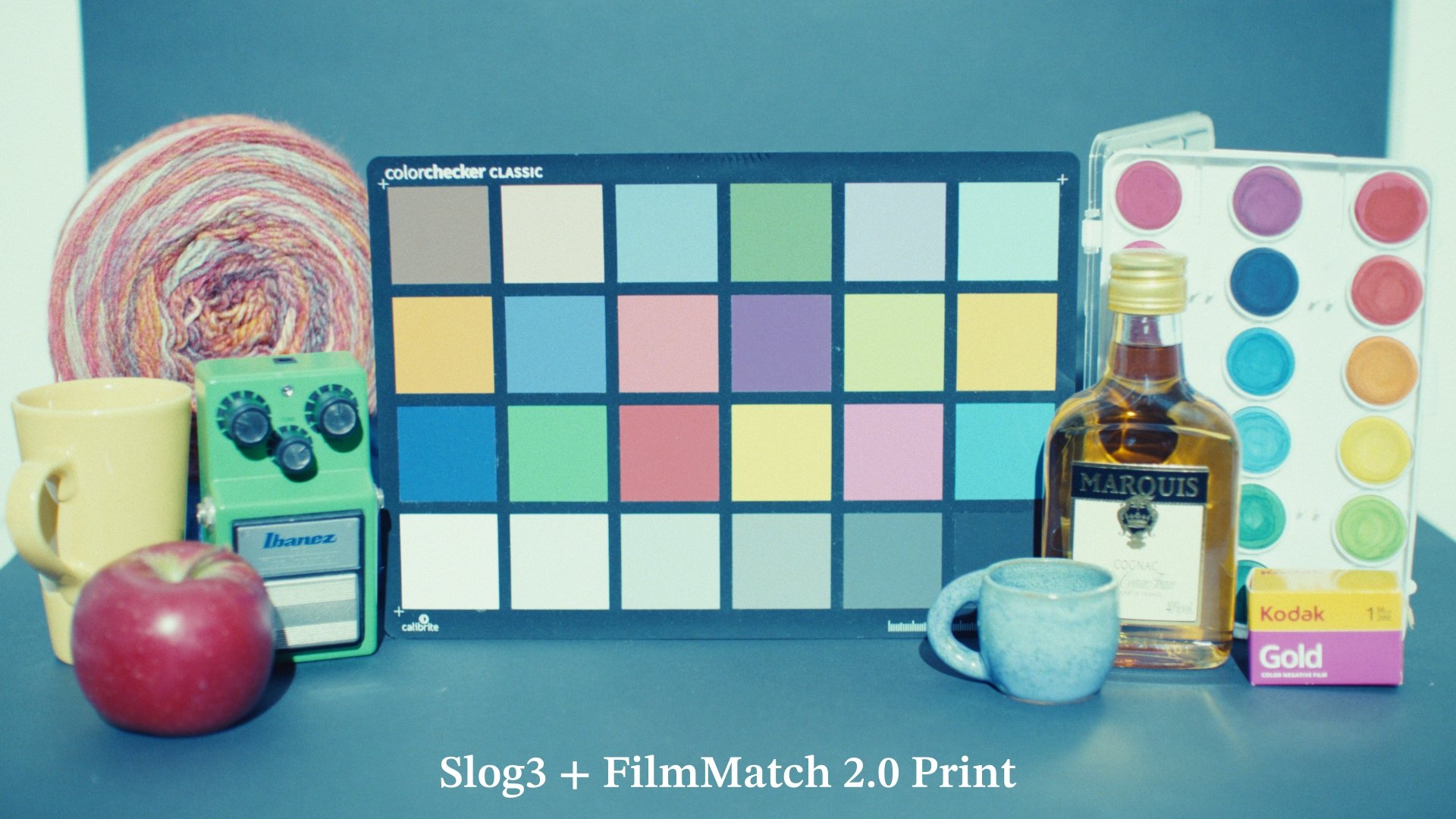
5600K +2EV
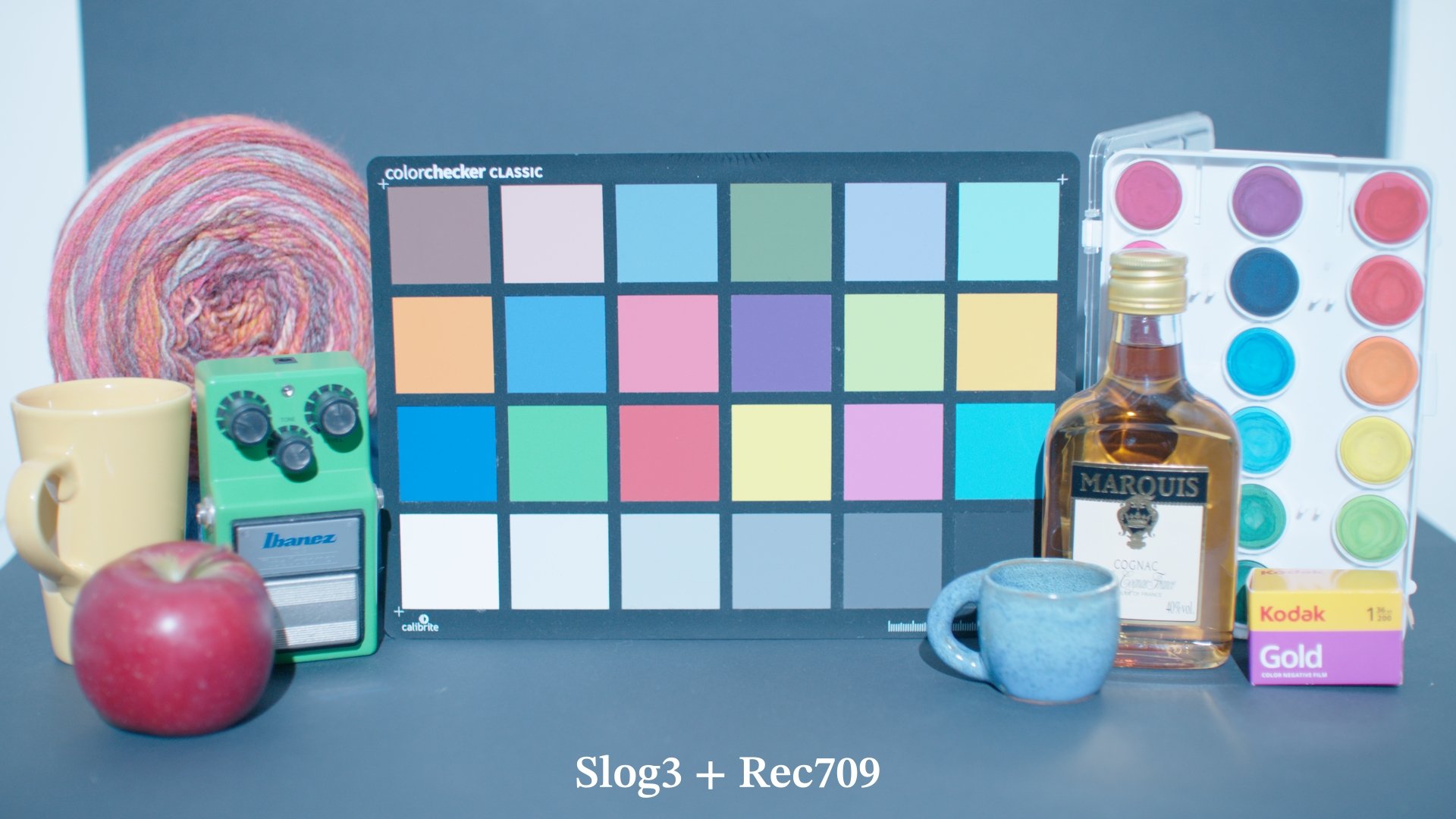
5600K +2EV
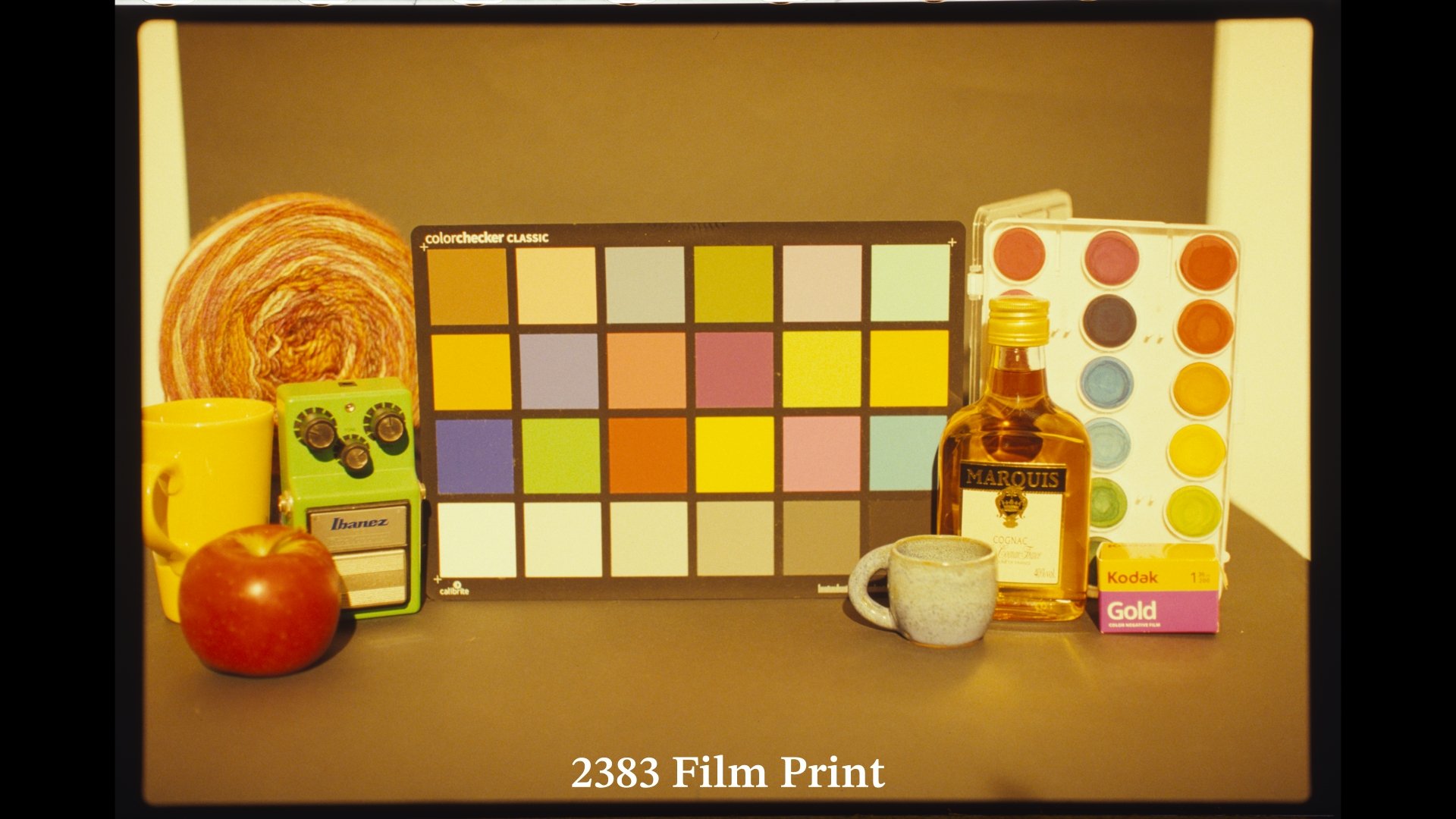
2000K +2EV
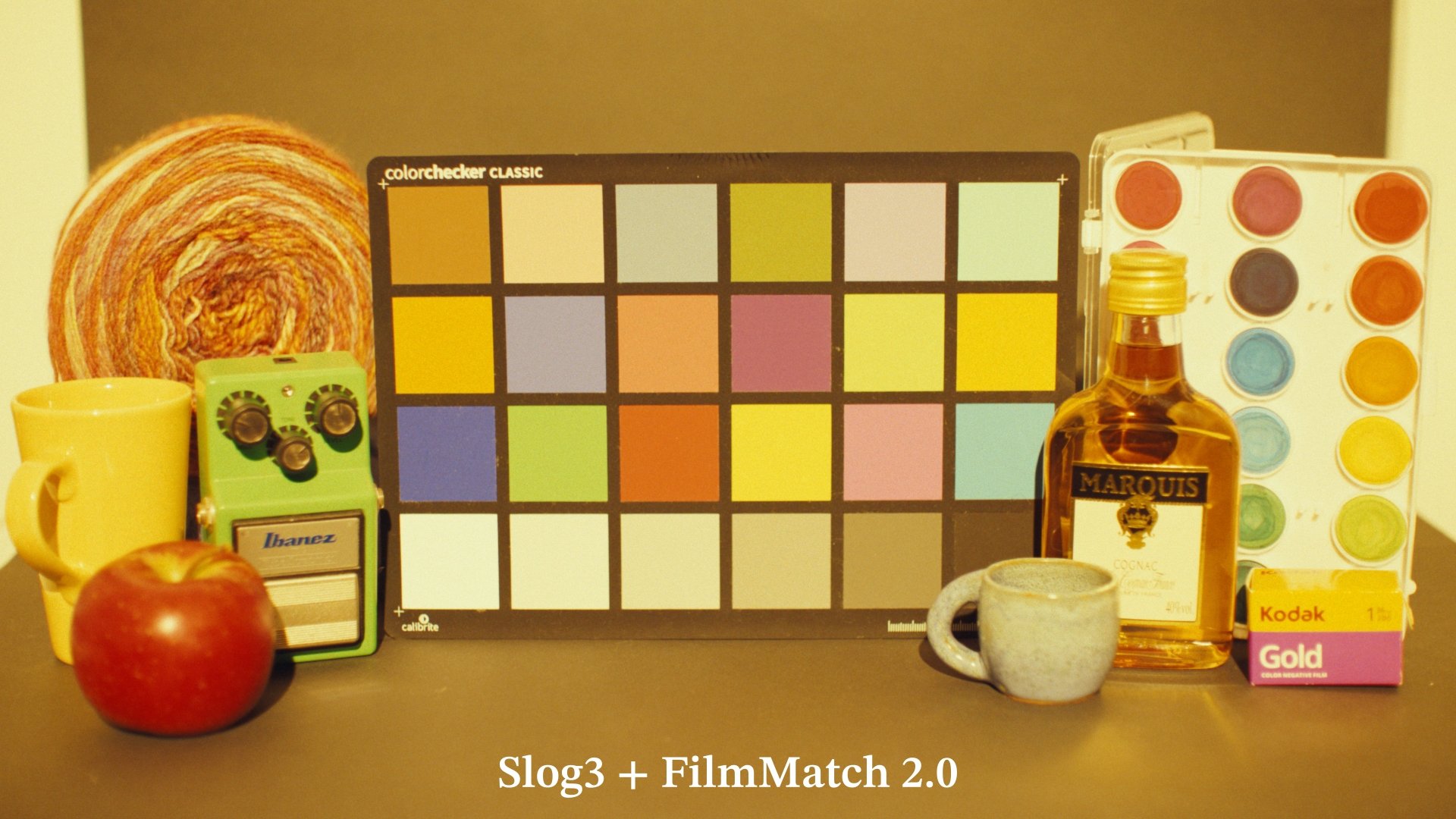
2000K +2EV
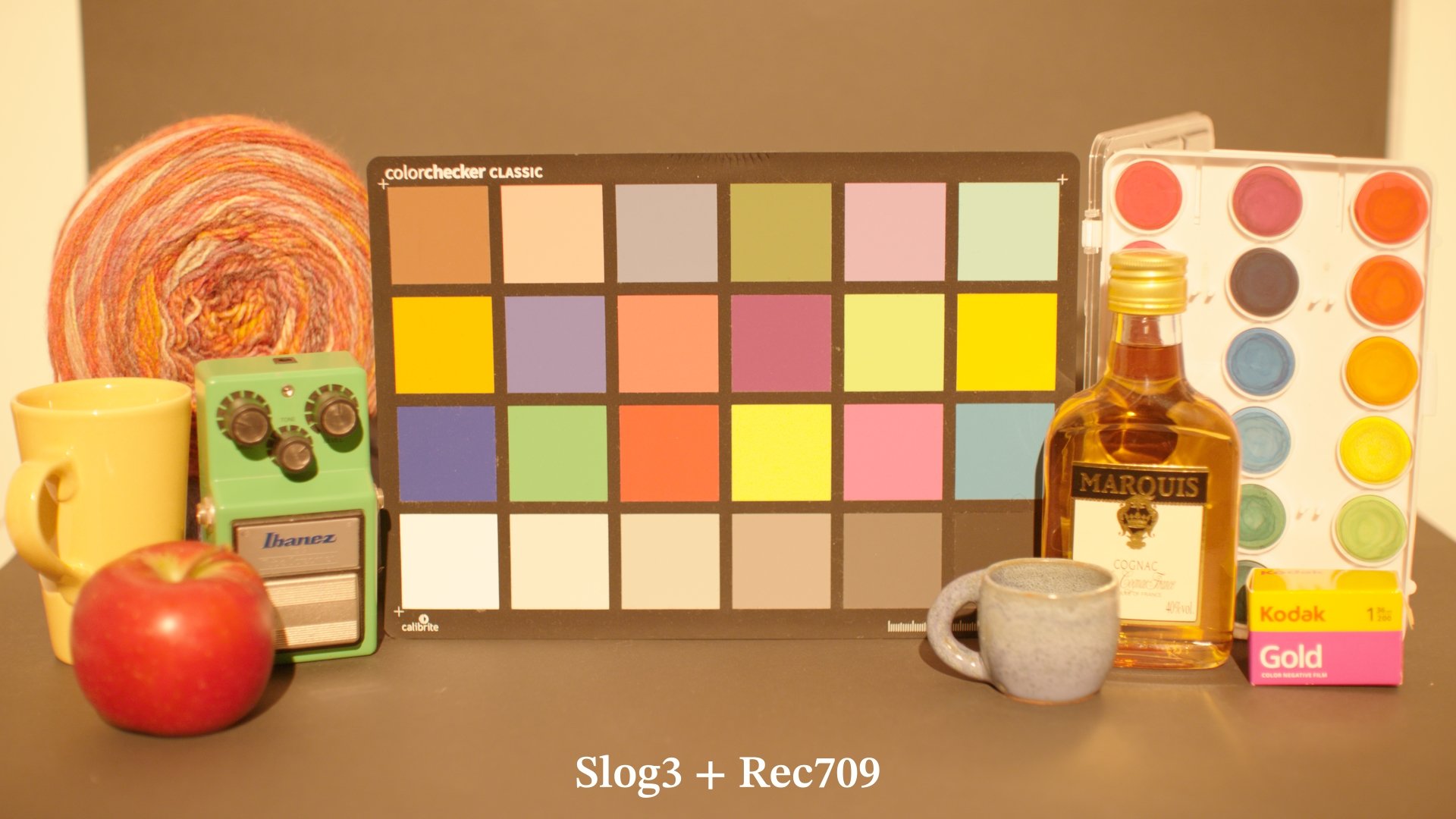
2000K +2EV
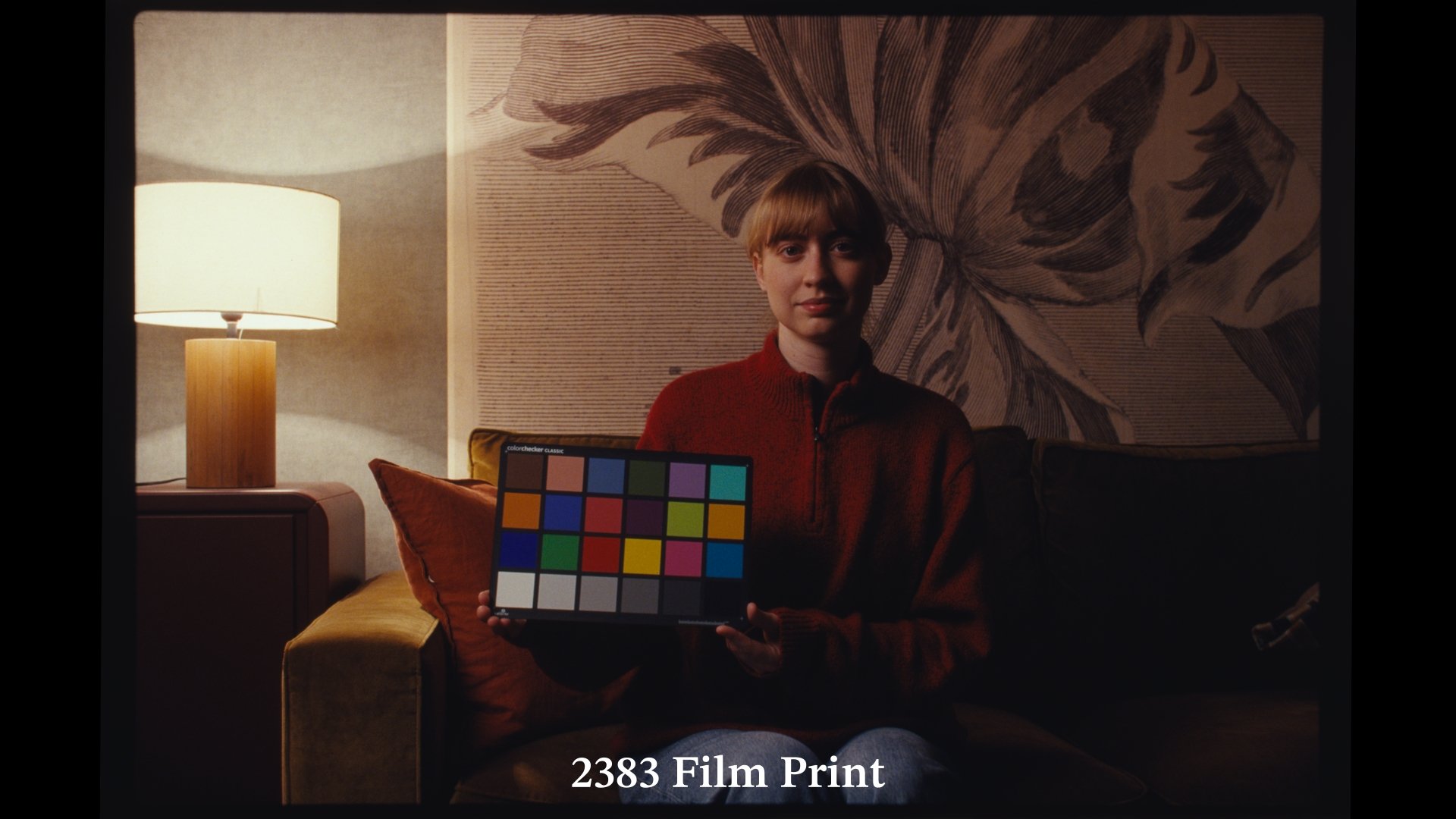
Shot on a different day, with different lights compared to the ones used to create the dataset
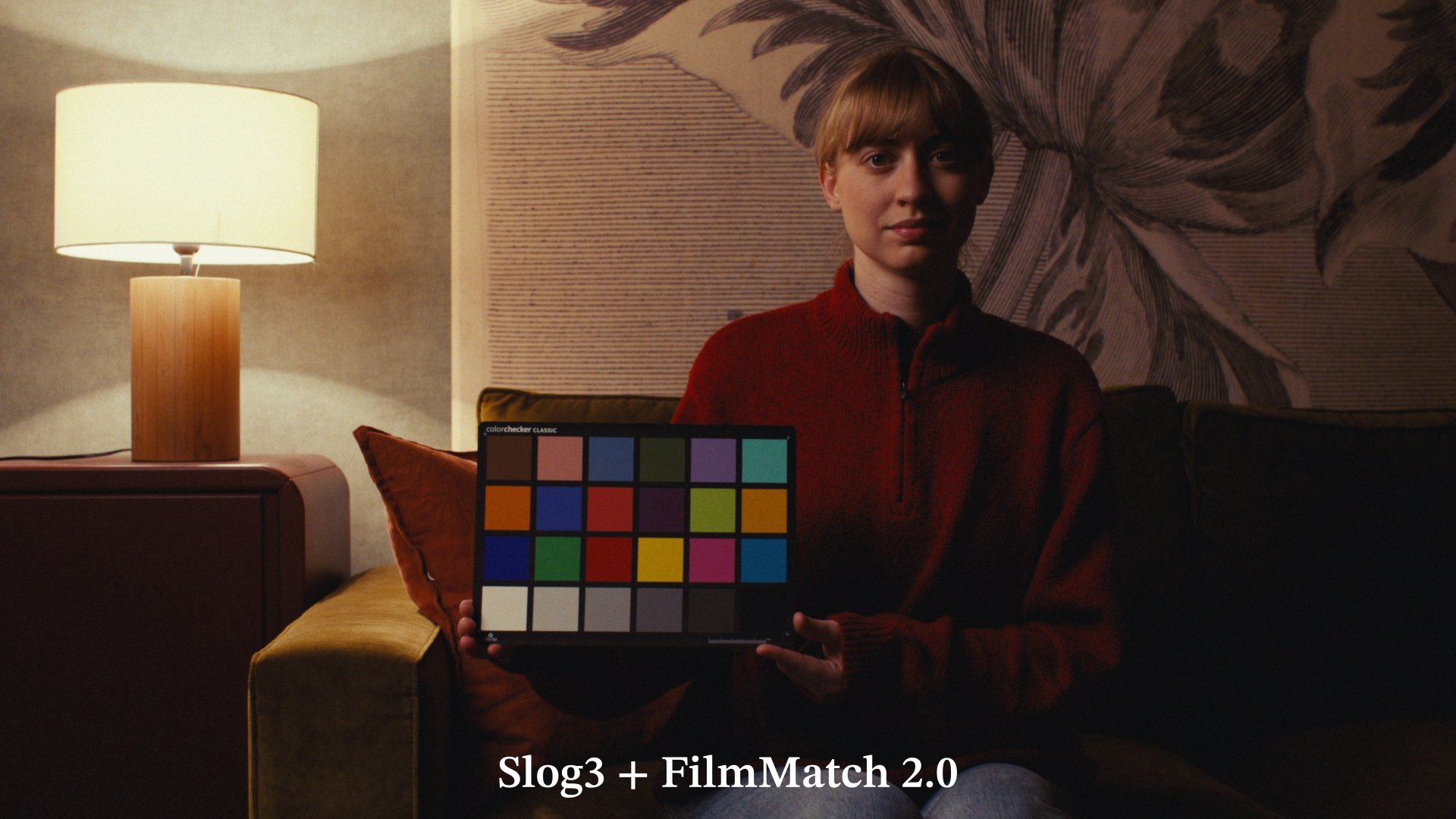
Shot on a different day, with different lights compared to the ones used to create the dataset
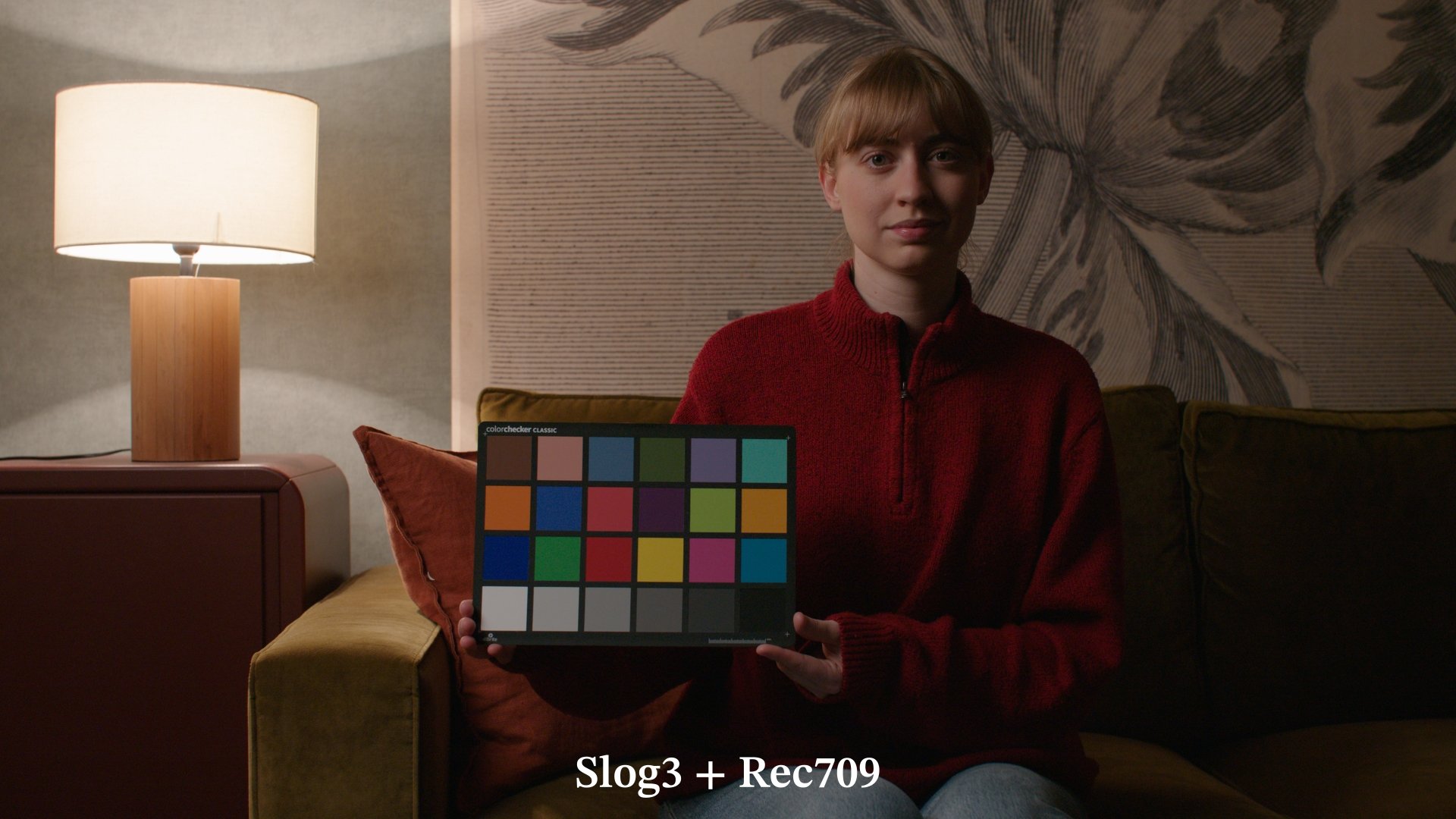
Shot on a different day, with different lights compared to the ones used to create the dataset
“I've recently been using your film emulation LUTs. I have to say these are the best emulations I've seen. I constantly go to the Vista Theater, New Beverly Cinema, and Universal Citywalk to see movies still being projected on real 2383 prints. After decades of watching this format, I can say with confidence that you have cracked the code. I have been using Genesis and Film Box for my film emulation tools, however, I feel Film Match has replaced those tools for me.” Cooper Shine, Senior Colorist at SugarStudios LA
Color is just half of the battle when it comes to convincingly bring the soul of film into a digital pipeline, the other half is Texture
Included with the new FilmMatch 2.0 the Lite version of FilmMatch Texture OFXs suite.
The Suite included 2 OFXs: FilmMatch Halation and FilmMatch Grain.
FilmMatch Grain is a real-time, procedural grain plug-in driven by two powerful components: a Grain Profile and an MTF Profile. The Grain Profile maps the exact behavior of a physical film stock across the exposure range, while the MTF Profile captures the resolving power of the optical system that produced it.
FilmMatch Texture Lite is based on the same engine that drives the full version.
Let me just say, you haven’t seen anything like it before.
Below a comparison of a true16mm film-out and the clean digital footage with the 16mm color and texture profiles applied
FilmMatch 2.0
The power of motion-picture film print at your fingertips. FilmMatch 2.0 combines negative and print-film emulation with film-inspired texture tools for an organic and flexible color-grading workflow.
- Kodak 500T motion-picture negative emulation
- Iconic 2383 film-print emulation based on measured data
- FilmMatch Halation Lite OFX
- FilmMatch Grain Lite OFX
- 16mm film-out LUT included
- PowerGrade for DaVinci Resolve 20 or later
- LUTs for DaVinci Resolve and other compatible software
- One-time purchase with no recurring fees
Please check the requirements for your platform before purchasing.
- Apple Mac running macOS 14.5 or later
- DaVinci Resolve Studio 20 or later for FilmMatch plug-ins
- DaVinci Resolve 20 or later for the PowerGrade
- Windows 11 x64
- DaVinci Resolve 20 or later
- GPU with 4 GB VRAM; 8 GB recommended for 4K
- NVIDIA CUDA GPU recommended and fully tested
- AMD/Intel OpenCL 1.2 GPUs supported in beta
- Windows ARM and CPU-only systems are not supported
The included LUT color transformations can also be used in other compatible editing and color-grading applications.
Secure checkout powered by Lemon Squeezy
Included with FilmMatch 2.0 also the 16mm Film-out LUT from the video above.
WHAT’S IN IT
Node Tree Breakdown
CST — Camera Input
Transforms footage from your camera’s native color space and gamma into Sony S-Gamut3.Cine / S-Log3, the working space used by FilmMatch.
Set the Input Color Space and Input Gamma to match your footage.
Log to Linear
Converts the image from S-Log3 to linear light. This is a technical node and should not be changed.
Balance
Use this node for exposure and white-balance corrections before the negative emulation.
Because it operates in linear light, use the Gain wheel rather than Offset for natural, camera-like adjustments.
Linear to Log
Converts the balanced image back to S-Log3. This is a technical node and should not be changed.
Halation
Contains the FilmMatch Halation Lite OFX plug-in.
Choose between the 35mm and 16mm profiles and adjust the effect as needed.
Kodak 500T Negative
Contains the Kodak 500T Film Stock LUT, transforming the incoming log signal into a Cineon-encoded representation of a Kodak 500T negative scan.
Creative Grading
Use these empty nodes for contrast, color, density, saturation, secondaries, keys, windows, and other creative adjustments.
Add more nodes here as needed.
2383 Print
Contains the 2383 Film Print LUT, creating the final contrast, density, saturation, and color character of the film-print stage.
FilmMatch 2.0 Film-out does not include the Kodak 500T negative emulation and instead uses the Film-out LUT as its output transform.
Grain & MTF
Contains the FilmMatch Grain Lite OFX plug-in.
Choose between 35mm and 16mm grain and MTF profiles, matching the MTF format to the selected grain format for the most coherent result.
FAQ
What camera does it support?
FilmMatch works with footage from any camera. Set the first CST node’s Input Color Space and Input Gamma to match your footage.
What color space do the LUTs output?
The Kodak 500T Negative LUT outputs a Cineon-encoded negative scan. The 2383 Print LUT completes the pipeline and outputs Rec.709 Gamma 2.4.
What are the system requirements?
The PowerGrade requires DaVinci Resolve 20 or later.
The FilmMatch DaVinci Resolve plug-ins require an Apple Mac running macOS 14.5 or later, together with DaVinci Resolve Studio 20 or later.
Can I use the free version of DaVinci Resolve?
The LUT-based color transformations can be used in the free version, but the included OFX plug-ins require DaVinci Resolve Studio.
Can I use the LUTs in other software?
Yes. The included .cube LUTs can be used in compatible color-grading applications. The PowerGrade structure and OFX plug-ins are designed for DaVinci Resolve.