Matching Digital to Film
Manual Matching
With the manual match we are going to align the curves using the greyscale chart patches first across the exposure range, and once those are aligned we can take choose an exposure bracket like the 0EV charts and use a tool like Tetra Automator (DCTL for Resolve or … for Nuke) to bring the color patches into alignment. With this simple workflow we can align the contrast curve pretty well, but matching the color rendition of a film stock requires a little bit more then what tool like Tetra can do. First of all Tetra is just a matrix on steroids, it allows for more control than a matrix, but the manipulation is still totally linear. Second with Tetra we are referencing only the color rendition at one particular exposure. But the color rendition of film is non linear across the exposure range. This means that with this workflow we can match pretty accurately the rendition at 0EV (or another exposure range) but we our match won’t be accurate for +3EV or -2EV. Hence we cannot capture the complexity required for a true emulation.
Nonetheless, this technique can provide a quick and dirty emulation that can serve as a starting point for any type of look development.
HERE A VIDEO LESSON ON MANUAL MATCHING
Staying in the realm of manual matching one could use a tool like Gamut Manipulator DCTL from Kaur Hendrickson which allows to manipulate specific areas of the gamut independently. This would allow to perform a more accurate match across the exposure range. While this tool is pretty powerful it’s clearly meant for look development, not for scientific film emulation.
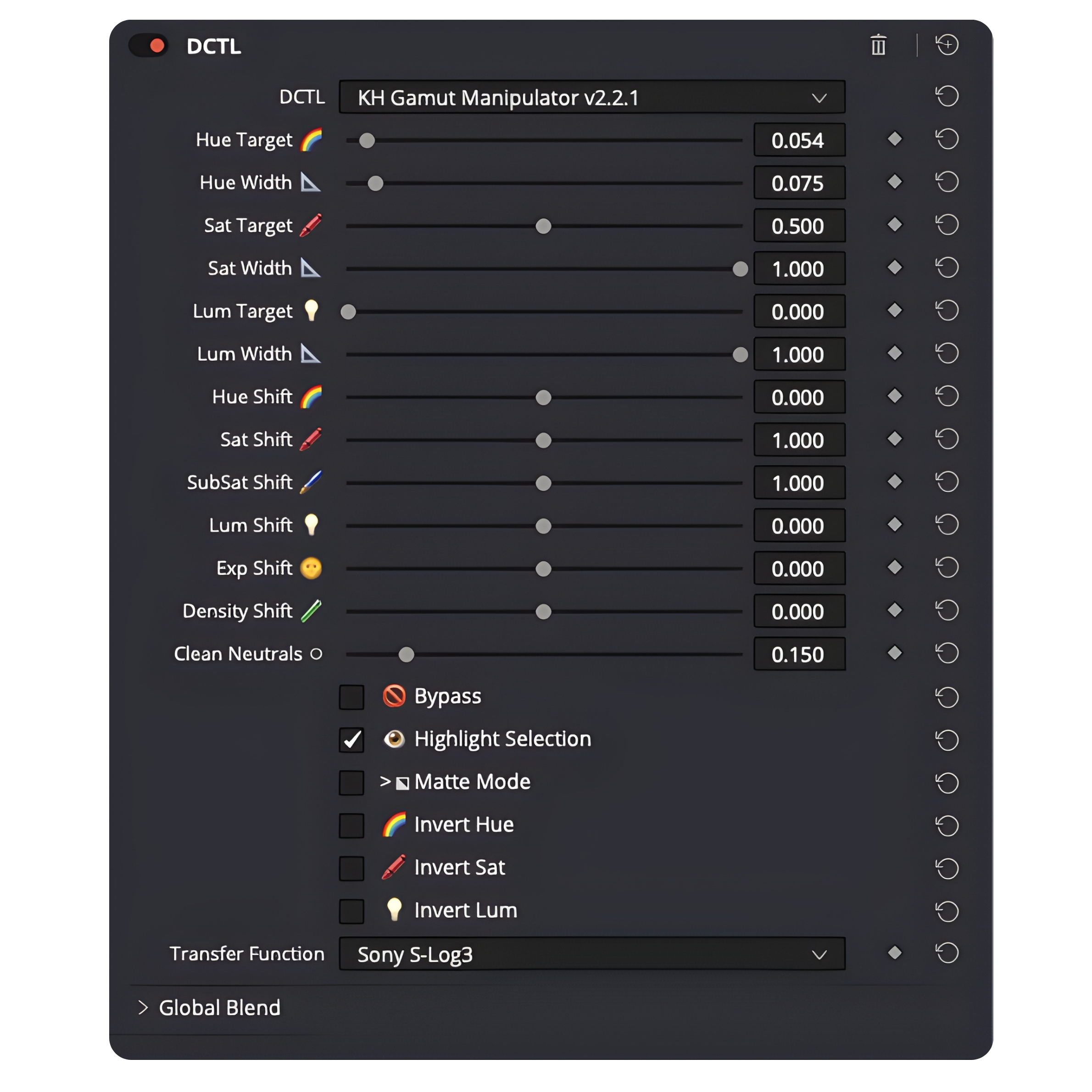
The thing is that manual matching has one big problem, it’s almost impossible to perform accurately when using a huge amount of color samples. And a huge amount of color samples is what is required for an accurate emulation.
This leads me to my preferred method: using a color matching algorithm.
How to match digital to film with a Color Matching Algorithm
In order to use a color matching algorithm we first need to extract the RGB values from the digitally shot color charts and from the charts shot on film. Once we have those RGB values (normally stored in a .txt/csv file) the matching algorithm treats the digital camera as a source dataset and the film stock as a target dataset. The beauty of this approach is that if we use a quality algorithm with well shot datasets we will get an extremely accurate match all across the exposure range capturing the film stock non linear behaviors.
What are the matching algorithms at your disposal?
I bought Matchlight from LightIllusion a few years ago as for a long time that was the only option available. Unfortunately MatchLight is a quite expensive pieces of software (500 pounds + a license of Colourspace to convert the color transformation from MatchLight into a usable LUT). At the same time the quality of the color transformation can be poor when matching digital to a film stock and here’s why: when creating the datasets there is going to be some inconsistencies and outliers that can’t be completely avoided. Especially on film there could be some shutter fluctuations, or scanning inconsistencies that are hard to fully eliminate. MatchLight is not very good at handling the “noise” in the datasets (outliers caused by the inconsistencies mentioned above). Therefore the match produced won’t be all that accurate, which is a shame considering the steep entry point of 800 euros (matchlight+ colourspace license)
Another options would be cameramatch from Ethan-ou which is a free open source algorithm available on GitHub (click the link to take a look).
Still, I found that the available options were not giving me the accuracy I was looking for, especially when seeing the results from Steve Yedlin proprietary scattered data interpolation algorithm (a fancy way of saying a color matching algorithm). I also was convinced that big post production facilities had access to proprietary software, that I just couldn’t get my hands on. So I decided to develop my own algorithm. After a year of research and development I finally developed what became ColourMatch.
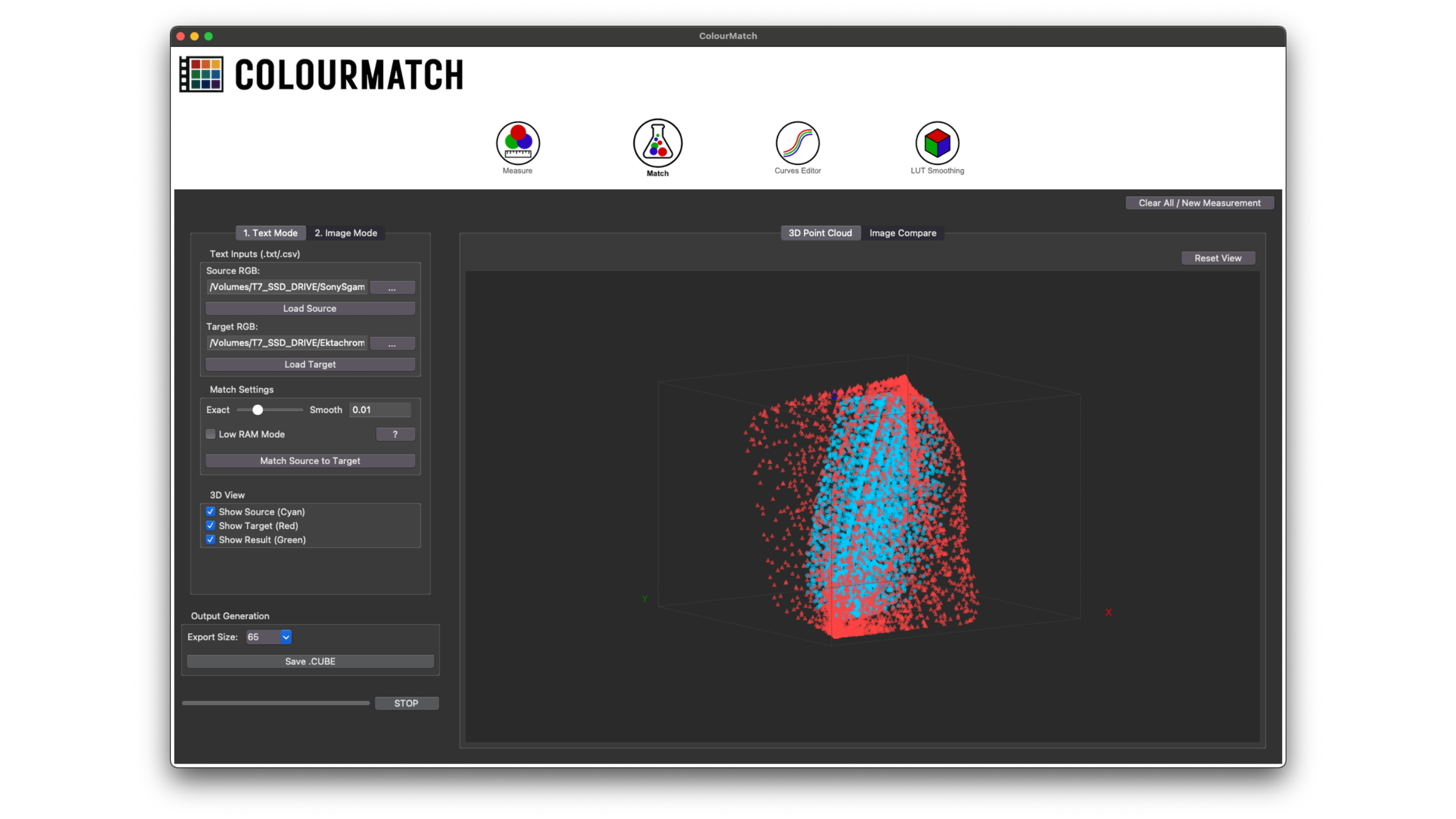
If you want to see how the 3 algorithms (MatchLight, cameramatch, ColourMatch) perform, I have a blog post here where I compare them side by side.
ColourMatch started as a small web app which I released in August 2025, over the course of the months I then transformed it into a full desktop app as color matching and LUT manipulation suite, with the intent of making it affordable for everybody. Now ColourMatch includes: a RGB sampling tool, a new improved color matching algorithm that is robust with big and small datasets alike, a Curves Editor (to rewrite the curves of a LUT) and a LUT smoothing algorithm.
It’s intended to make the whole process as frictionless as possible, from the sampling of the RGB values all the way to the final output 3D LUT. The performance of ColourMatch is impacted by the quality of the dataset and by the amount of data provided for it to figure out the transformation. The algorithm responds pretty well to outliers in the dataset, which means that small inconsistencies and variations in exposure given by the nature of the photochemical process and the slight camera shutter fluctuations are handled very well. That being said, if the inconsistencies are not small and come from a non reliable shutter speed on your film camera, it will perform sub-optimally. You can find out more about ColourMatch here
In the following video a demonstration of how it can be used for accurate Film Profiling, matching a Sony Fx3 to a Kodak Ektachrome slide film.