Real film, measured and matched from data.
The process
Built on measured data.
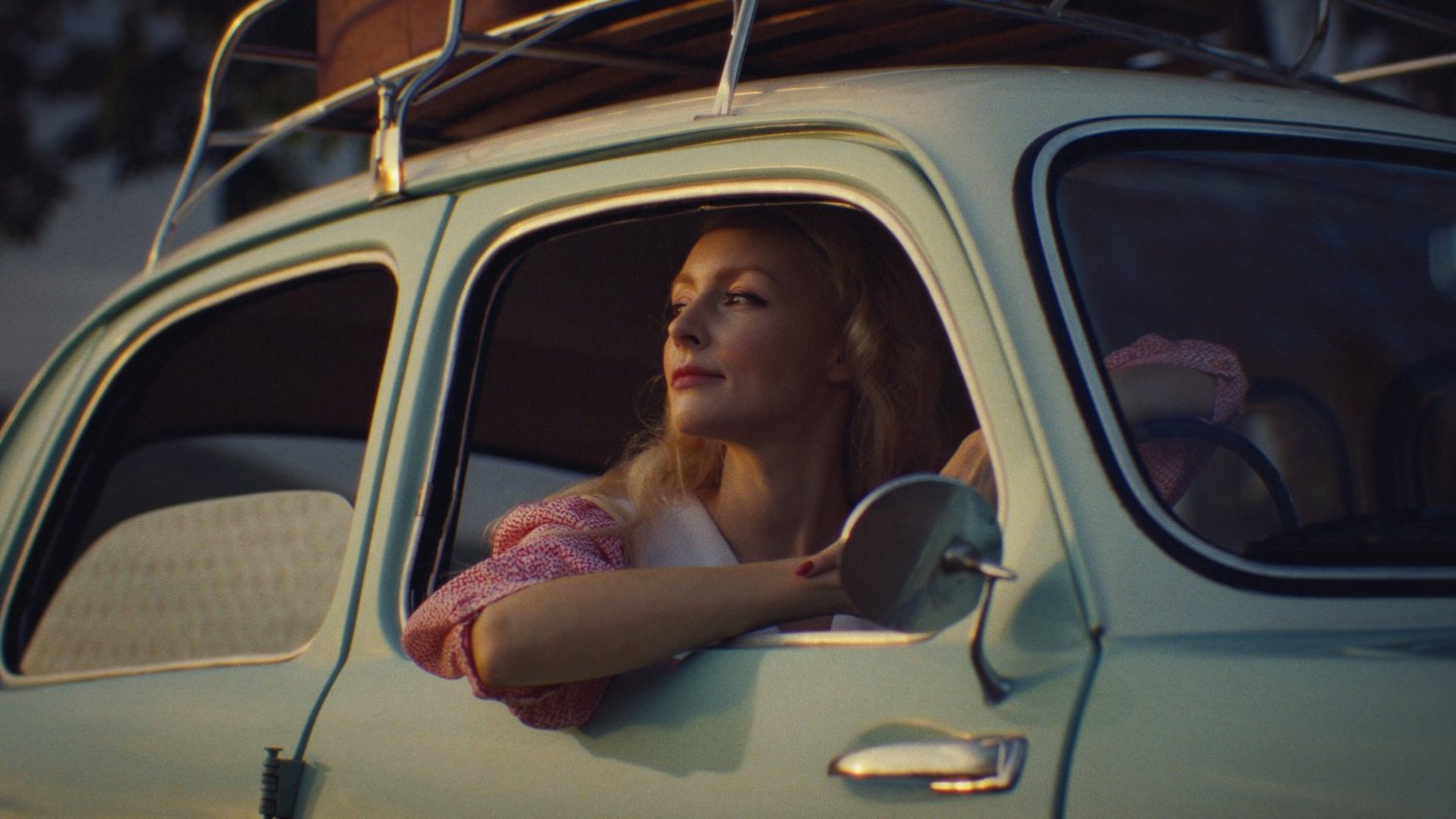
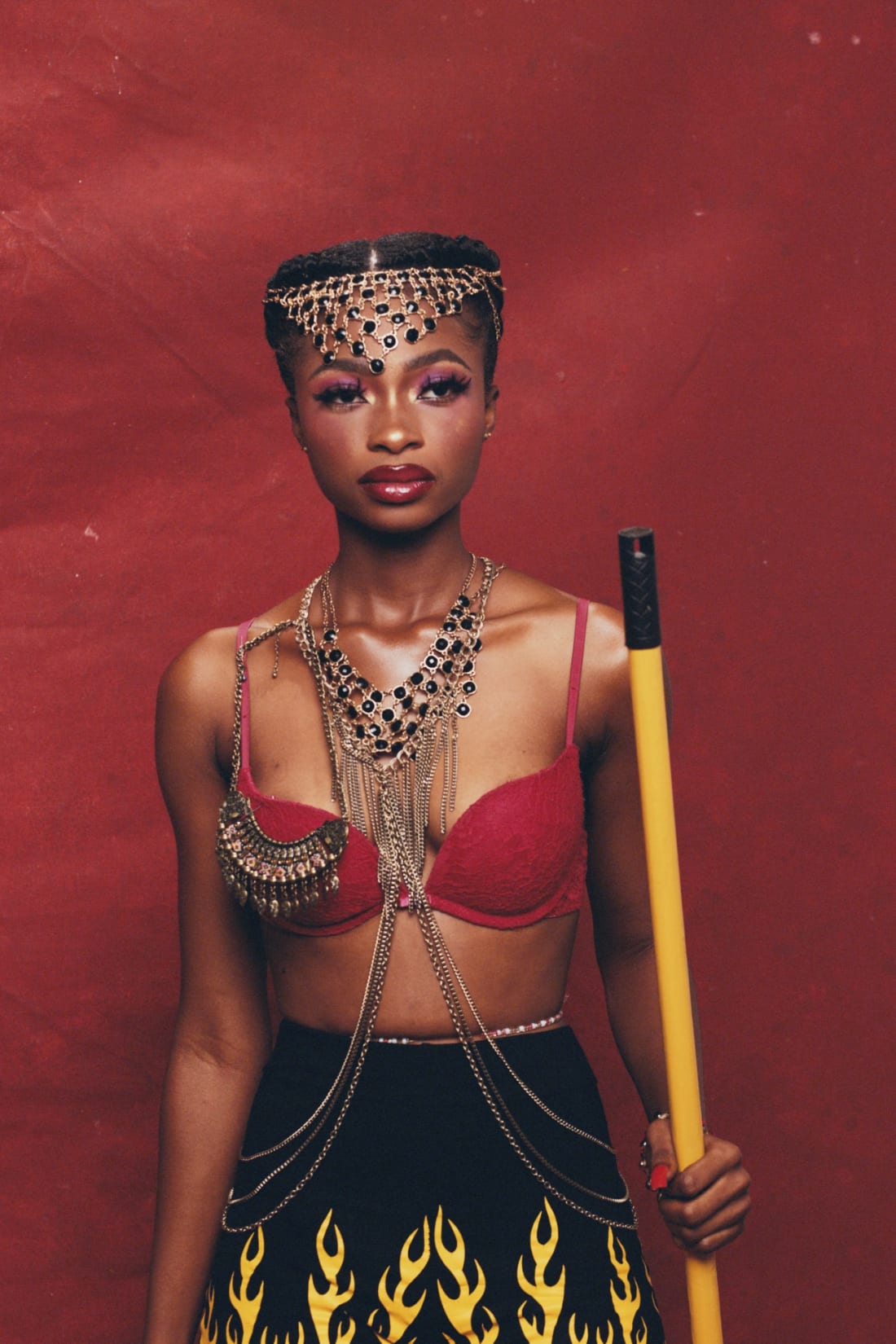
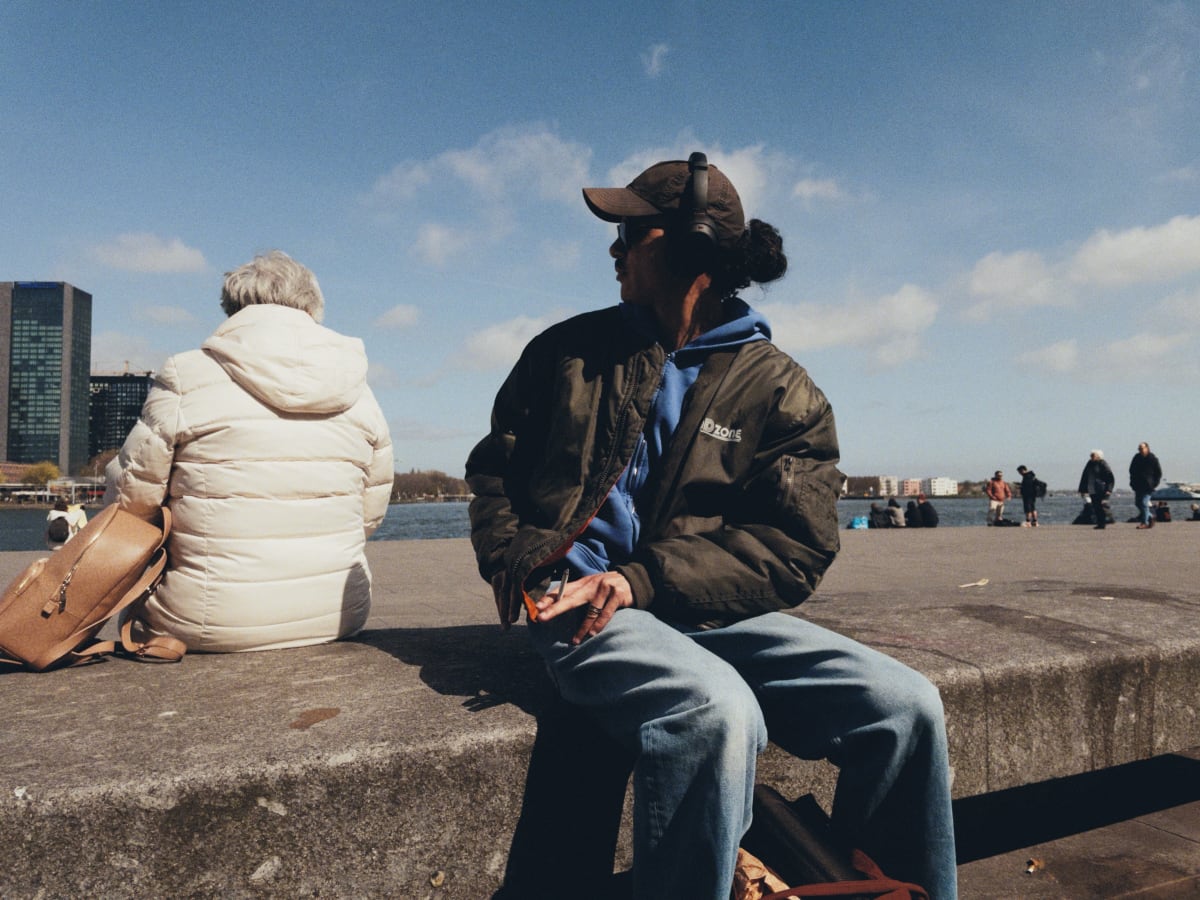
This is my process, and every film I profile goes through it. I shoot thousands of color samples on digital and film side by side. These are the measured data points I feed to a powerful color matching algorithm, ColourMatch. ColourMatch then builds the transform that moves each digital point to where the film put it: first onto the negative, then onto the print.
Motion Picture FilmFree to try
The Kodak 500T & Motion Picture 2383 Print
The motion picture negative and the iconic 2383 print film. Built from 4,960 data points across the exposure range.
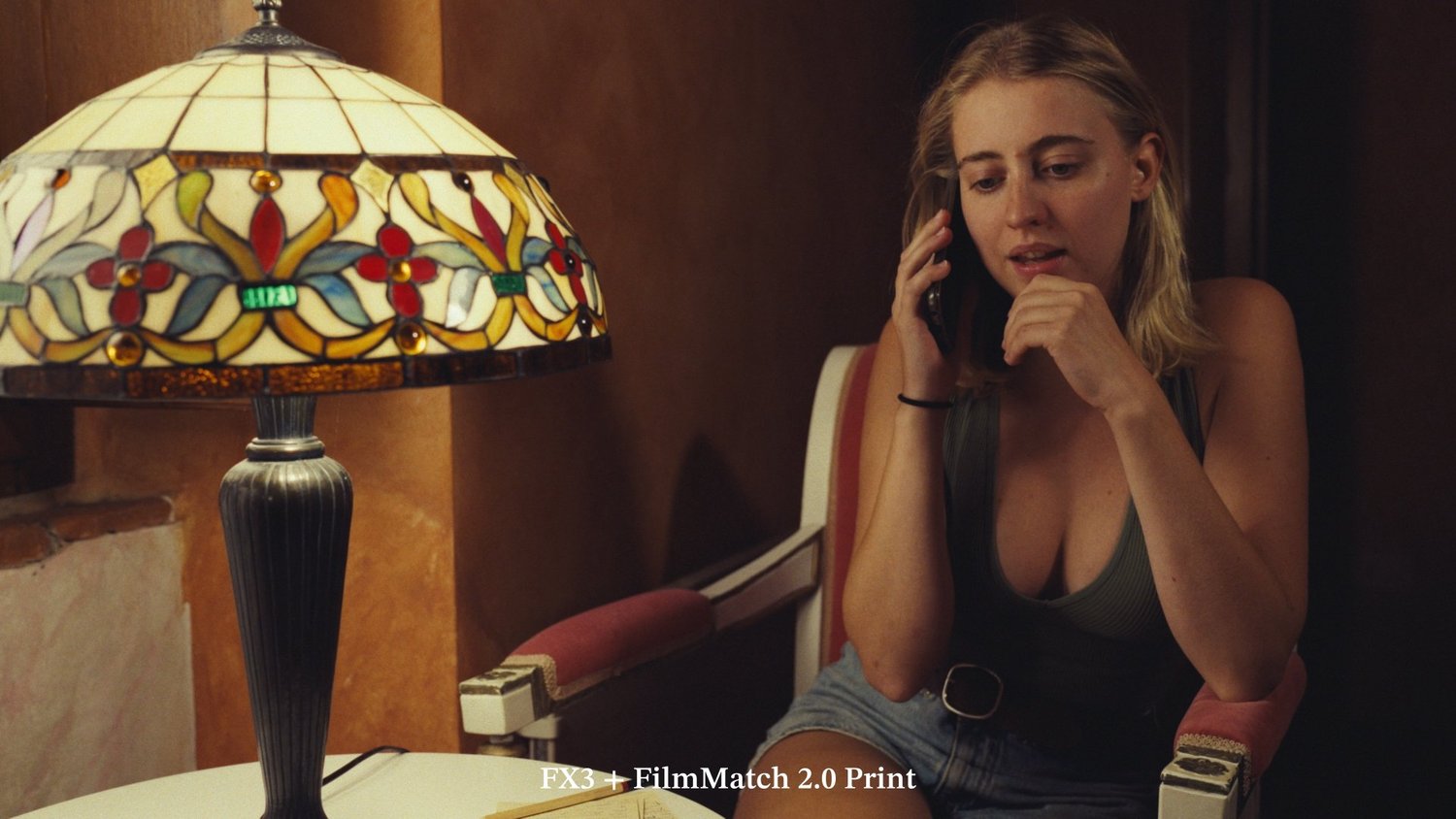 After
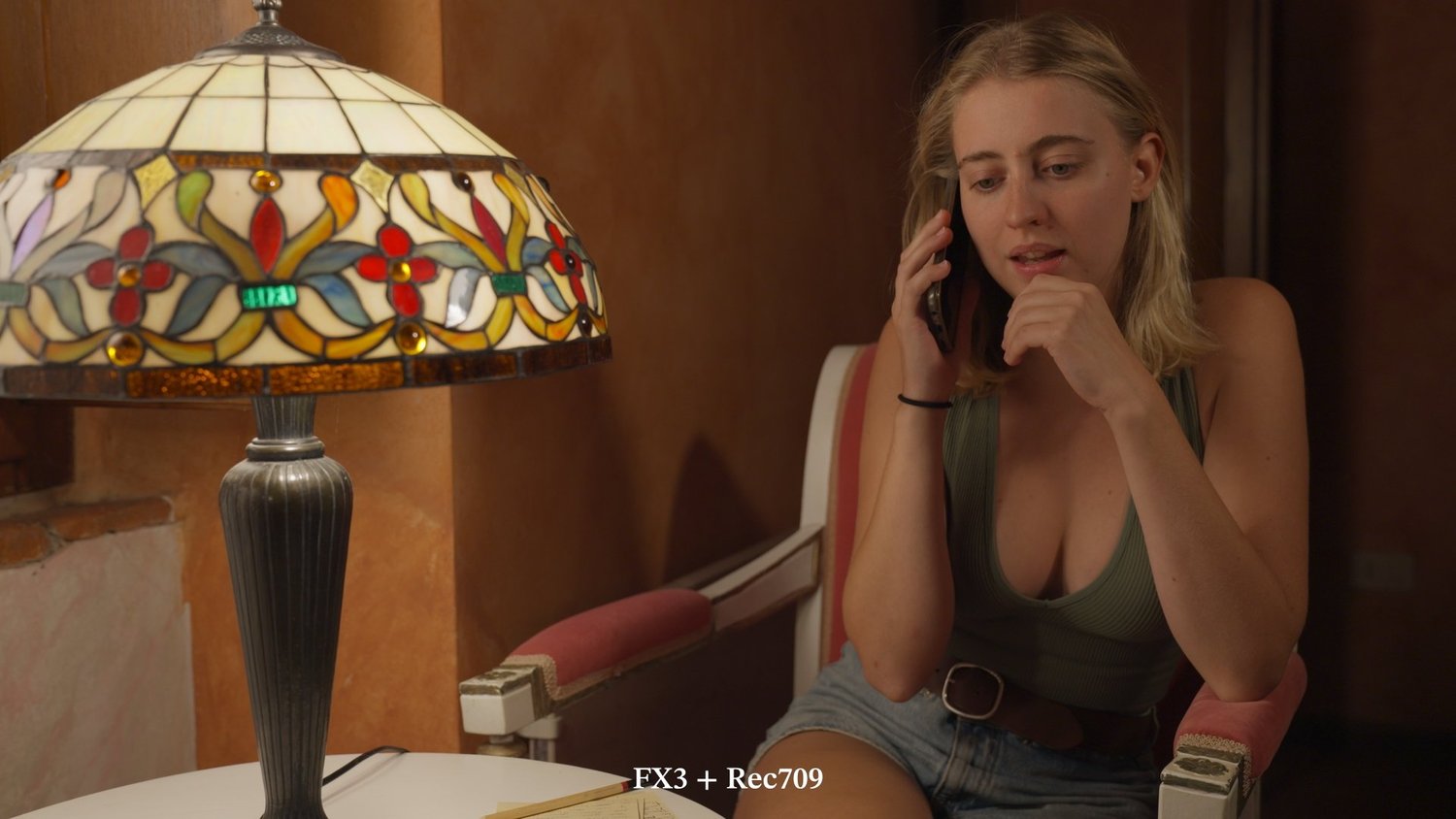 Before
Sony FX3. A Rec.709 conversion, and the same frame through FilmMatch.
Next to the real print
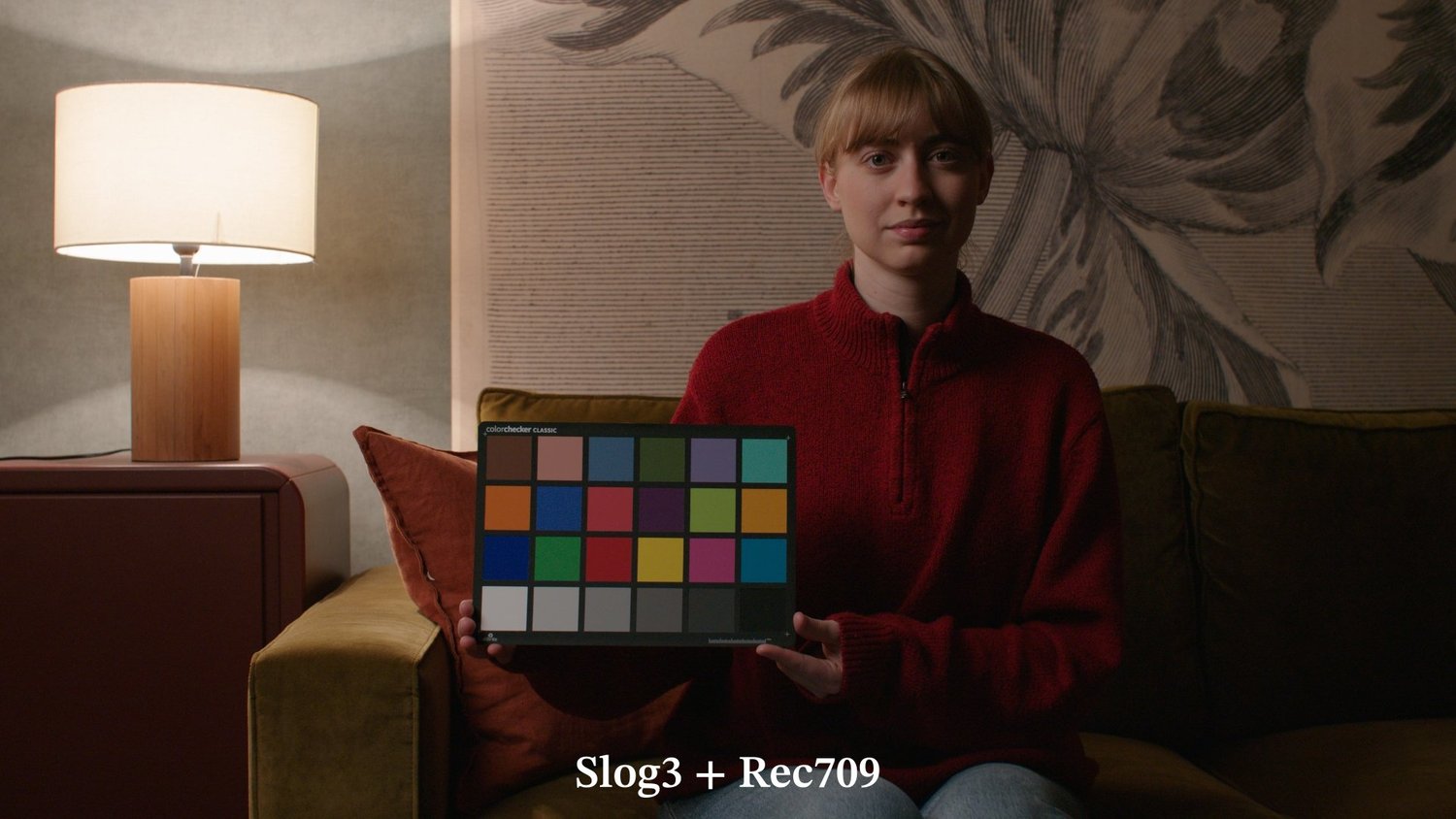
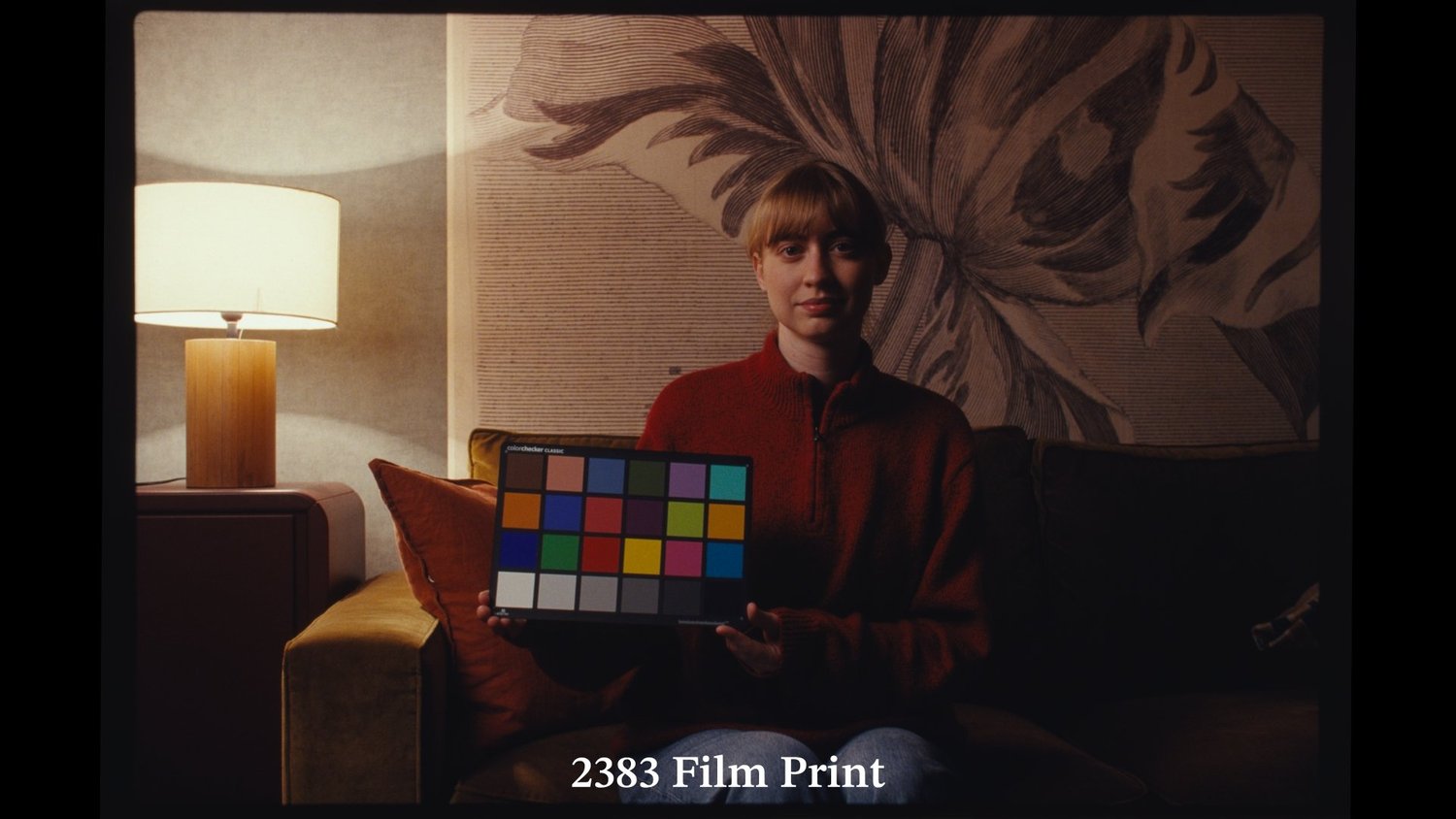
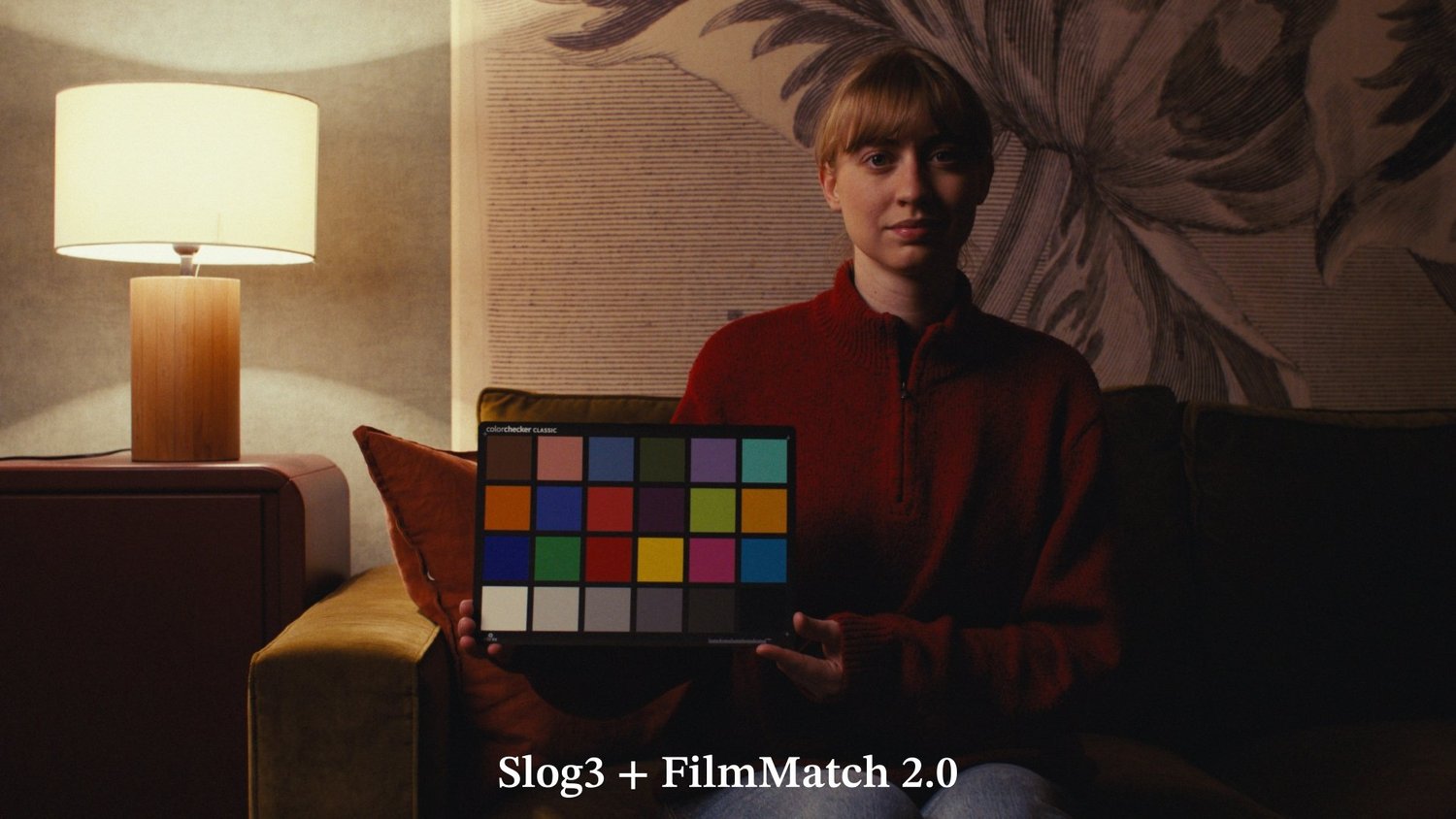
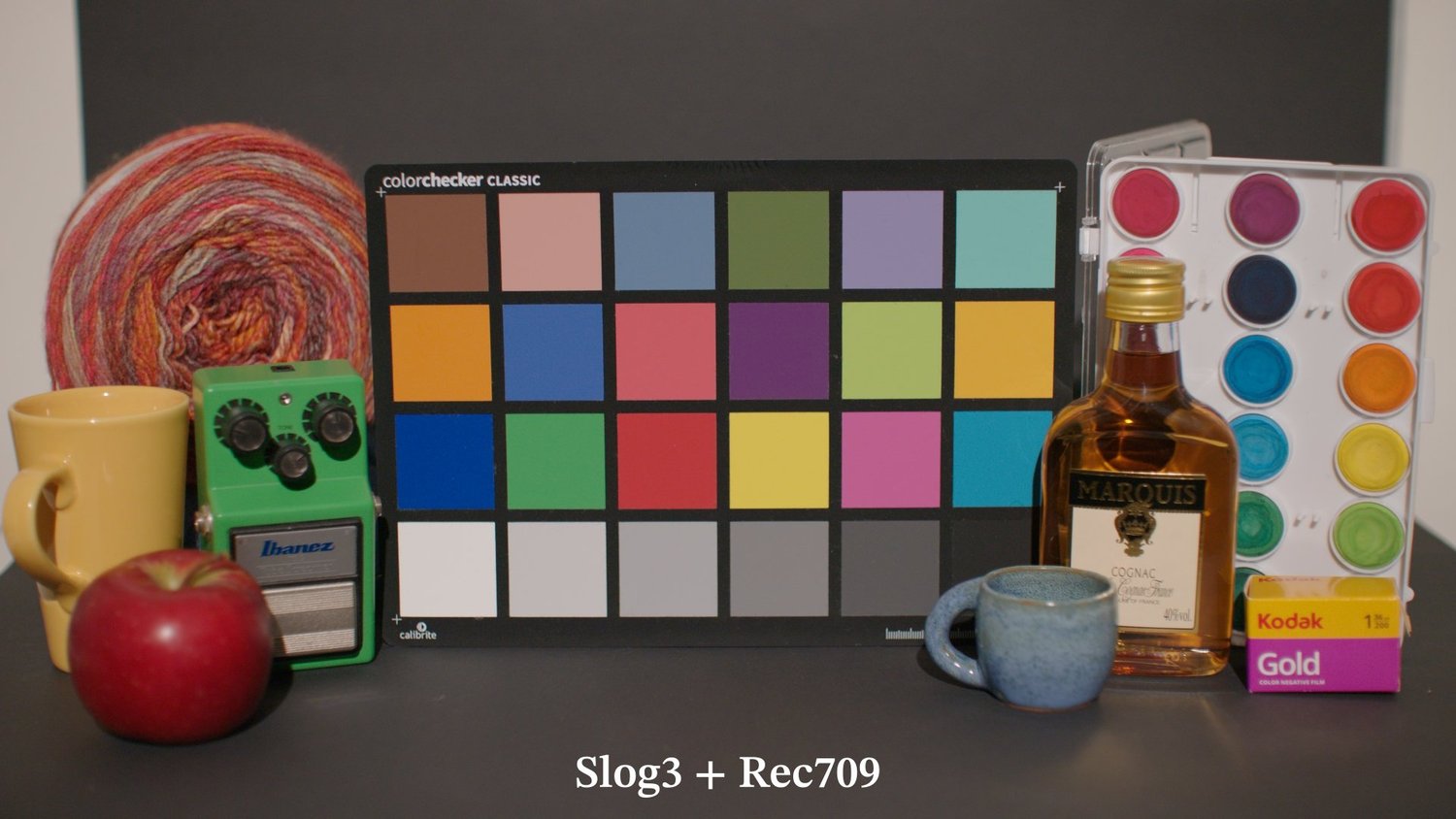
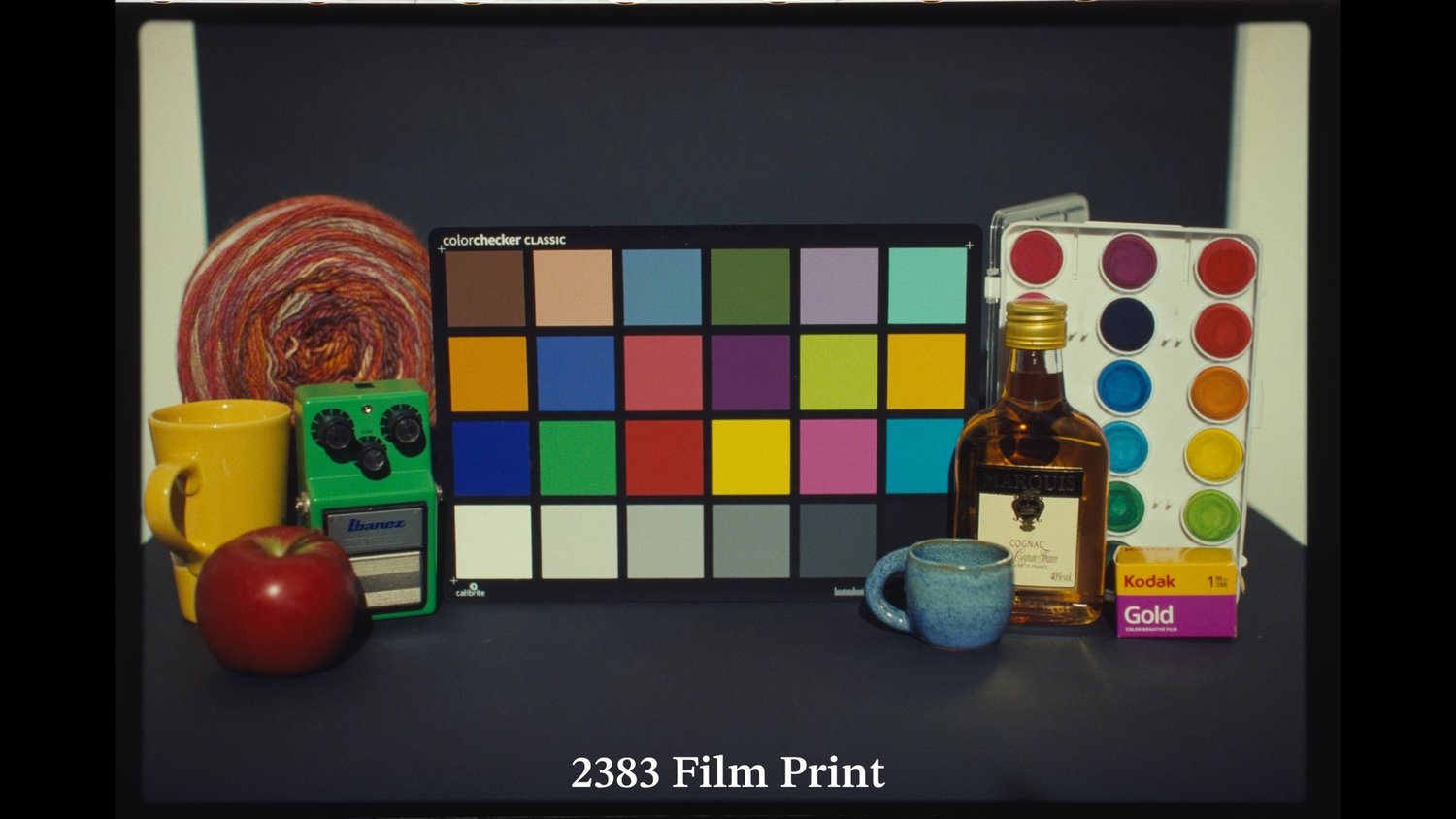
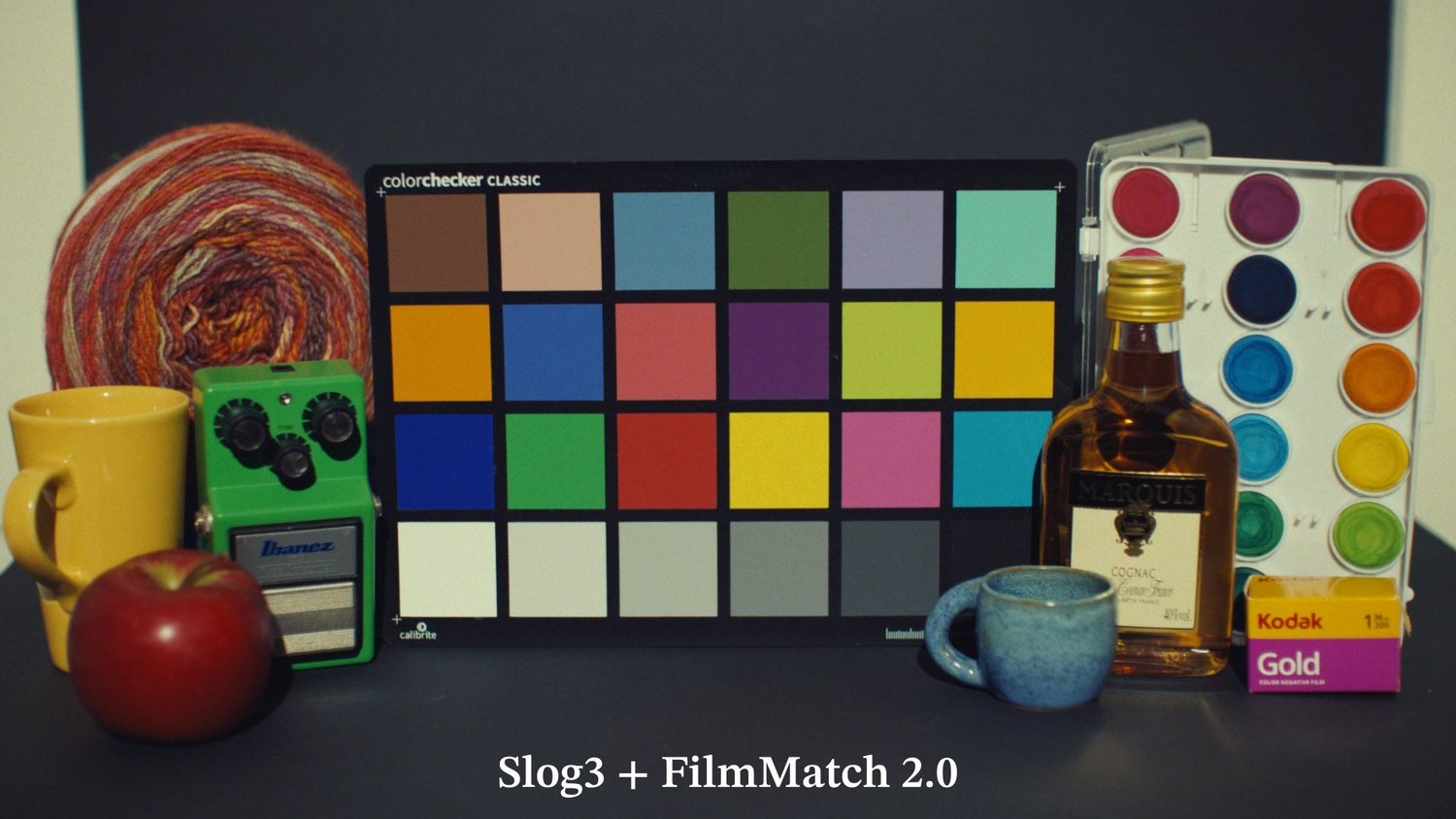
A portrait shot on a different day under different lights, then a chart scene at 3200K, at 5600K, and two stops under and over. None of these frames were used to build the color transform. They were purposely left out, to judge how well the transform works on “unseen” data, as in real-world use. Flip between digital, the real 2383 print, and FilmMatch.
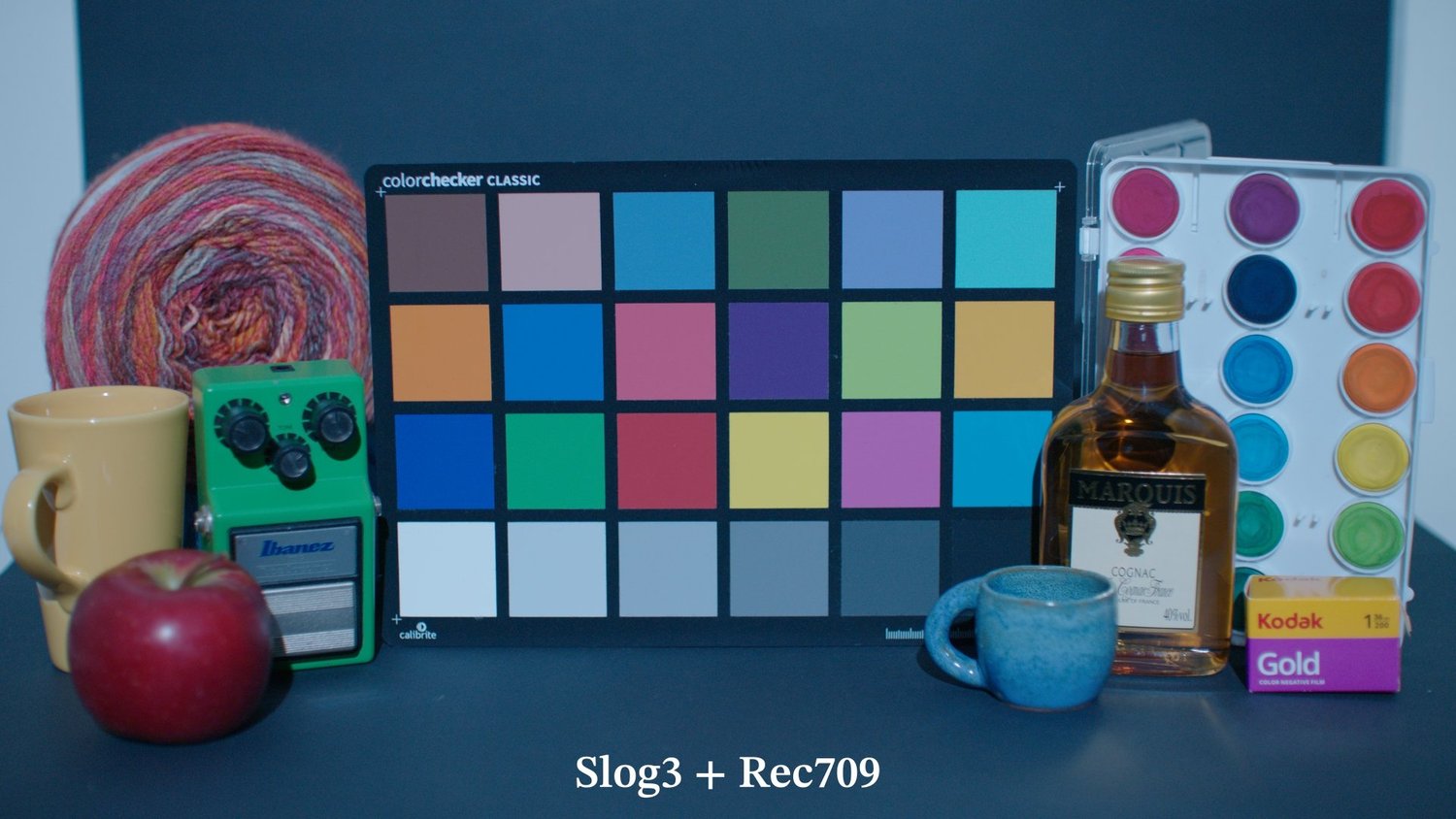
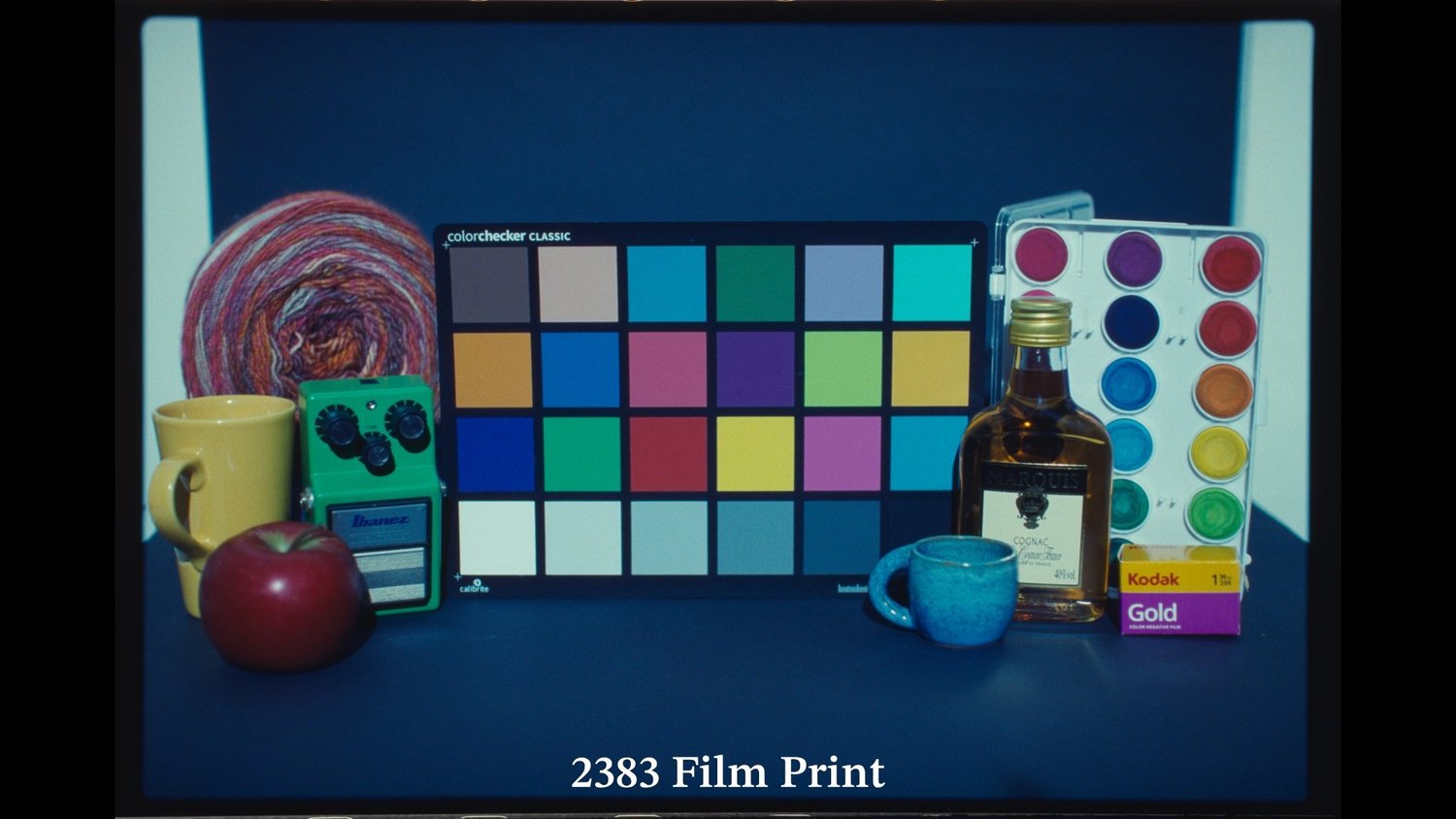
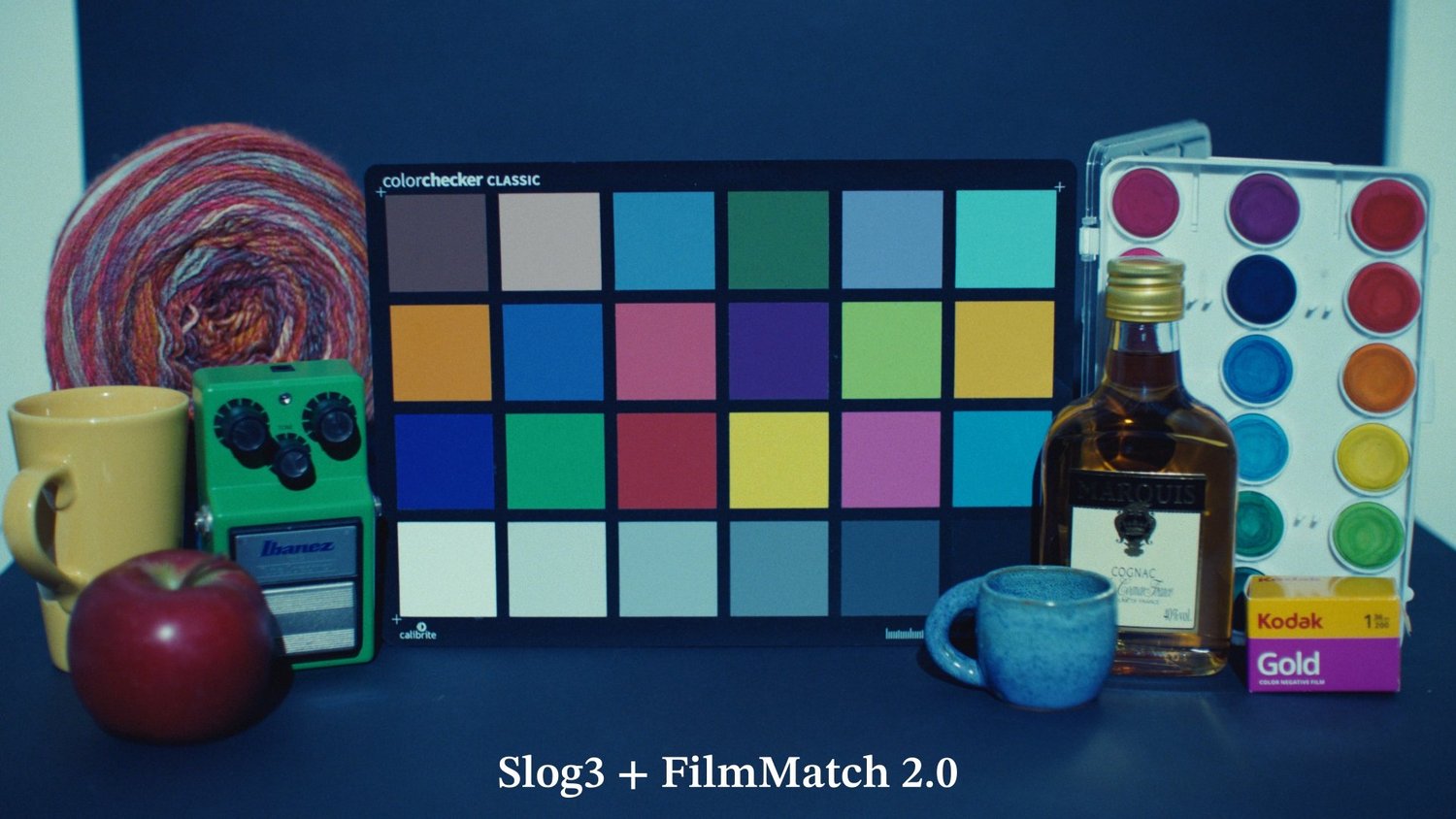
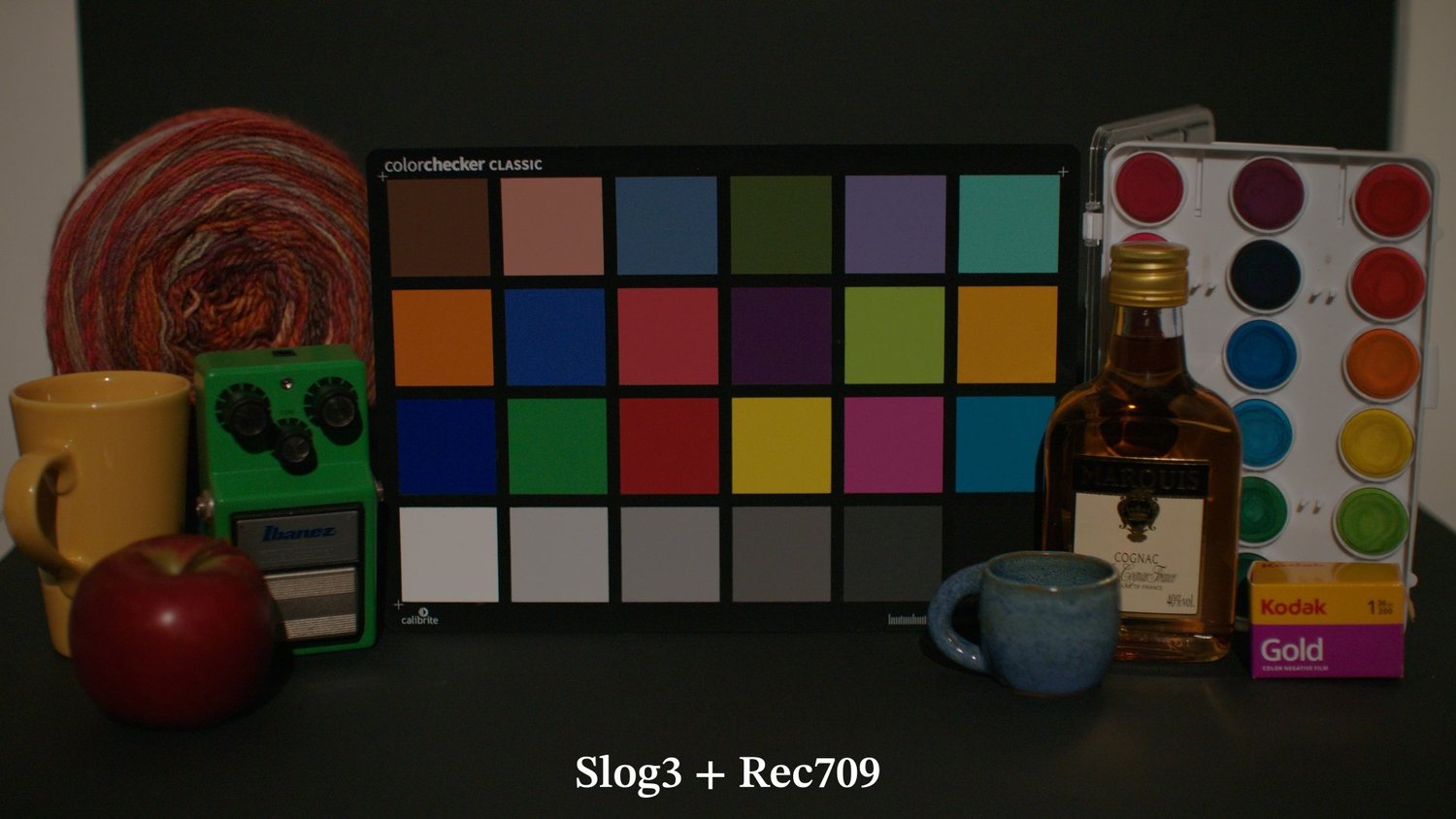
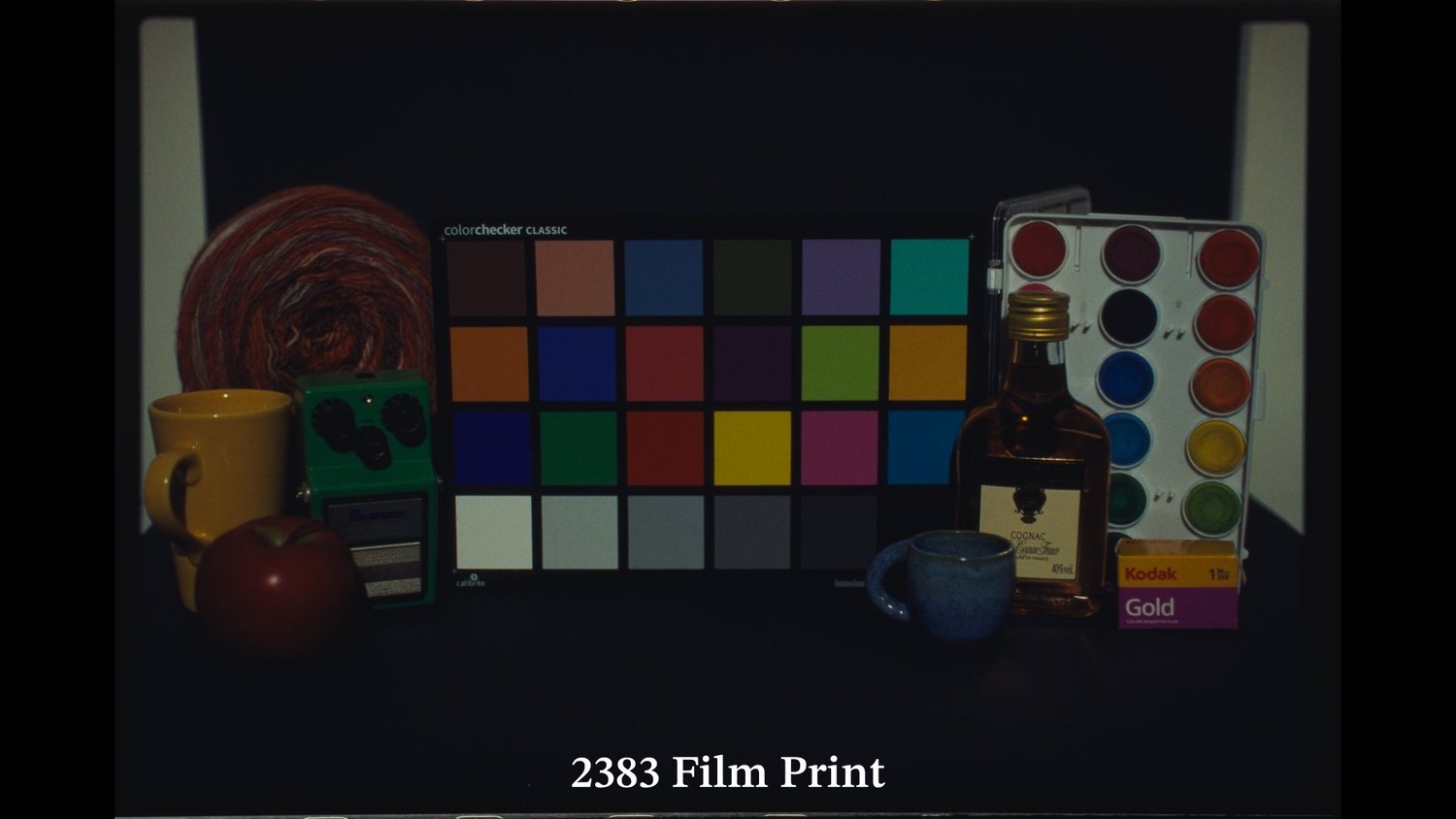
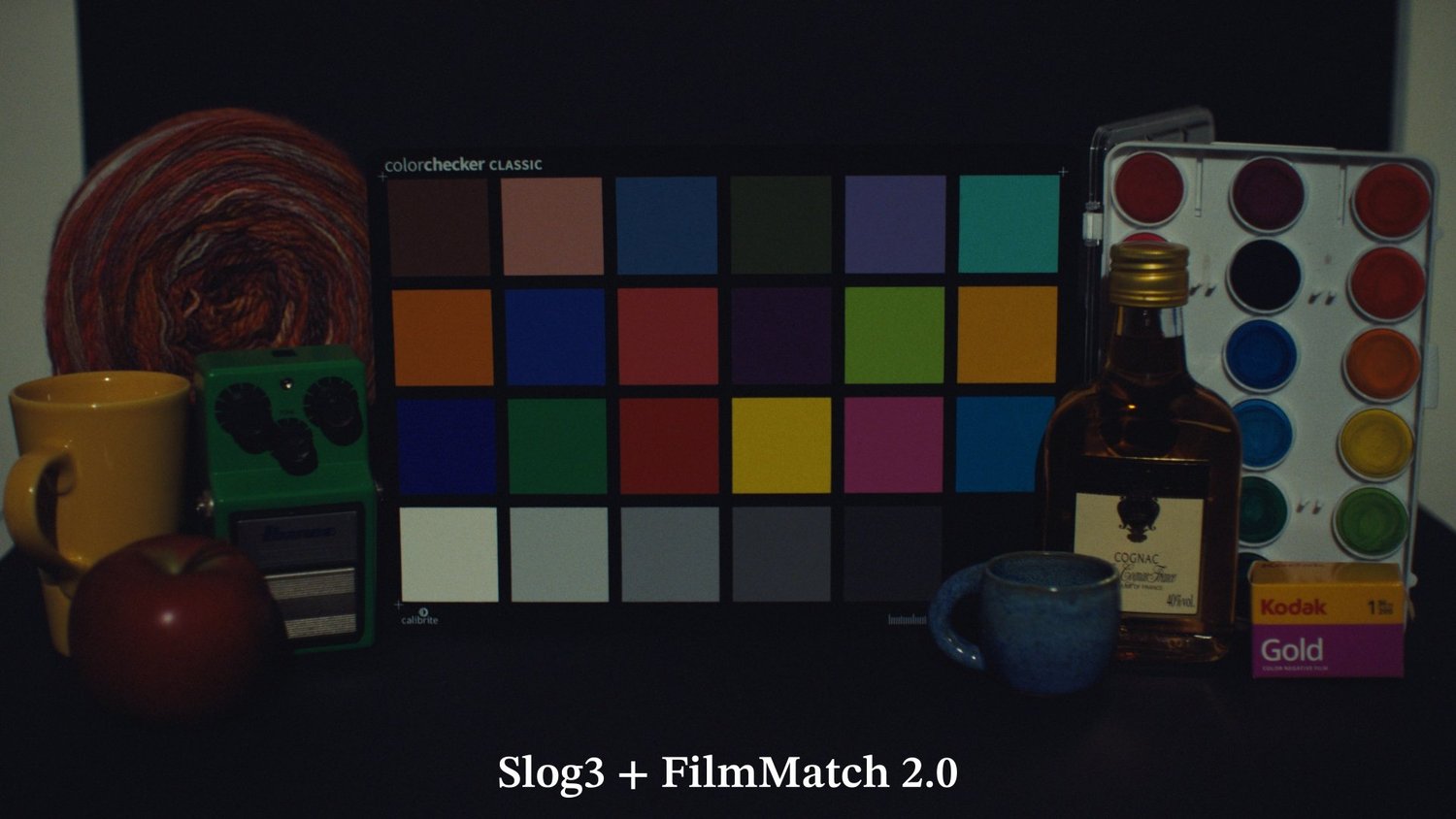
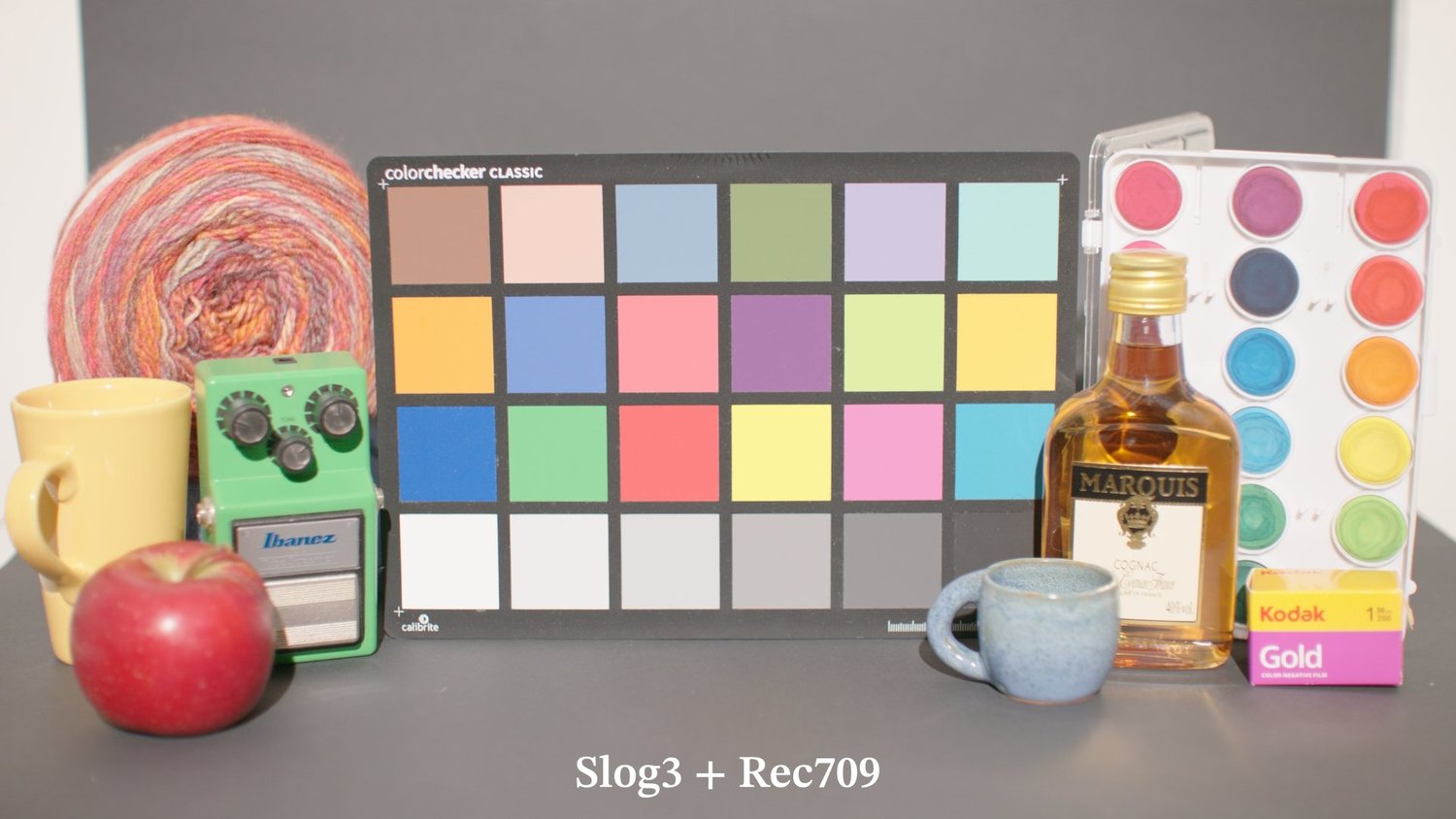
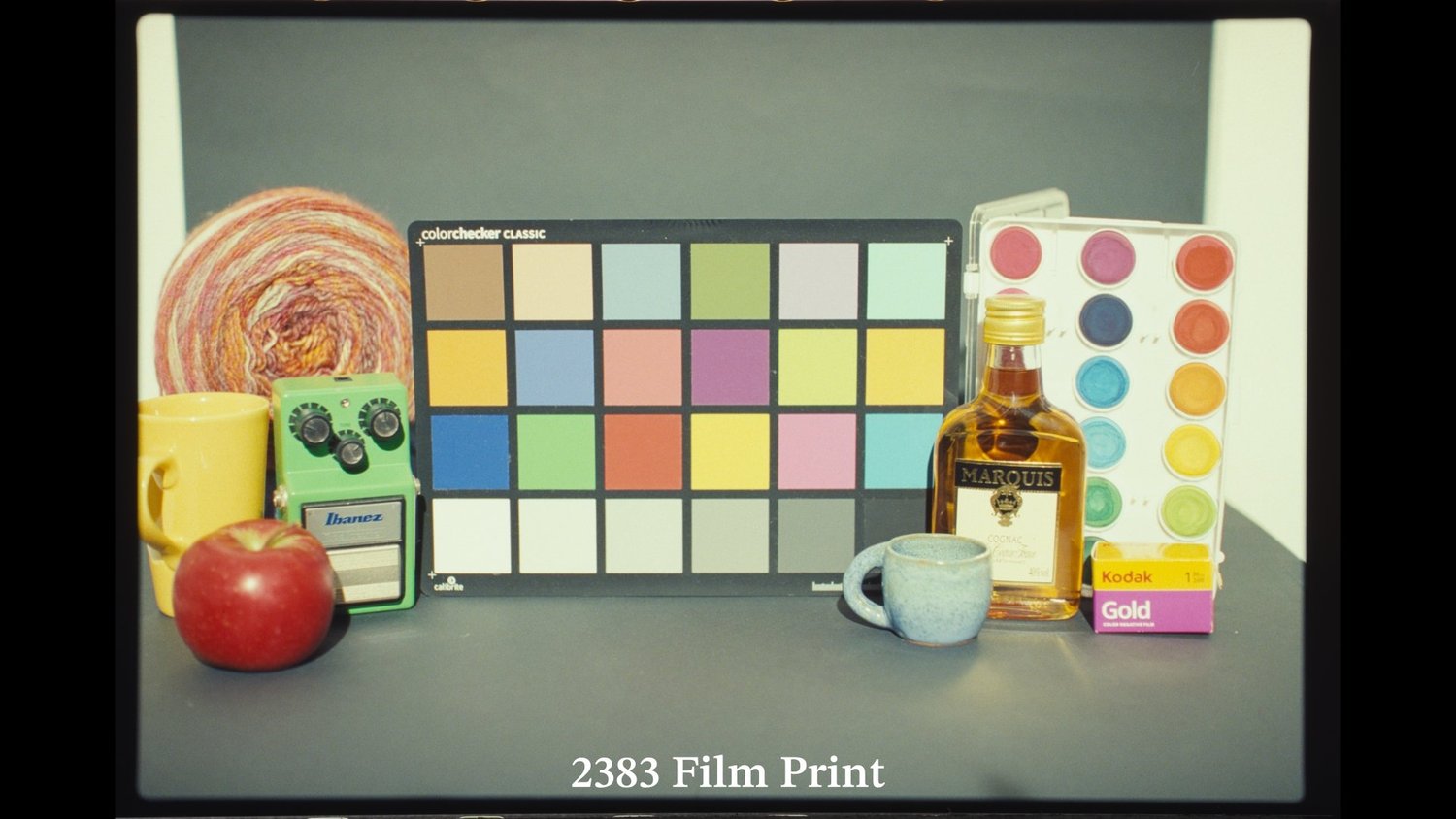
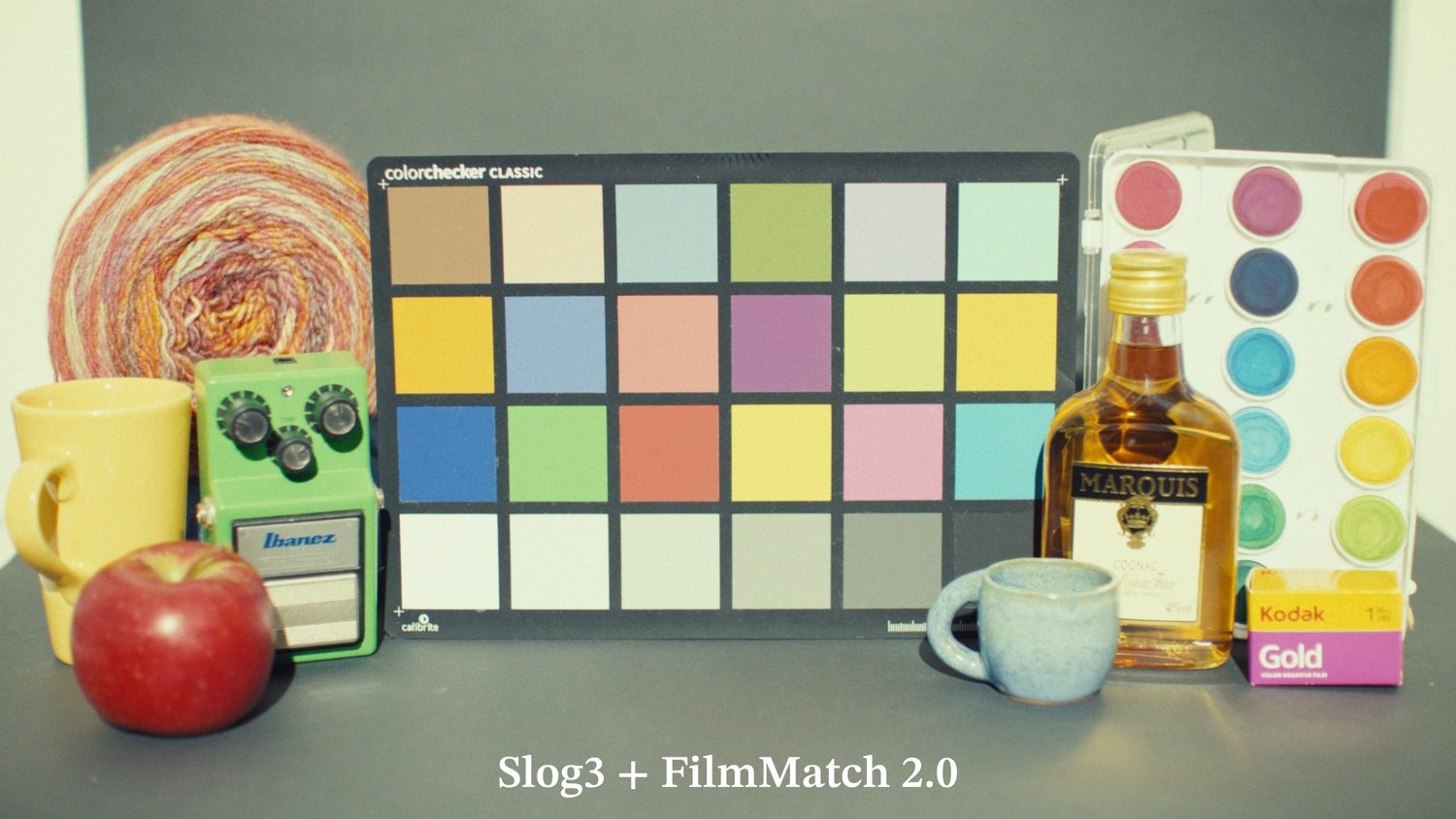
5 scenes
Next to Resolve's 2383 LUT
The usual workflow is a log-to-Cineon CST into Resolve's built-in 2383 LUT. Here is the same ARRI frame both ways.
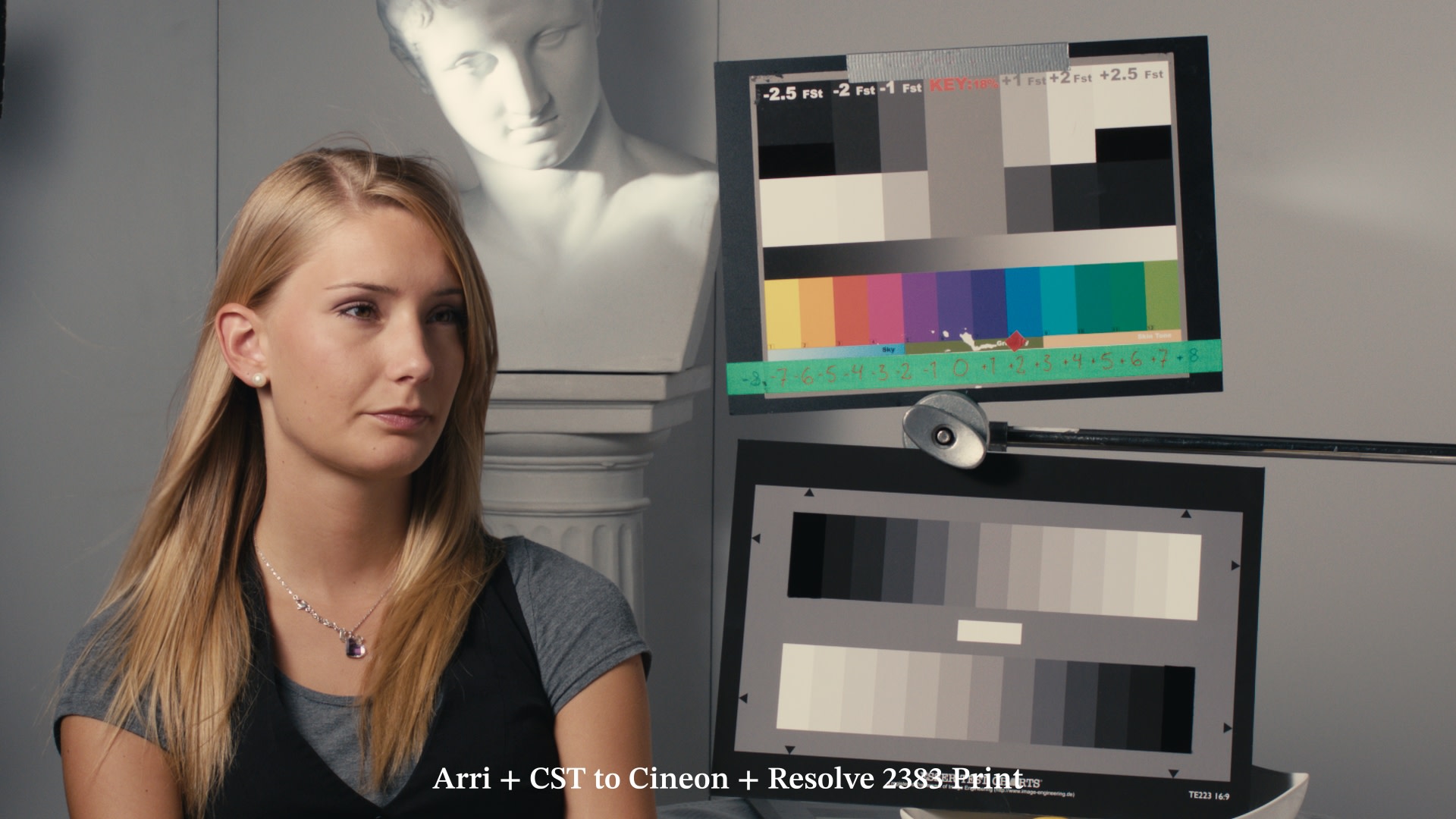
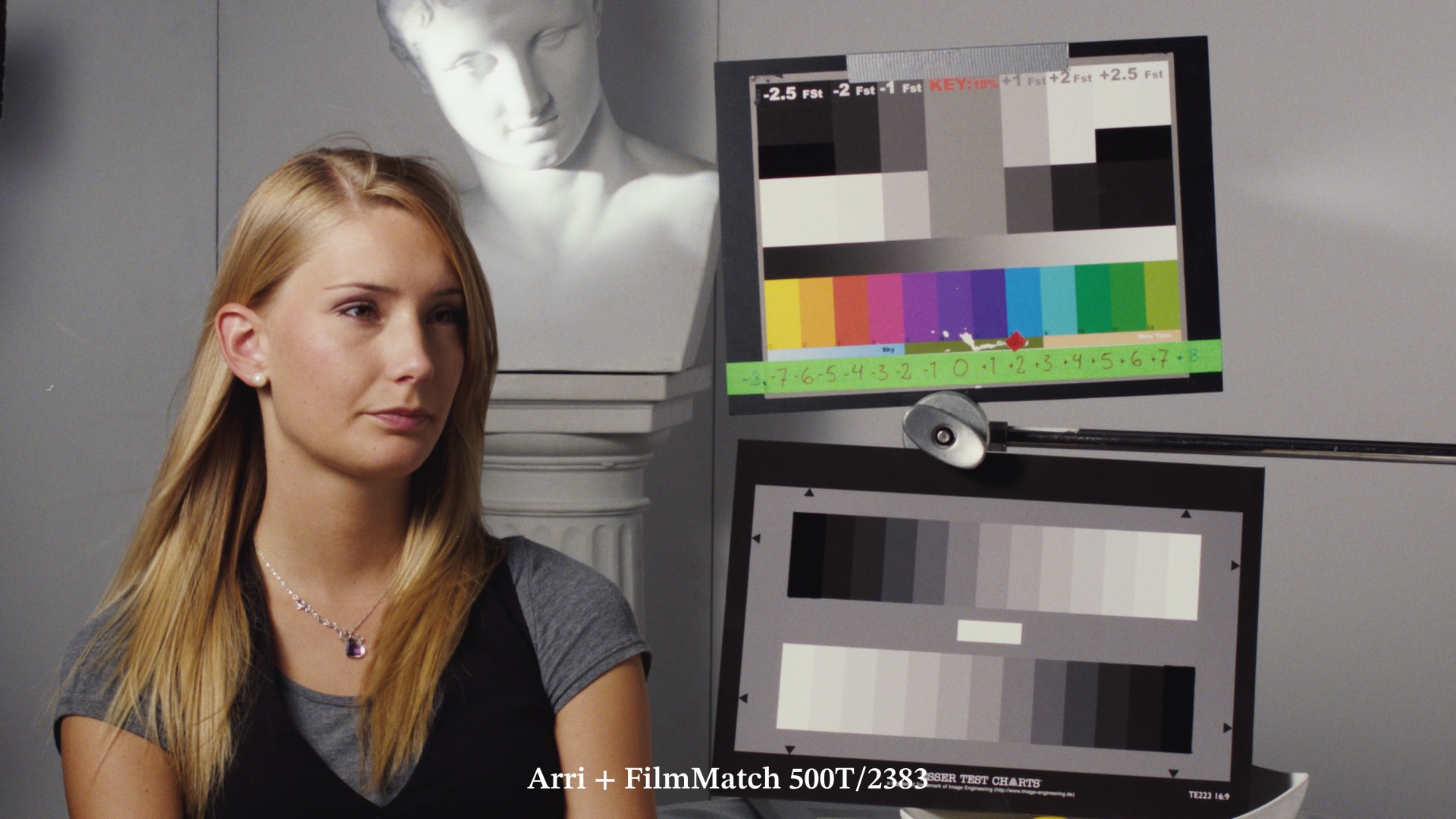
“I constantly go to the Vista Theater, New Beverly Cinema, and Universal Citywalk to see movies still being projected on real 2383 prints. After decades of watching this format, I can say with confidence that you have cracked the code.”
Cooper Shine, Senior Colorist at SugarStudios LA
Photographic FilmNewFree to try
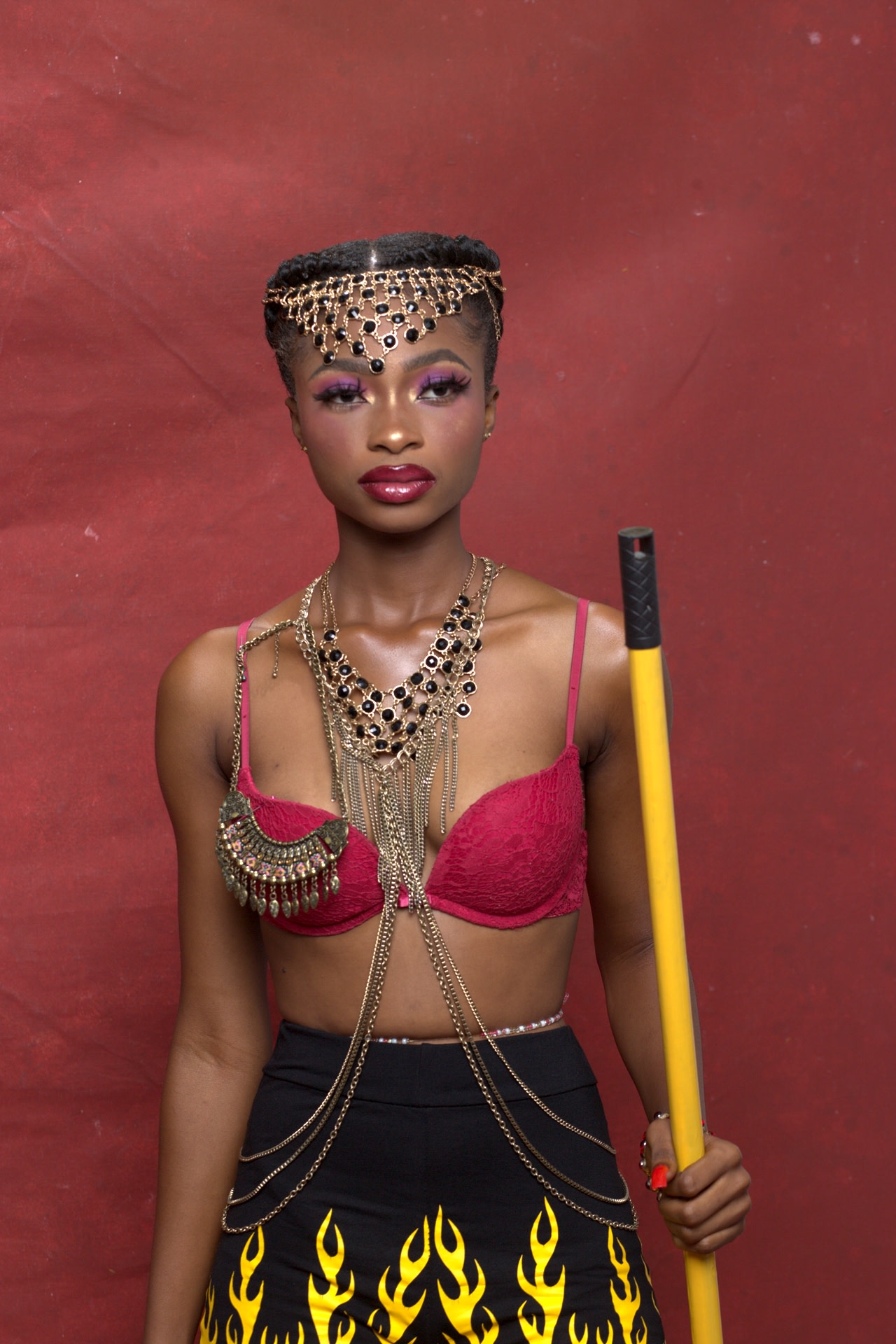
Portra 400
The still photography negative, printed on Fuji Crystal Archive paper in a real darkroom and read with a spectrometer. Charted with a ColorChecker SG plus a custom backlit chart that measures past Rec.2020.
 After
 Before
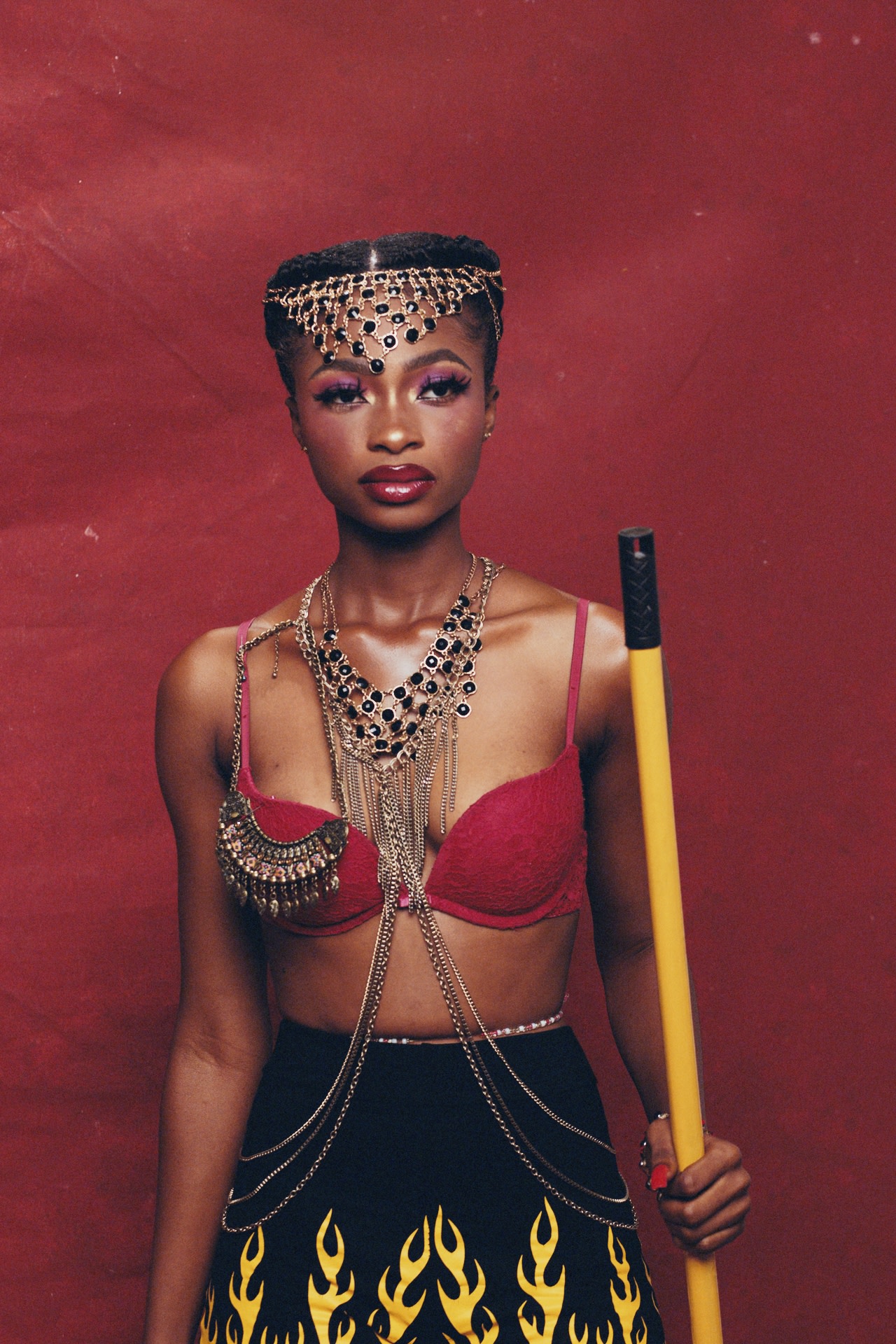 After
 Before
Next to real Portra 400
The same subjects on digital and on Portra 400. None of these frames were used to build the color transform. They were purposely left out, to judge how well the transform works on “unseen” data, as in real-world use. Flip between the versions, and pick a scene.
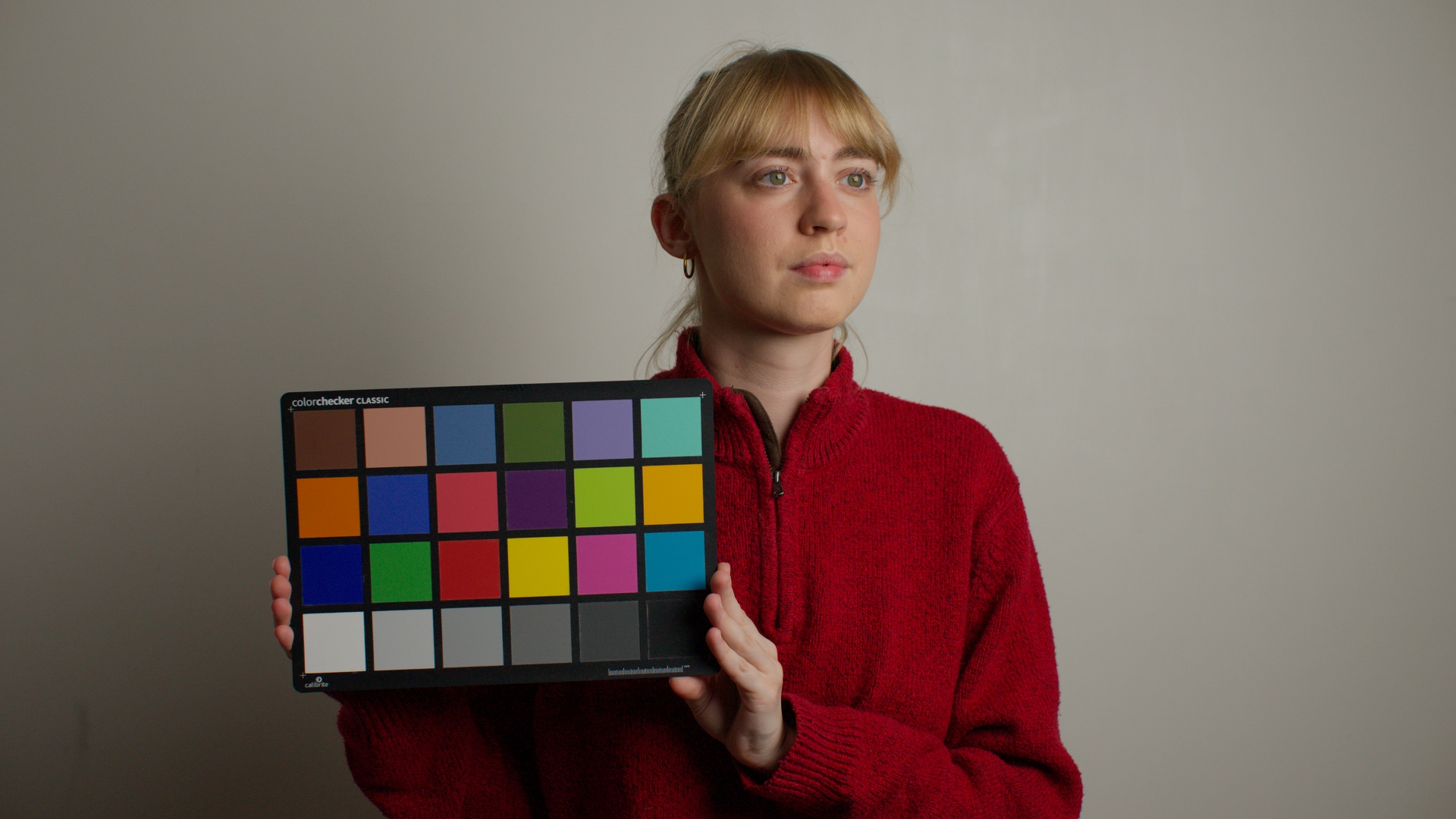
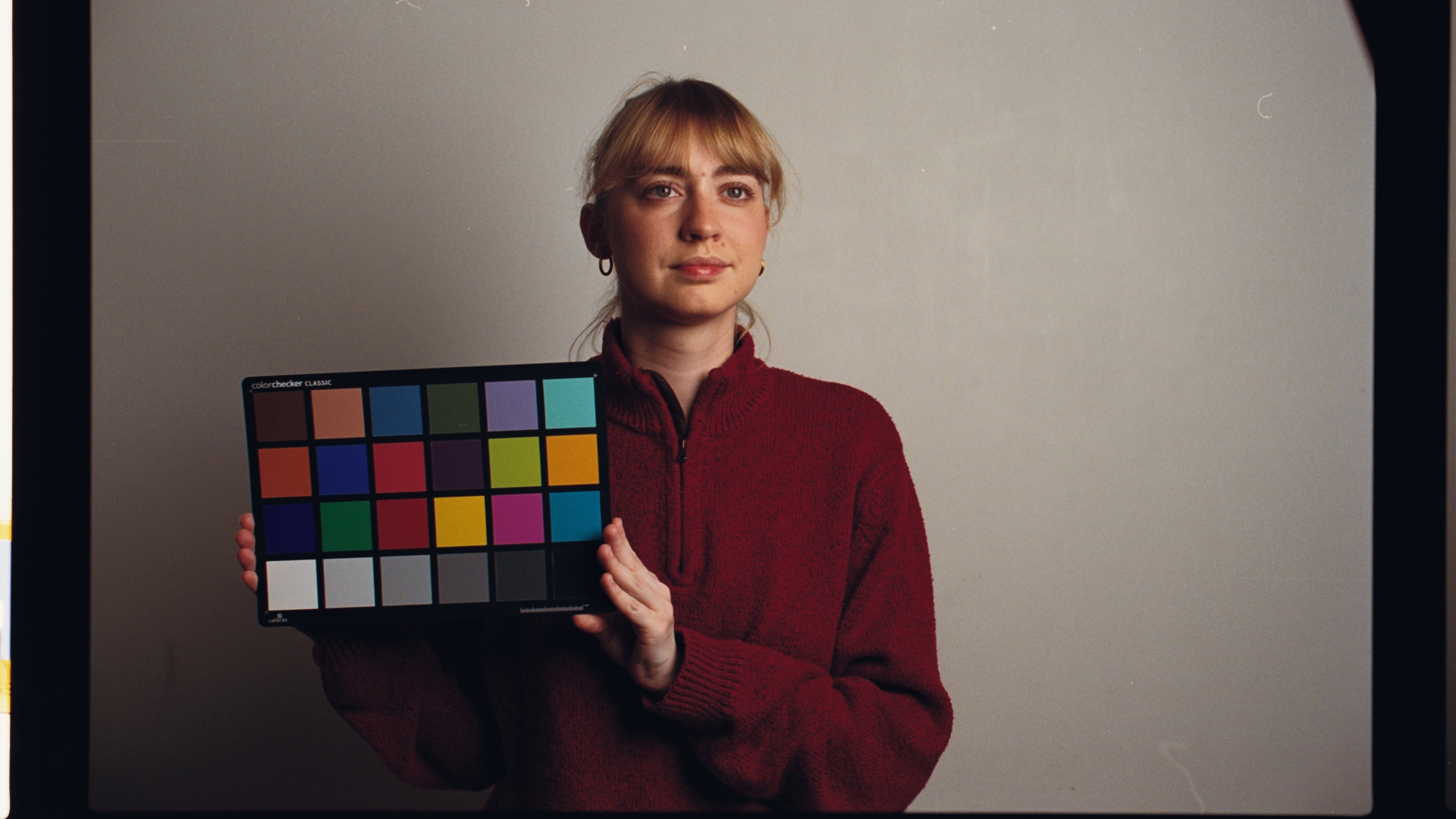
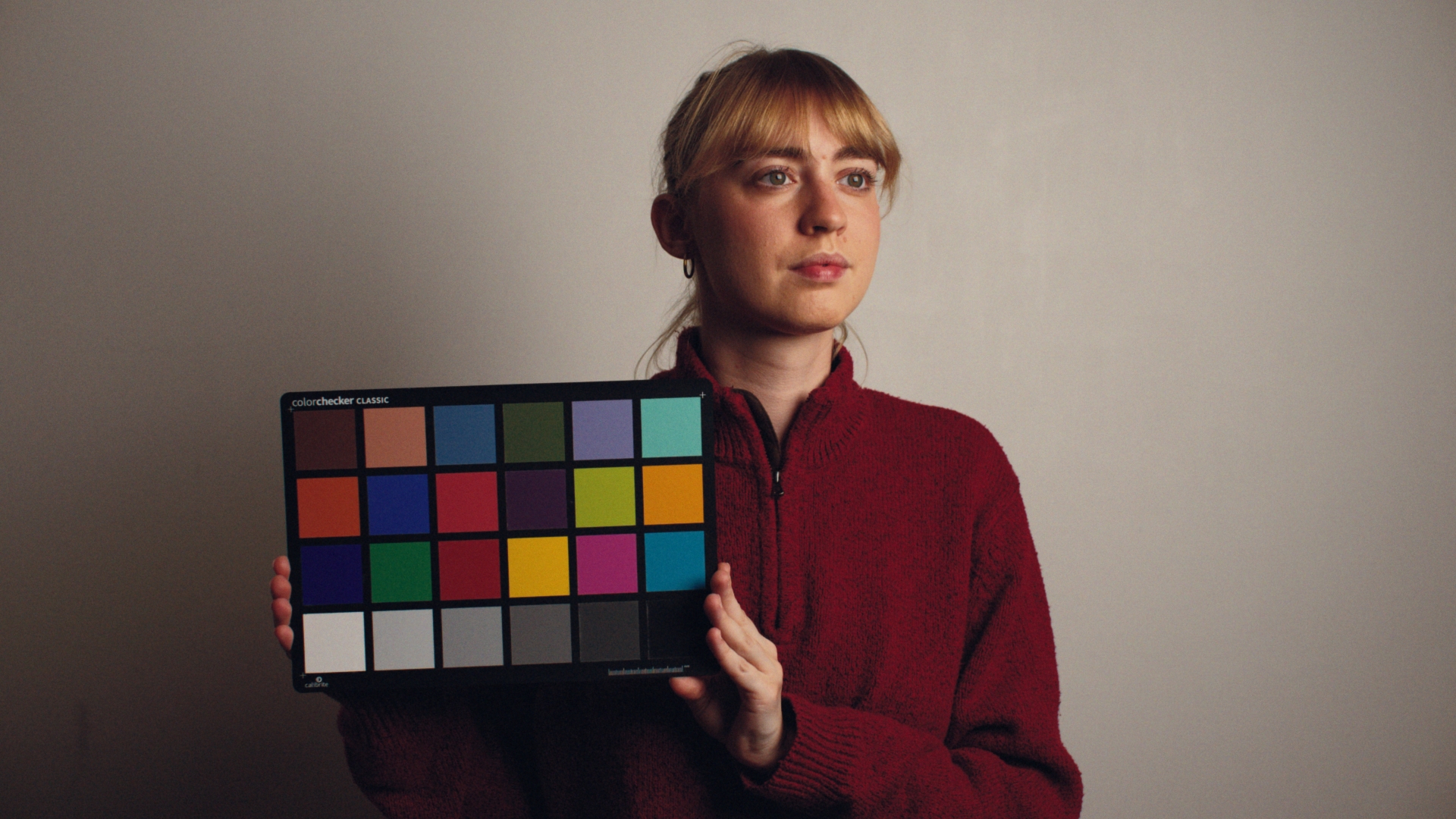
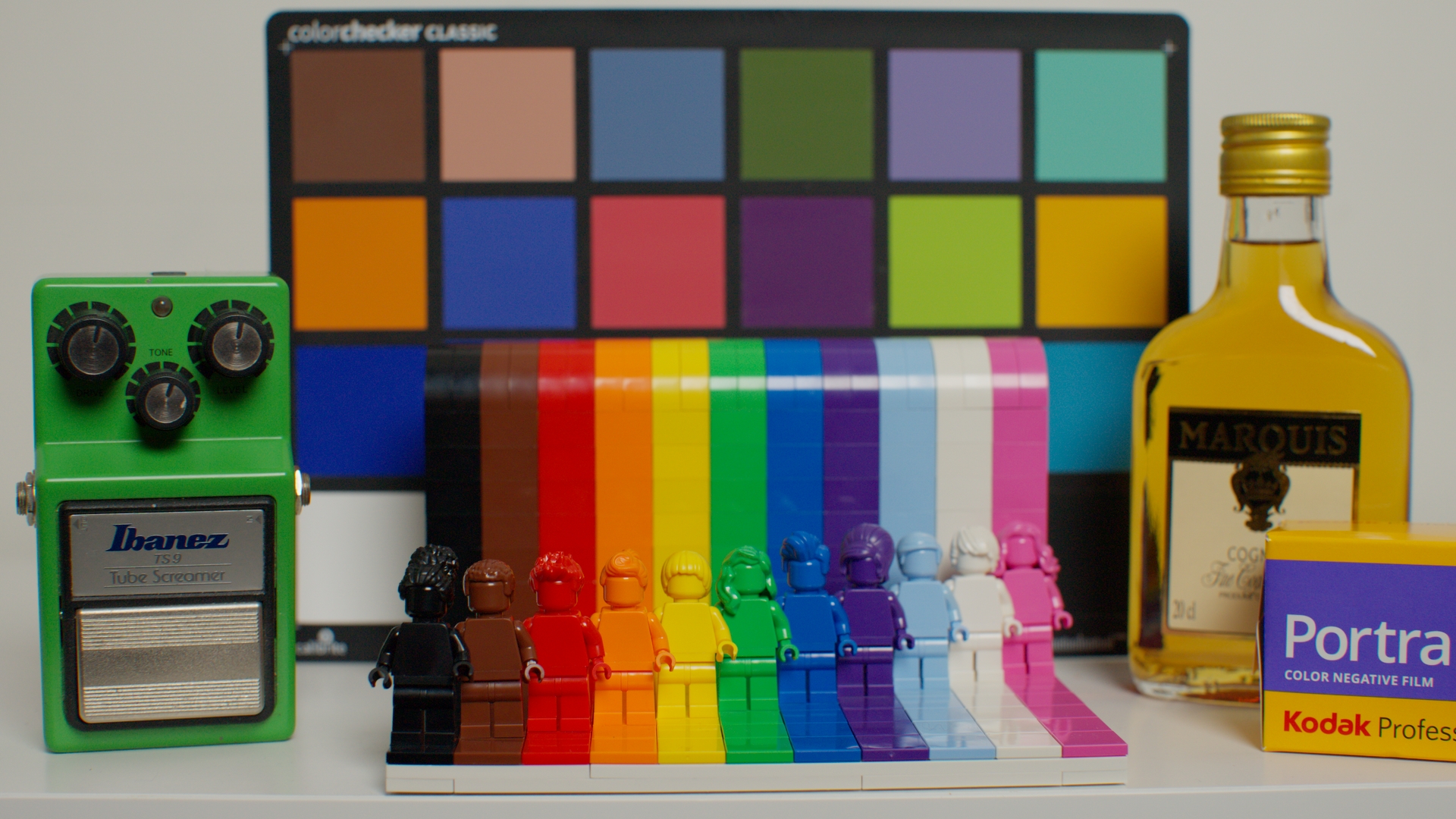
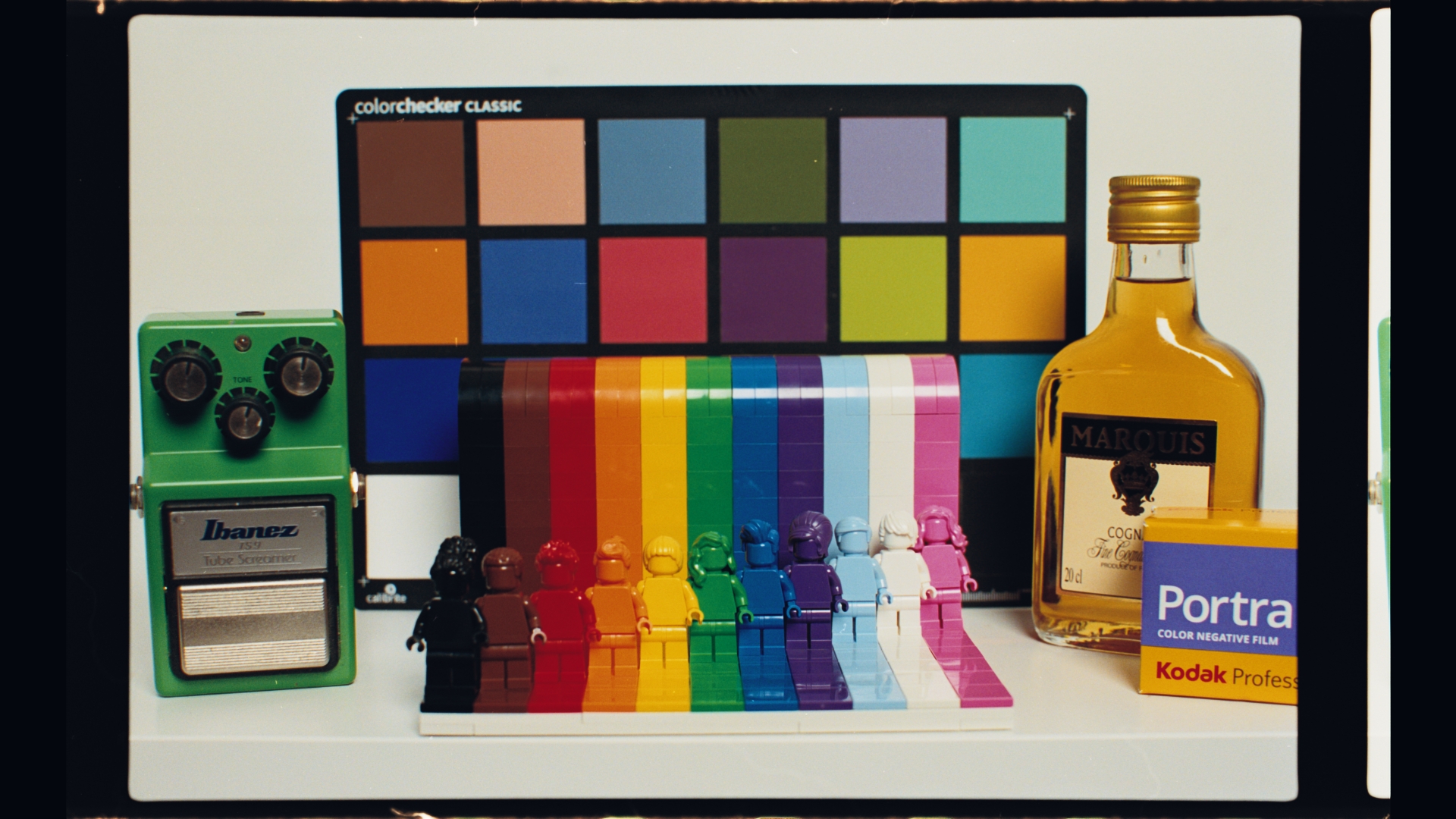
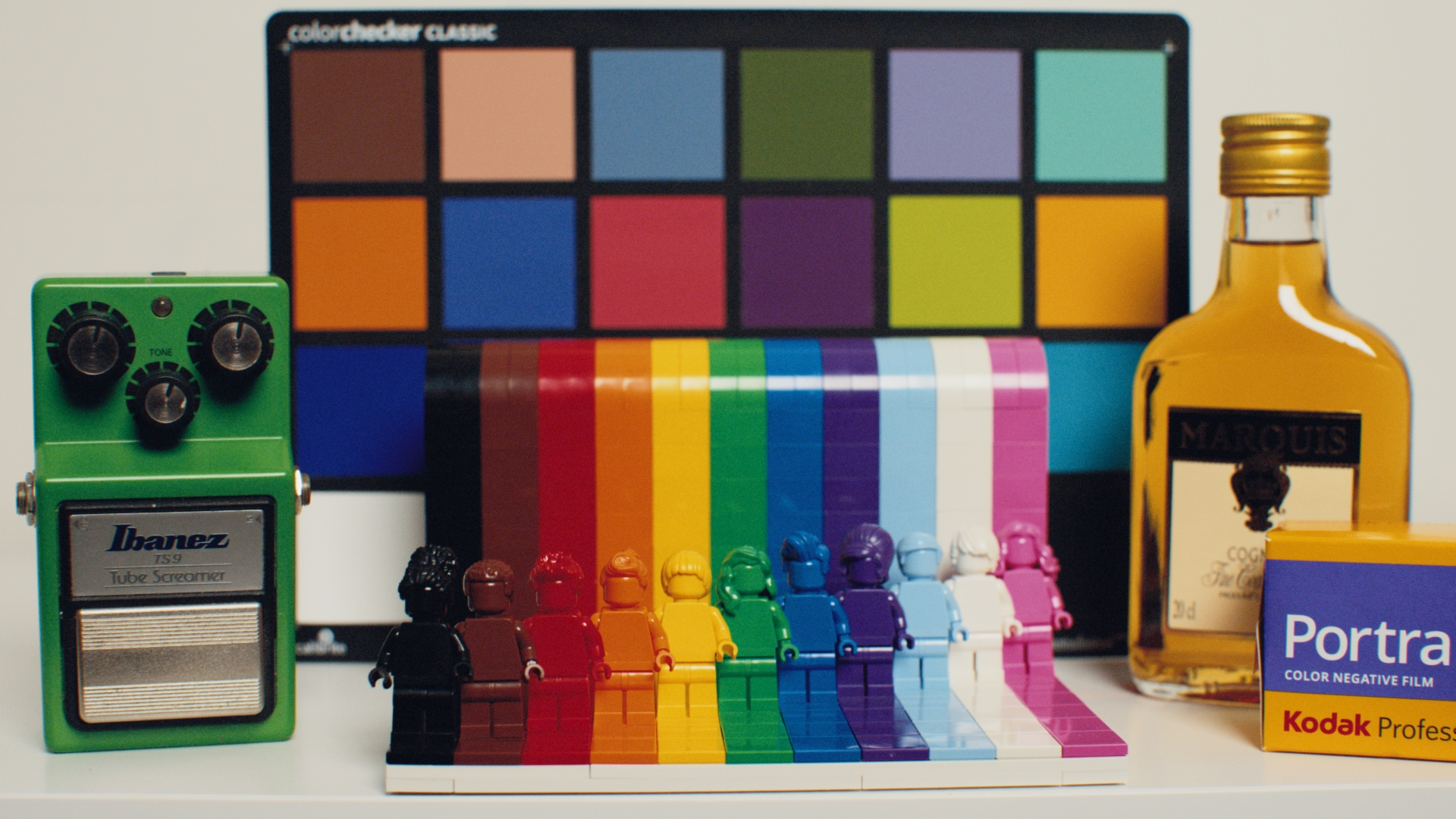
2 scenes
How every film is made
The negative is only halfway.
A negative is a container for scene information. It was never meant to be looked at. Film only becomes an image when it's printed: on 2383 print film for the cinema, on photographic paper in the darkroom. Even a lab scan applies its own print emulation.
So every film in FilmMatch is built the same way: both stages of the photochemical process, each one matched from measured data. No sliders, no eyeballing.
-
01
Film and digital, side by side
The same charts shot on film and on digital, under several light sources and across the exposure range, because film's response changes with light intensity.
-
02
Digital to negative
The negative is scanned and calibrated, then ColourMatch maps digital to the Cineon-encoded negative across thousands of color samples.
-
03
Negative to print
The print is measured too, and matched in a second pass: 2383 print film for motion picture, and for Portra, Fuji Crystal Archive paper printed in the darkroom and read with a spectrometer.
Texture
Color is half the battle. The other half is texture.
FilmMatch Grain is real-time and procedural, driven by two profiles measured from real film. Grain and halation both come in 35mm and 16mm profiles.
A true 16mm film-out, next to clean digital footage with the 16mm color and texture profiles applied.
Grain profile
Maps how a real film stock's grain behaves across the exposure range, with a profile for 35mm and for 16mm.
MTF profile
Captures the resolving power of the optical system that shot it.
Halation
The glow around bright highlights, with a profile for 35mm and for 16mm.
FilmMatch for iPhoneFree to try
A point-and-shoot, already in your pocket.
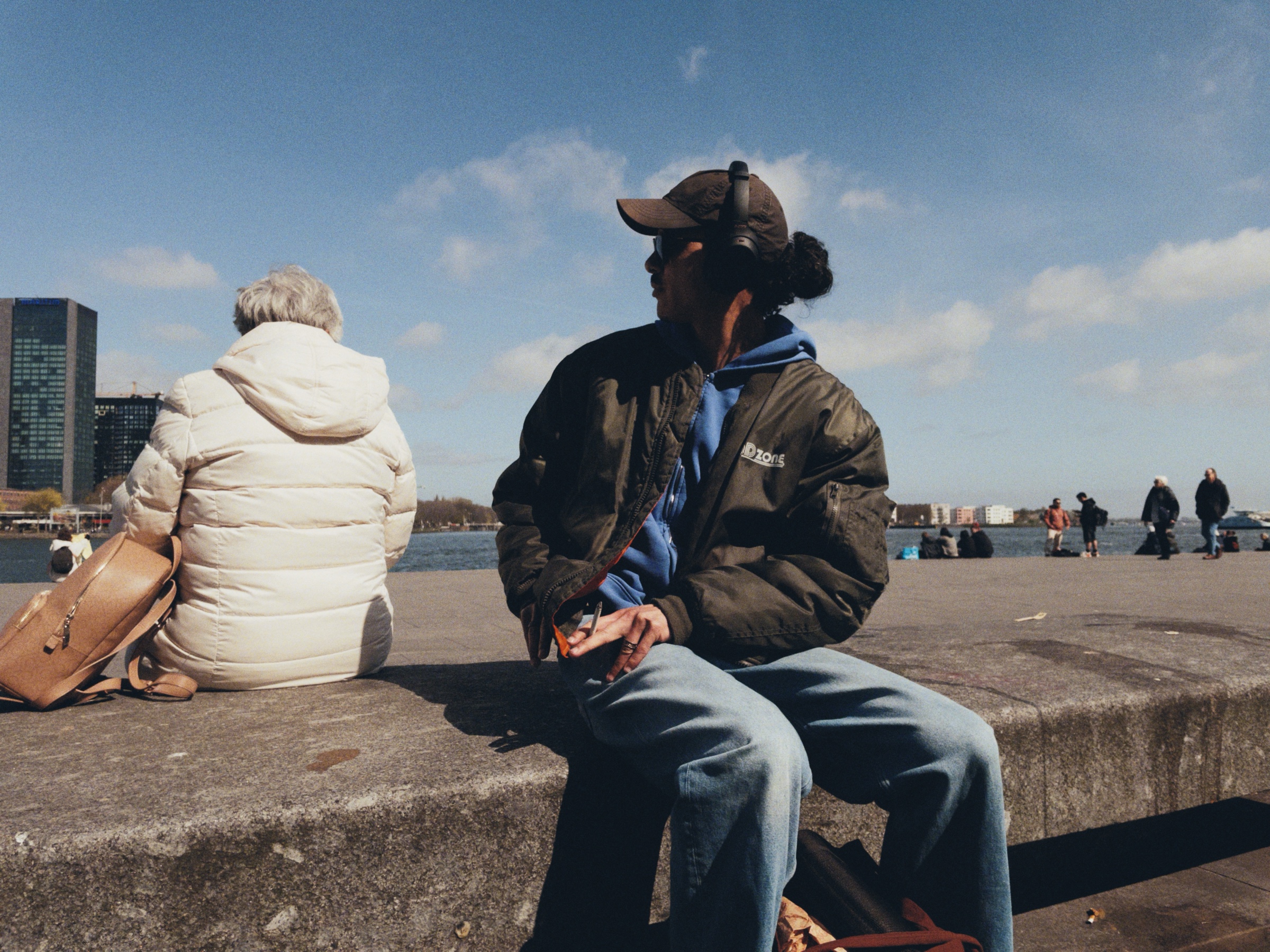
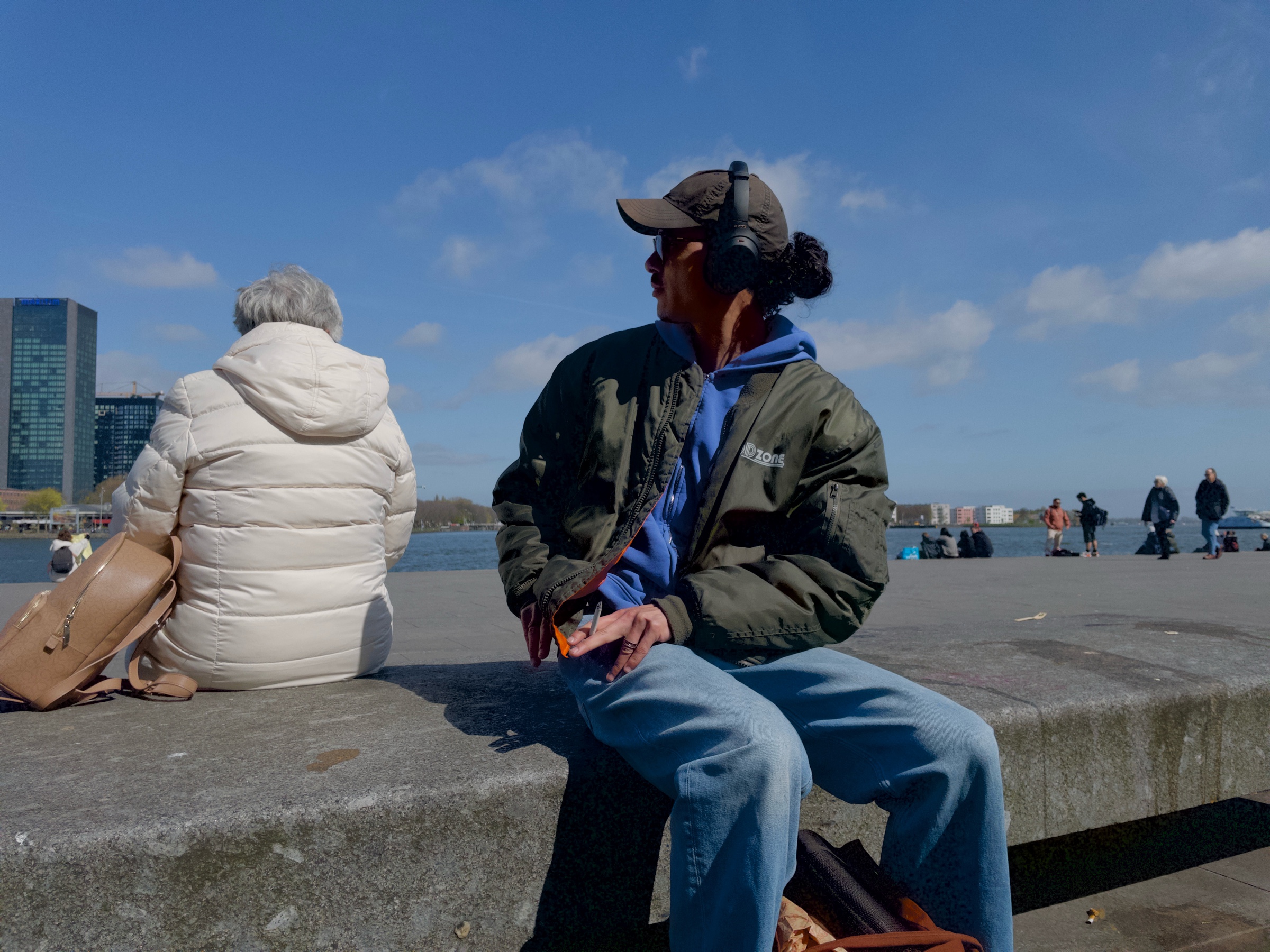
All of this color science, in an iPhone app. This is not a filter on top of your photos. FilmMatch bypasses the iPhone's processing and develops each picture from what the sensor actually recorded.
 FilmMatch
 iPhone
 12 mini. One RAW frame, developed two ways.
 FilmMatch
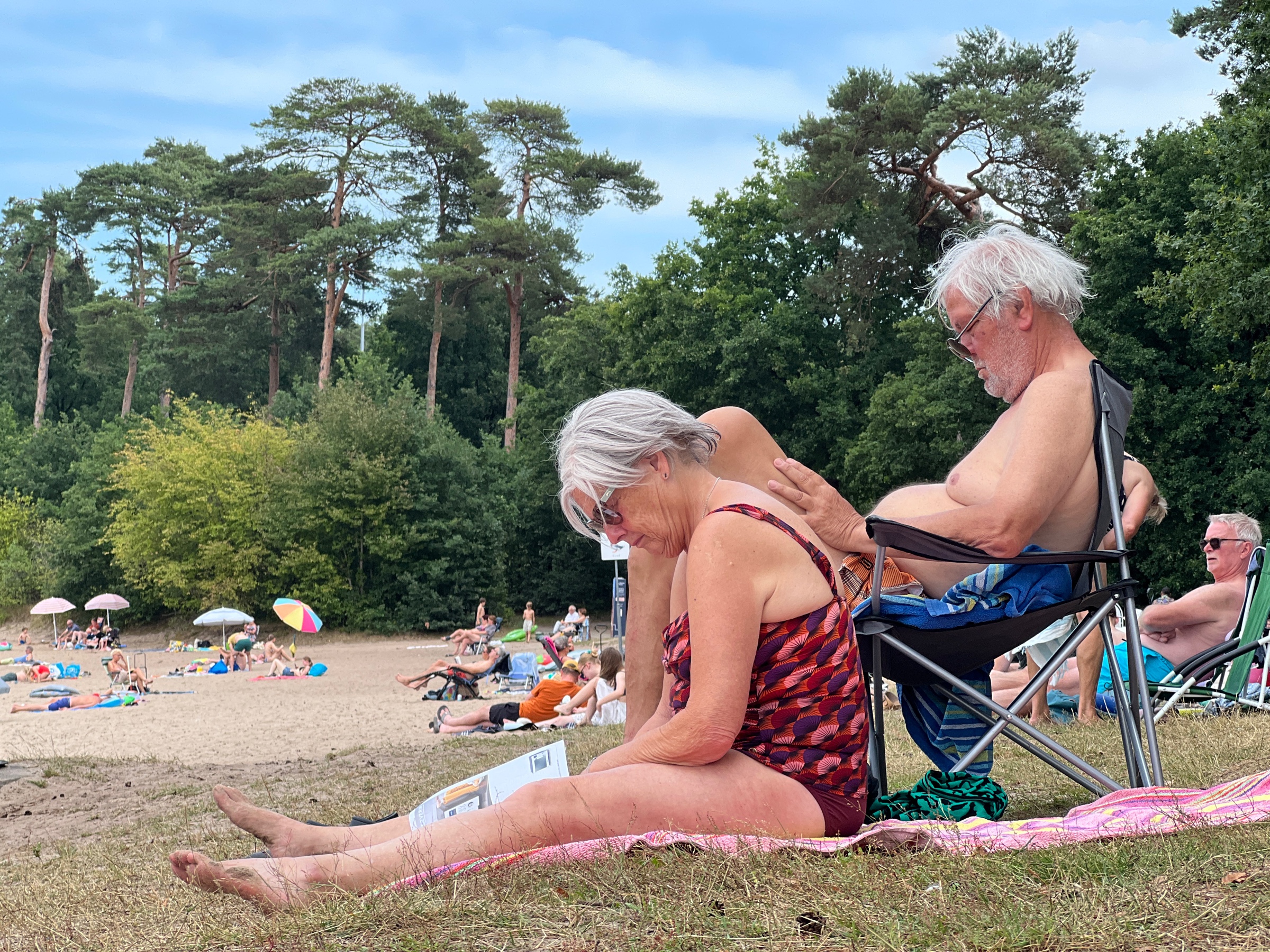 iPhone
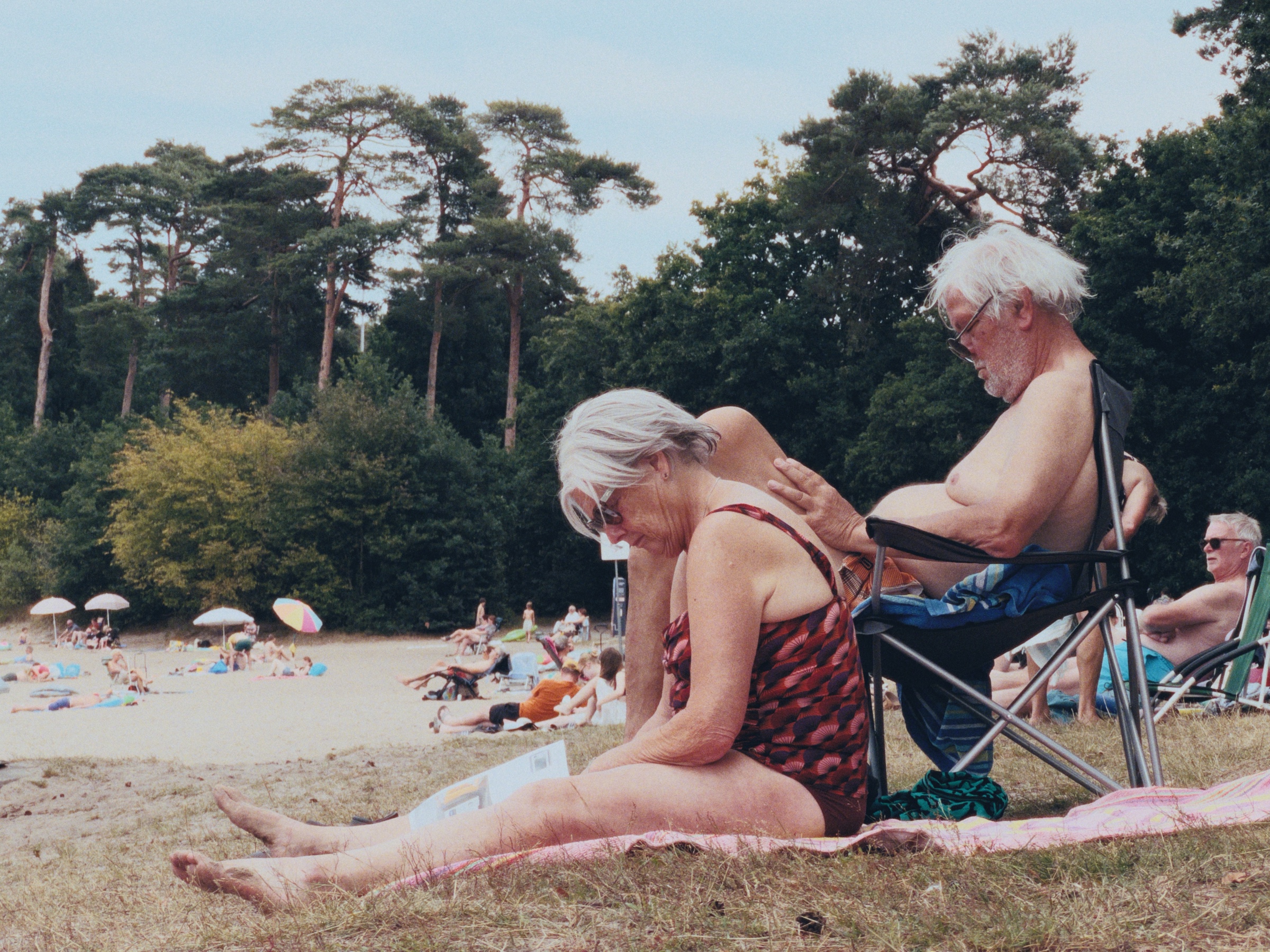
 13 Pro Max. Apple's rendering of a ProRAW file, and the same file developed in FilmMatch.
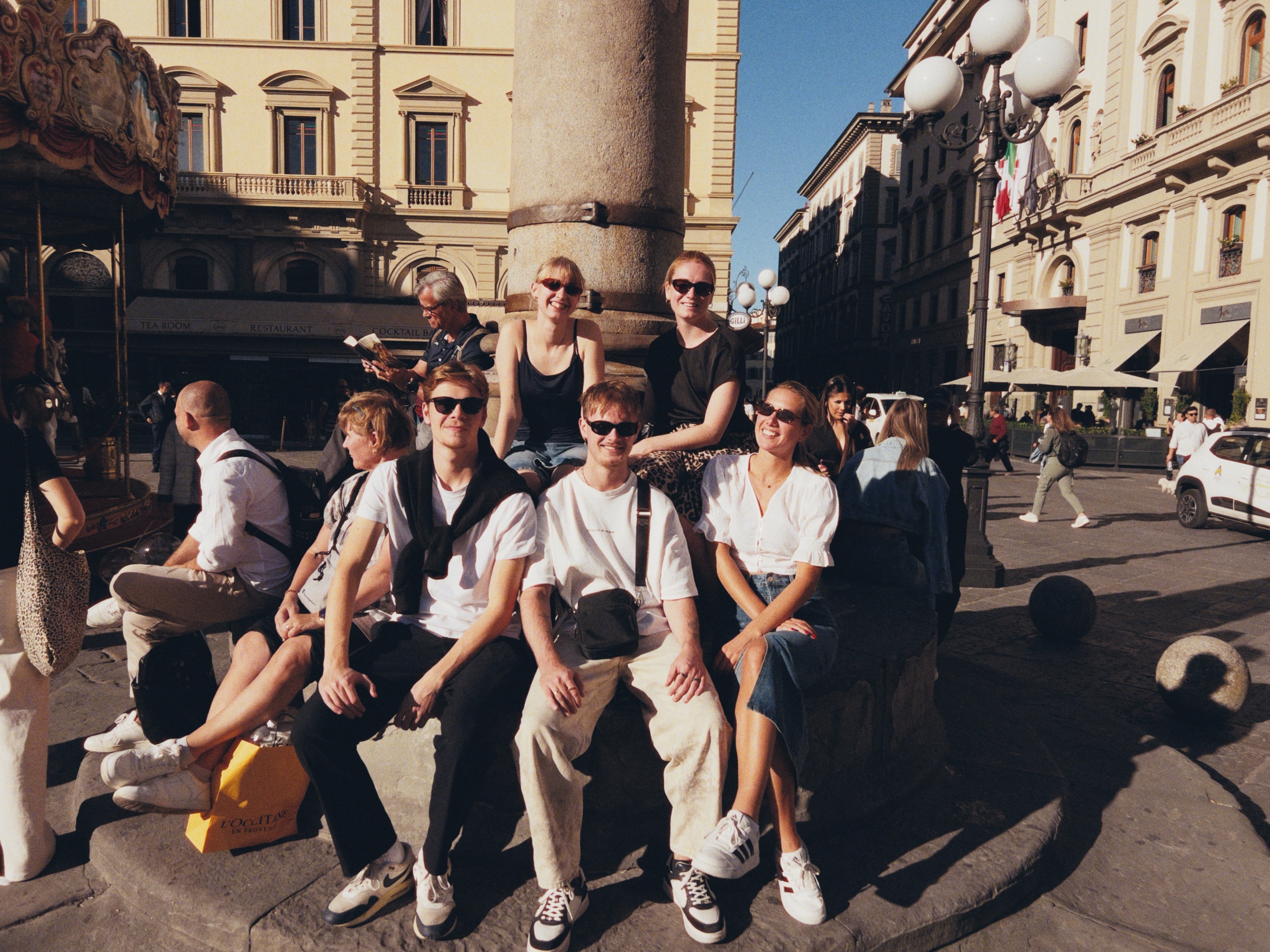 FilmMatch
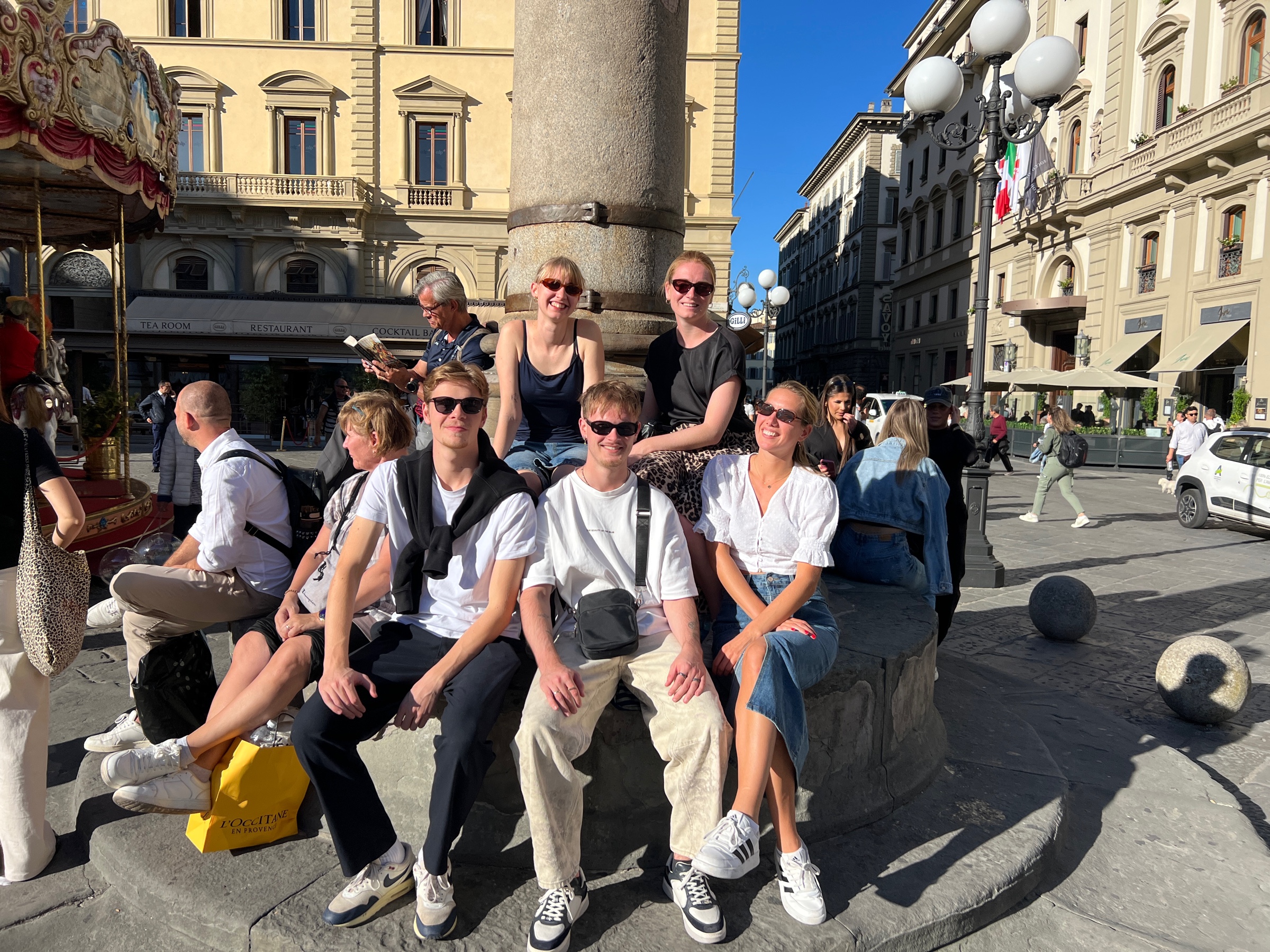 iPhone
 13 Pro Max. Apple's rendering of a ProRAW file, and the same file developed in FilmMatch.
The first roll is on me.
FilmMatch for iPhone is free to download. Shoot 36 pictures with the full app and see for yourself. Those pictures remain yours to keep. You can then unlock the app with a one-time payment of $14.99.
The app includes the Portra 400 color science.
Try it freeGet FilmMatchFree to try
Pick your first film. Add the other later.
FilmMatch is one plug-in for DaVinci Resolve. Download it and try every film for free, with a watermark. Then buy it with the film you want. The other film stays in the plug-in to try, and can be added whenever you like.
The plug-in
FilmMatch
to try, with a watermark
Download it free- Every film inside, to try
- Grain, MTF and halation built in
- Works with footage from any camera
- Exports LUTs to use without the plug-in
Motion Picture Film
The Kodak 500T & Motion Picture 2383 Print
one-time payment
Buy 2383- Removes the watermark for this film
- Kodak 500T motion picture negative emulation
- 2383 print film emulation
- Both built from measured data
Photographic FilmNew
Portra 400
one-time payment
Buy Portra 400- Removes the watermark for this film
- Kodak Portra 400 negative emulation
- Fuji Crystal Archive print emulation
- Both built from measured data
Requires DaVinci Resolve 20 or later, free or Studio, on macOS 14.5 or later or Windows 11. Secure checkout powered by Lemon Squeezy. As a digital product, purchases can't be refunded.
Already own FilmMatch? The film you don't have is already in your plug-in to try. Its license unlocks it.
The app · For iPhone
FilmMatch for iPhone
Turns the phone in your pocket into a point-and-shoot. It bypasses the iPhone's processing and develops each picture from the sensor's raw data, with the Portra 400 color science.
for your first roll of 36 pictures, yours to keep. Then a one-time $14.99 unlocks the app.
Download it freePurchase handled by Apple
FAQ
Before you buy.
Try it first. The whole plug-in is free to try, so you can make sure it does what you need before you buy. FilmMatch is a digital product, and a license can't be returned once it has been delivered, so purchases can't be refunded.
Can I try it before I buy?
Yes. Download FilmMatch and try every film for free, with a watermark. Buying a film removes its watermark.
Do I have to buy both films?
No. FilmMatch comes with the film you choose. The other one stays in the plug-in to try with a watermark, and you can unlock it later with its own license.
What camera does it support?
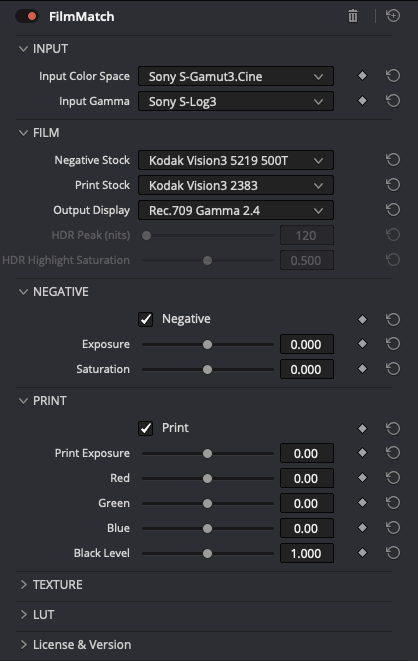
FilmMatch works with footage from any camera. Set Input Color Space and Input Gamma in the plug-in to match your footage.
What color space does it output?
You choose it in the plug-in's Output Display menu: Rec.709 at gamma 2.4 or 2.2, P3-D65 at gamma 2.6 or 2.2, Rec.2020 PQ, or P3-D65 PQ.
What are the system requirements?
DaVinci Resolve 20 or later, free or Studio, on macOS 14.5 or later or on Windows 11 x64.
On Windows you need a GPU with 4 GB of VRAM, 8 GB recommended for 4K. NVIDIA CUDA GPUs are recommended and fully tested. AMD and Intel OpenCL 1.2 GPUs are supported in beta. Windows ARM and CPU-only systems are not supported.
Can I use the free version of DaVinci Resolve?
Yes. FilmMatch runs in the free version of DaVinci Resolve as well as in Studio. The free version itself limits output to Ultra HD.
Can I use it in other software?
The plug-in is built for DaVinci Resolve. You can export LUTs from it and use them without the plug-in, in software that loads LUTs. A LUT carries the color. Grain, MTF and halation stay in the plug-in.
Is the iPhone app included?
No. FilmMatch for iPhone is a separate app. It is free to download and the first roll is on me: 36 pictures with the full app, yours to keep. After that, a one-time payment of $14.99 unlocks the app.
Not sure it fits your workflow? Ask before you buy